


Choosing the best website builder for small business owners can feel stressful. You open a few tabs, and suddenly you’re staring at a dozen website builders, all claiming they’re perfect for your business.
Some promise beautiful templates and drag-and-drop controls. Others shout about ecommerce features, SEO tools, and AI website builder magic. It’s a lot when you just want a simple, professional website that works.
This guide walks you through seven of the best website builders for small businesses in 2026. We’ll compare product features, pricing plans, and look at real-world examples of sites built on each platform.
If you run a small business, time is limited. A good business website builder lets you launch a professional site without hiring a developer. Everything sits in one all-in-one platform: templates, hosting, and built-in tools.
According to research by Clutch, 71% of businesses now have a website. If you aren’t online, you are invisible to the majority of your customers.
Modern website builders bundle web hosting, domain name registration through an integrated domain provider, and basic Search Engine Optimization (SEO). You pick a template, plug in your content and media, and the platform handles SSL certificates and mobile layouts.
A drag-and-drop editor is crucial. It allows you to add forms and tweak website features in minutes. It makes sticking to a content marketing SEO checklist easier because you aren’t fighting with code.
Let’s break down the best website builder for small business tools worth your time this year, complete with examples and add-ons.
WordPress is the undisputed king of the web, powering a massive share of the market. It is the best website builder for small businesses because you can build literally anything.
To keep it fast and secure, choosing a good managed WordPress hosting provider is essential to handle updates and speed.
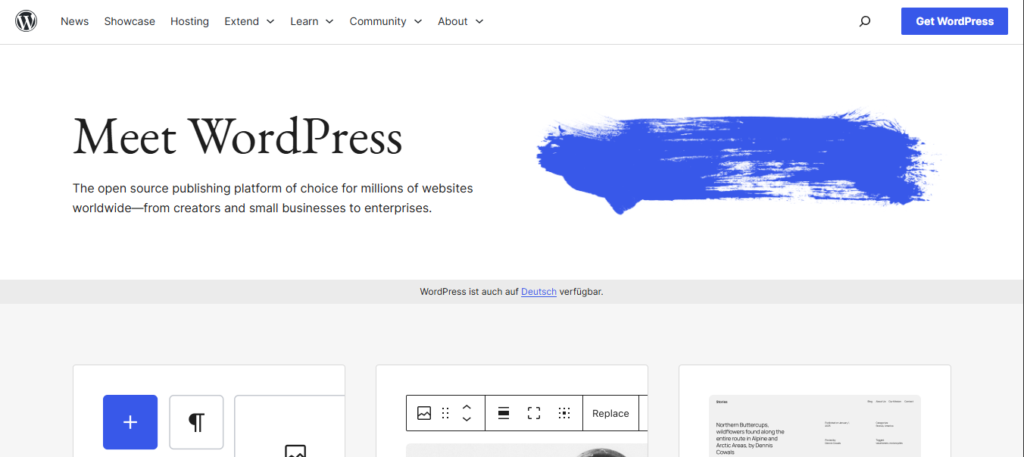
WordPress gives you total control over your business assets. You have access to thousands of themes or templates and a repository of over 50,000 plugins. This ecosystem allows you to add any feature imaginable, from SEO tools to advanced analytics.
More advanced tools like RankMath and CartFlows help you leverage everything from technical SEO to building full sales funnels.
Pricing is flexible but requires budgeting for separate pieces. The software itself is free. You will pay for hosting (typically $5–$30+/month) and premium plugins or themes, which can range from $50 to $200 per year depending on your needs.
Note that while WordPress.org is free, WordPress.com is not. The latter provides managed hosting and multi-sites for WordPress.
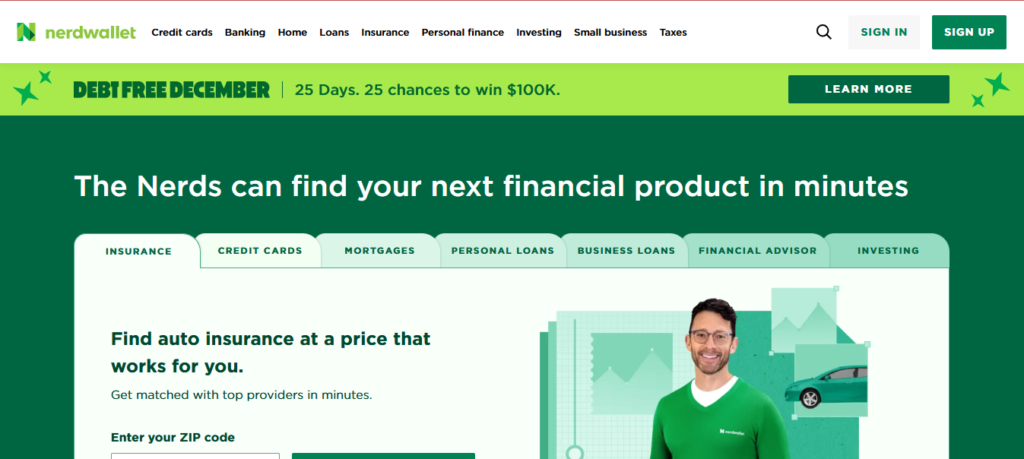
NerdWallet relies on WordPress to manage a massive library of financial advice. Their site helps millions of users compare credit cards, insurance, and loans every day.
It proves that WordPress can scale to handle huge traffic and complex data while maintaining a clean user experience.
Wix is a safe, versatile pick for many small business owners. It combines ease of use with surprising depth, so you can start simple and grow your business.
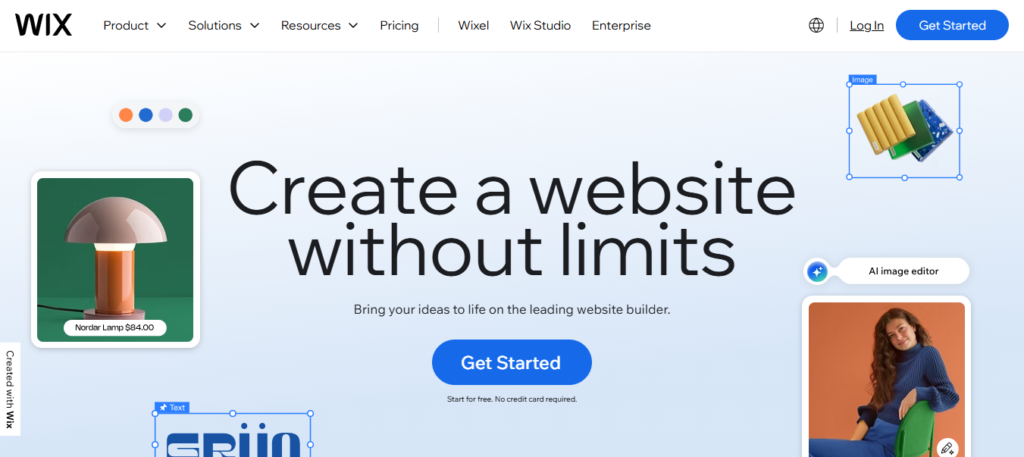
The AI website builder asks about your business, then generates a site with copy and website templates. You can refine it using the drag-and-drop editor. It includes built-in SEO tools and an Apps Marketplace for extra functions.
The marketplace is where you can add advanced customer service tools. For example, you can integrate services to deploy chatbots that handle customer questions instantly 24/7.
Pricing starts at $0 for a very limited free plan. The Light plan starts around $17/month, which removes ads. Business and ecommerce plans begin at $36/month, offering more storage and payment features.
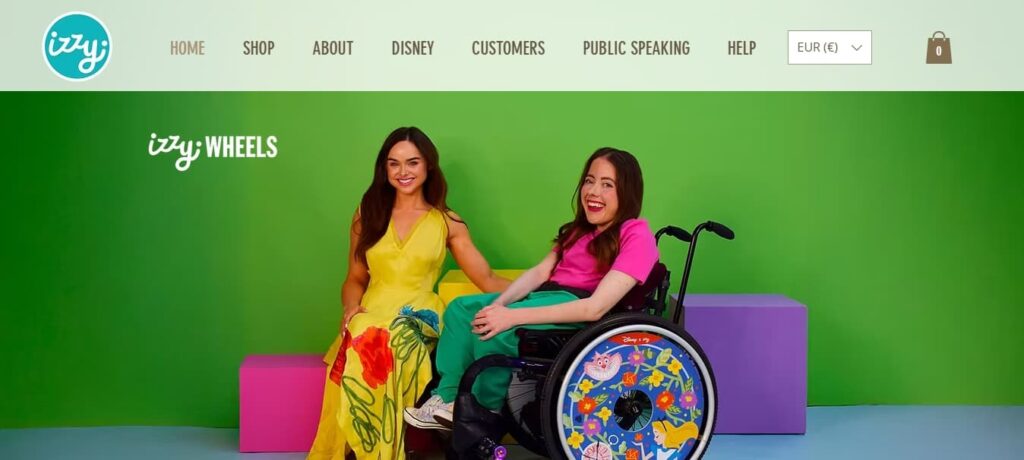
Izzy Wheels is a design company that creates fashionable wheelchair covers. They use Wix to power their ecommerce store and showcase their colorful, high-quality product photography. A marketing photography like this shows that even niche businesses can use Wix for successful branding.
Squarespace is hard to beat for branding and visuals. Its designer-made templates are clean, modern, and responsive.
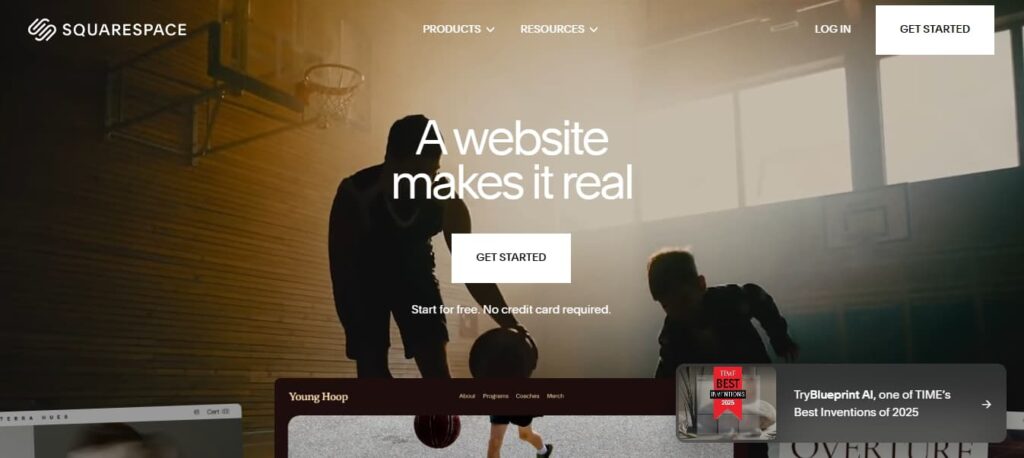
The Blueprint AI website builder builds a layout based on your goals. The grid-based drag-and-drop editor keeps everything aligned so you can’t “break” the design. It includes built-in scheduling tool options and email marketing campaigns.
It also excels at location-based features. If you rely on foot traffic, you can integrate maps and ensure your site supports your local citations strategy.
Pricing begins with the personal plan at $16/month. Business plans start at $23/month, which adds premium integrations.
Open House Worldwide is a global non-profit that spotlights architecture and urban design across 50 cities. They chose Squarespace to run their wide-ranging network, showing how the platform can handle cultural publishing, rich media, and high-quality content at scale.

Design.com is a strong pick for small business owners who want their website and brand identity to come together in one place. Its AI website builder generates a complete site from your business name and industry, including layouts, page structure, and written copy, with your logo, colors, and fonts automatically applied across every page from the start.
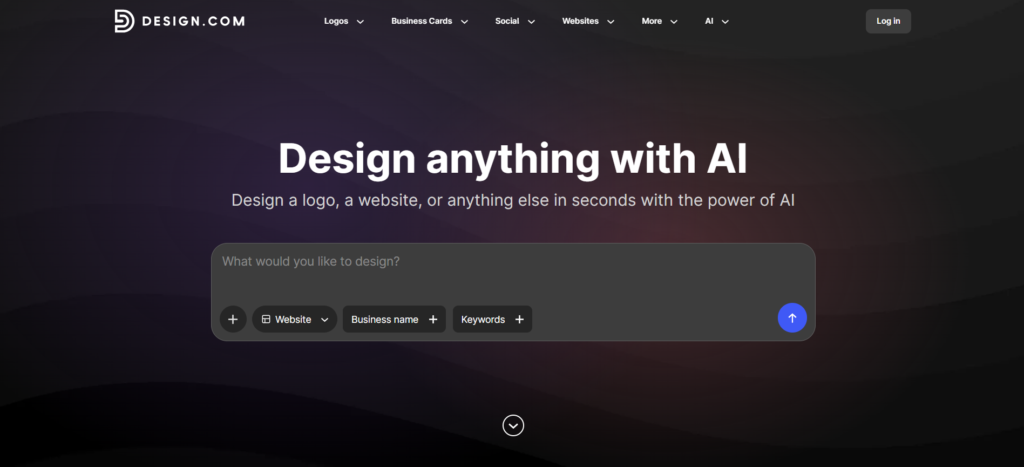
The AI handles the entire setup process, so you are never starting from a blank page. Once your site is generated, a beginner-friendly drag-and-drop editor lets you refine every element without touching any code. Design.com also has over 50 additional design tools, so you can create business cards, social media graphics, flyers, and more from the same platform, all with consistent branding applied automatically.
Design.com offers thousands of professionally designed website templates across a wide range of industries, all available to browse, edit, and use, even on the free plan. You pick the one that fits, customize it with your own content and branding, and publish without needing a paid plan to get started.
Unlike platforms that rely on third-party plugins to extend functionality, Design.com keeps everything under one roof. Every tool you need to build, brand, and grow your online presence is already built into the platform.
A free plan lets you browse, edit, and publish a website using the full template library at no cost.
Paid plans start at just $6/month billed annually and include unlimited pages, a custom domain, full editor access, contact forms, email capture, an image gallery, payment acceptance, and 24/7 customer support.
Design.com works particularly well for entrepreneurs who need a professional website and a complete brand identity simultaneously. A new bakery owner, for example, can go from zero to a fully published, branded website with matching business cards and social media graphics in under an hour, without hiring a designer or developer.
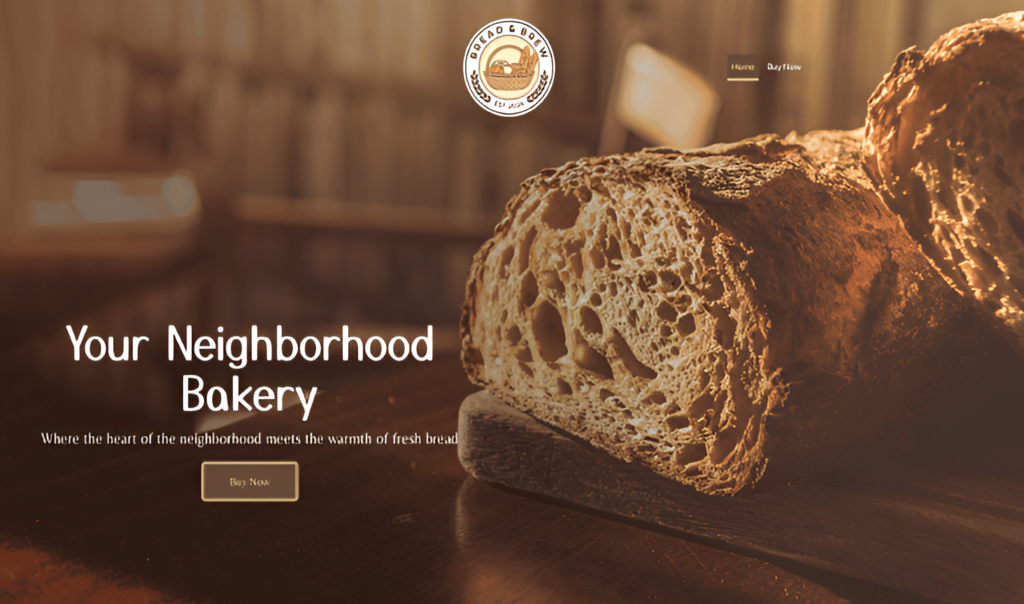
BrandCrowd is built for entrepreneurs who want their website and visual brand to come together in one streamlined workflow. Its website builder generates ready-to-edit layouts based on your business name and industry, and lets you apply logos and brand assets created within BrandCrowd directly to your site without switching between platforms.
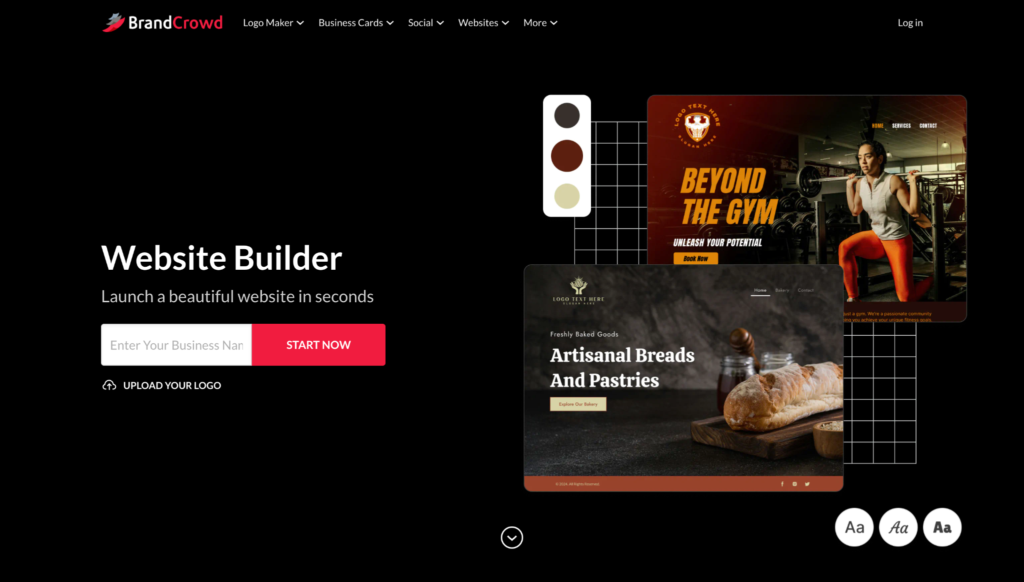
The visual editor requires no coding and supports image uploads, video embedding, contact forms, and integration with social media links. Every template is mobile-optimized and responsive by default. BrandCrowd also connects with 50+ design tools, making it easy to keep your website visually consistent with everything else you create for your brand.
BrandCrowd gives you access to thousands of professionally designed website templates spanning a wide range of industries, all available to browse, customize, and use completely free under the free plan.
You are not locked behind a paywall just to explore your options. Pick a template that matches your business type, apply your branding, and publish it for free.
BrandCrowd does not rely on external plugins to deliver a full website-building experience. Everything you need to build and brand your website is already included in the platform, keeping the workflow simple and the experience consistent from start to finish.
A free plan is available to get started, with access to the full template library to browse, edit, and publish without paying.
Paid plans start at $6/month billed annually and include unlimited pages, a custom domain, full editor access, contact forms, email capture tools, an image gallery, video support, payment acceptance, and 24/7 customer support.
BrandCrowd is a natural fit for side hustlers and new business owners who are creating their logo and website at the same time. A freelance photographer, for example, can design a logo in BrandCrowd, apply it to a portfolio website, and publish everything in a single session without ever needing to open a separate tool or hire outside help.
If most of your revenue comes from online sales, Shopify should be on your shortlist. It is built purely for ecommerce growth.
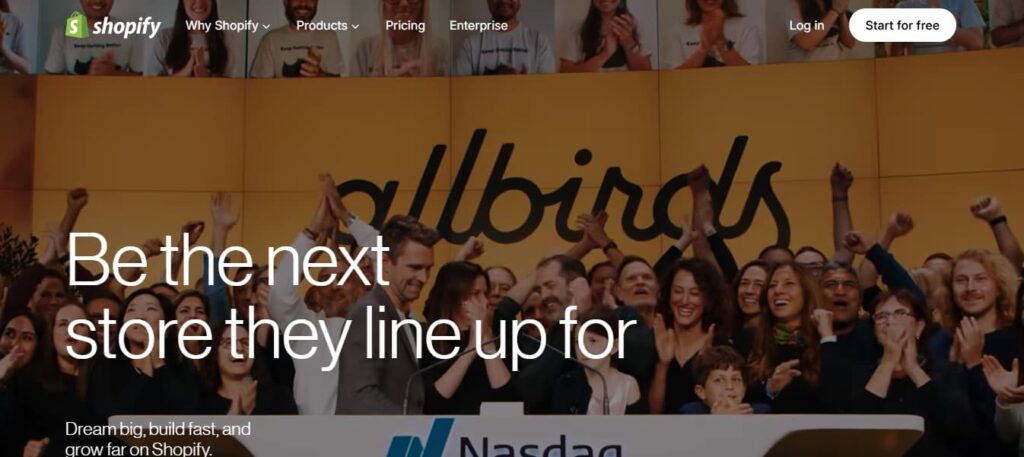
Shopify handles inventory management, taxes, payment processing, and shipping from one central dashboard. It includes abandoned cart recovery, which is vital since nearly 72% of online shopping carts are abandoned, according to a Uptain report.
Pricing starts at $29/month for the Basic plan. The standard Shopify plan is $79/month. Advanced plans for scaling brands start at $299/month.
Because it is a dedicated commerce platform, it scales well. You can focus on link baiting and marketing campaigns, knowing the server won’t crash during a rush.
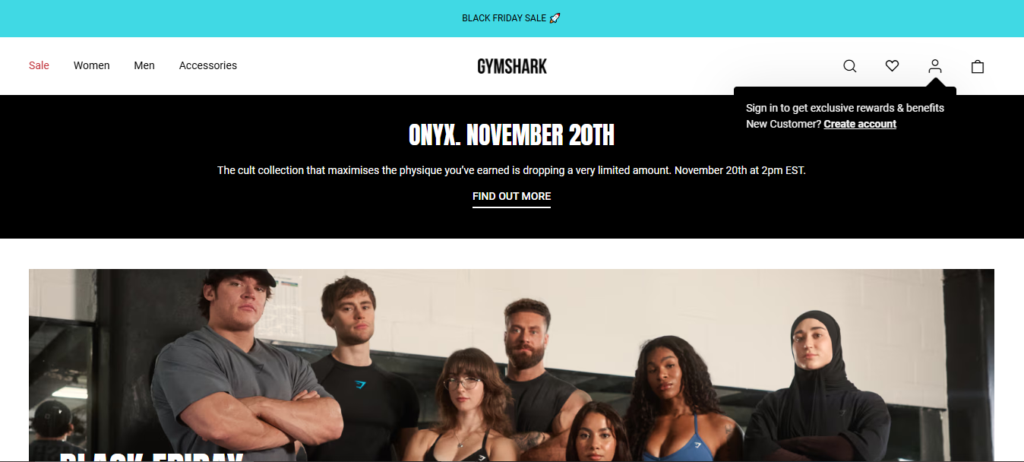
Gymshark built its billion-dollar brand on Shopify. The site handles huge traffic surges during sales without missing a beat. Behind the scenes, they use a customized Shopify theme that helps manage thousands of SKUs and coordinate global shipping.
Hostinger is a strong pick if you want to keep costs low without sacrificing speed. Its AI tools make it incredibly fast to launch a new site.
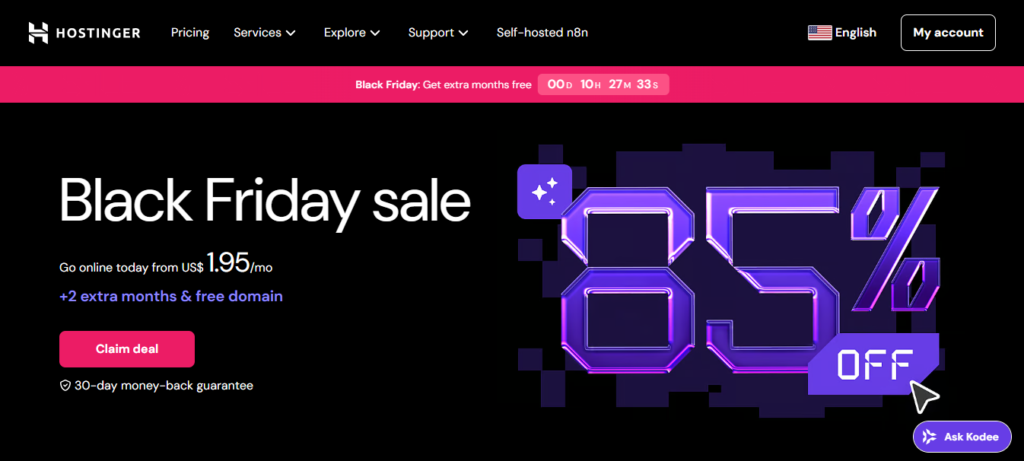
The AI website builder creates pages based on your description in seconds. Every plan bundles web hosting, a custom domain, and basic ecommerce features. It’s one of the most affordable options on the market.
With Hostinger, you can also host your WordPress sites. Its scalability allows you to focus on more important stuff, like GEO vs SEO and A/B testing your offers.
Pricing is very aggressive, often starting around $1.95/month for the Website Builder plan if you sign up for a longer term. This makes it accessible for even the smallest budget.
If you are building a startup on a budget, you might eventually find a tech co-founder to handle the product application, while you build the marketing site here.
Avataar.ai uses the Hostinger Website Builder to market its AI-powered human generation service.
The site is clean, fast, and effectively uses the AI tools and simple templates to present a highly modern, complex technology.

HubSpot connects your website directly to your marketing tools and CRM. It is ideal for B2B companies that need to track leads.
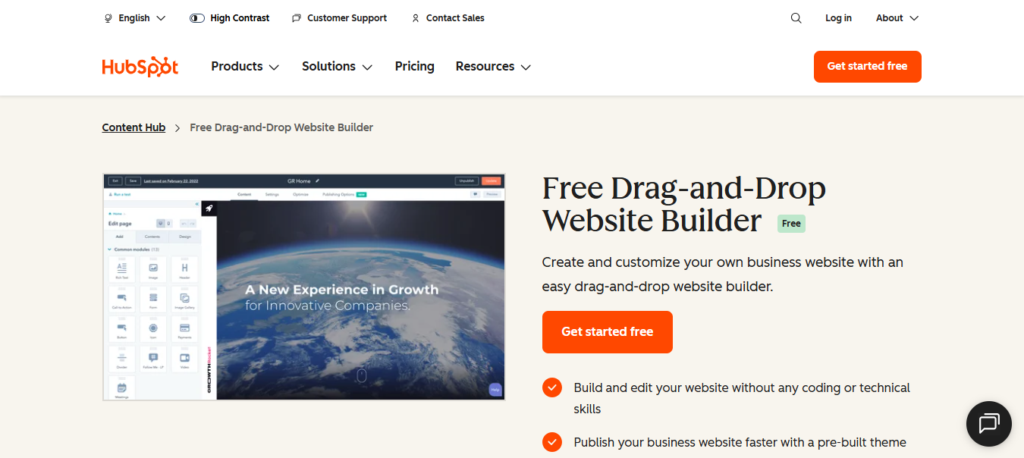
You can build landing pages that plug into the CRM. Customer actions on forms, email marketing campaigns, and Facebook ads feed one profile. It includes a social media calendar and Content creation helpers.
It works well when you decide to invest in content marketing resources and need to track the exact ROI of every blog post and landing page.
Pricing starts with free tools. The Starter Content Hub is around $15/month, but Professional plans jump to $450+/month. The Commerce Hub has separate pricing, starting at $38/month/seat.
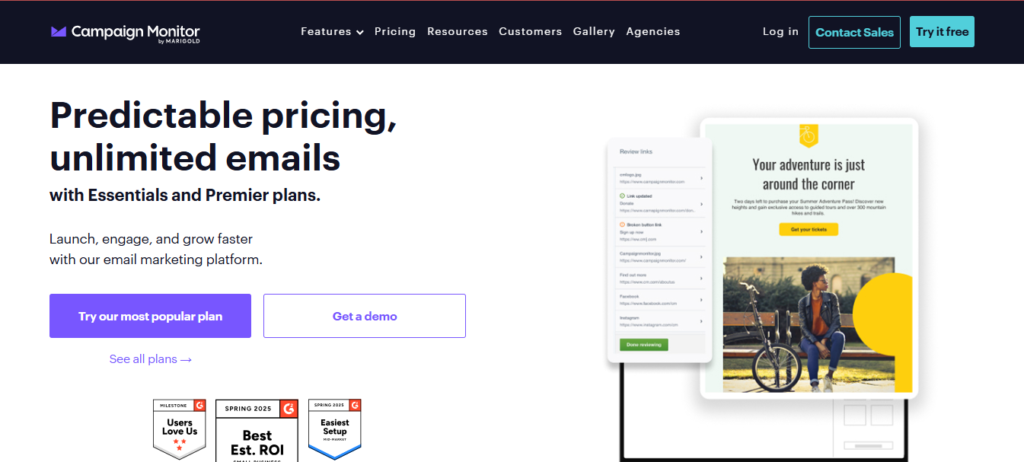
Campaign Monitor uses HubSpot CMS to manage portions of its high-traffic marketing and landing pages. This is a strong example of how a leader in email marketing trusts HubSpot to integrate content creation directly with lead capture and automation systems.
Kite is built for small business owners who want a professional website without touching a template or writing a single line of code. You describe your business in a short guided chat, and the AI generates three custom website designs to choose from.
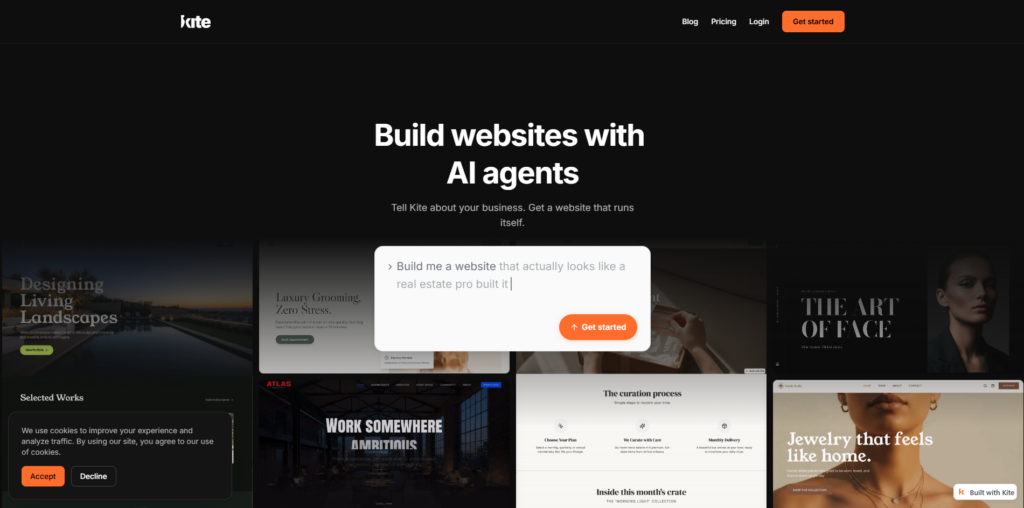
The conversational builder asks about your business, brand, and goals, then produces three distinct website options with unique layouts, copy, and styling. You pick the one that fits and refine it through chat. Once your site is live, AI agents handle SEO optimization, error monitoring, and lead capture in the background. Forms and visitor analytics are set up automatically, so there is no manual configuration involved.
Kite bundles its core tools natively, so there is no plugin marketplace to navigate.
Pricing starts at $0 for the Free plan, which includes two sites, three design options, and $20 in AI credits. The Creator plan is $29/month and adds custom domains, full analytics, and the SEO agent. Business pricing is custom for teams managing multiple sites.
Kite works well for freelancers, consultants, and local businesses that need to get online fast. A solo consultant can go from zero to a published, SEO-ready website in under ten minutes, complete with lead capture and analytics, without hiring a designer or developer.
The best website builder for small businesses like yours isn’t one that everyone else is using. It’s the one that fits your model.
WordPress offers ultimate flexibility, Wix provides a huge variety, and Squarespace gives stunning visuals. Shopify powers ecommerce, Hostinger fits tight budgets, and HubSpot masters marketing.
To choose the right one, match your core goal to the platform’s strength. Are you building a new store or a portfolio? Do you want sales funnels and automation in one platform? How fast is your company growing?
Always check that it supports your must-have integrations, like your preferred payment gateway, before committing to a plan.
Match your business type to the tool, then layer on the plugins you need. Keep your website fresh and avoid cluttering it with unnecessary plugins.
If you decide to use WordPress for maximum flexibility, consider Wordable. It lets you export content from Google Docs into WordPress and other website builders in a few clicks. That means going from editing to publishing in no time, while using the templates and formatting that you set up on your website.