


Picking the best CMS for content teams used to be simple. You just needed a place to host a blog. Now, things are more complex. Content volume is exploding, and you have more channels to reach. Many teams quickly outgrow basic platforms.
These old systems might not work properly when you add more writers and editors. They create formatting friction and slow down your publishing.
The right tool affects your speed and SEO performance. It affects how efficiently your team works every day.
This guide breaks down the top platforms for modern teams. We look at how they handle high-volume work and complex workflows. You’ll see a clear comparison to help you choose the right fit.
Highlights
Grand View Research estimates the content management software market at $38.5 billion in 2026 and projects it to reach $77.8 billion by 2033.
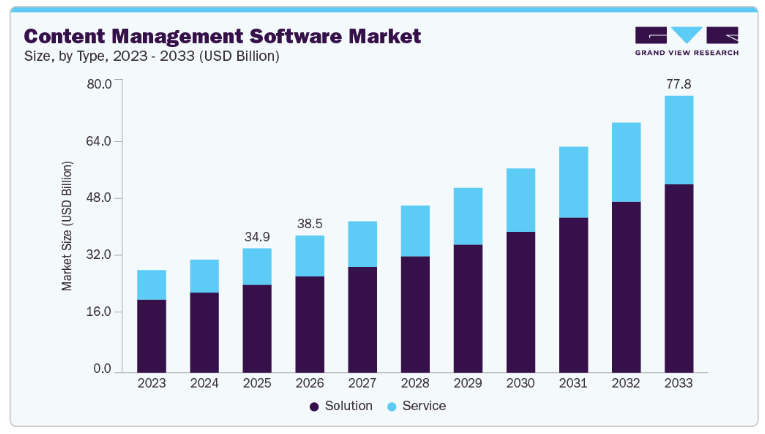
With so much money in the space, teams have high expectations. You need more than a text box. You need a system that supports your specific goals and keeps your team from getting stuck.
You need to see who’s doing what. Role-based access and clear approvals stop people from stepping on each other’s toes. This prevents bottlenecks across writers and SEO teams.
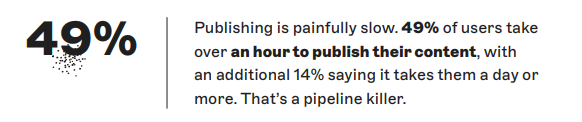
Storyblok’s The State of CMS 2025 report finds that 49% of users report it takes over an hour to publish content. For 14%, it takes a day or more. A well-matched CMS can reduce that publishing lag.
A CMS should make SEO easy, not hard. You need direct control over metadata, schema, and internal linking. It must integrate with your favorite SEO and analytics tools. This ensures your content actually reaches people.
Without these controls, teams have less visibility into how they optimize and measure content.
Your content needs to be accessible everywhere. You might need to push to blogs, landing pages, and external platforms at once.
Storyblok reports that 61% of teams use more than two CMSs for brand management. API-first tools make this easier. They help you distribute stories across many channels without extra manual work.

Not all systems work the same way. The tech under the hood changes how you create and share your work.
Understanding the difference between traditional, headless, and hybrid CMS helps you pick the right home for your content.
These are monolithic systems. A traditional CMS ties where you write to where people read the content. They’re easier to set up because everything is in one box.
However, they offer less flexibility. You’re stuck with the tools and layouts that the platform provides from the start.
A headless system is backend-only. It acts as a warehouse for your text and images. You deliver content to your site or app via APIs. This provides more flexibility for scaling and multi-channel use.
It’s great for tech teams, but it often requires more developer help to get it running.
A hybrid system combines the ease of a traditional CMS with the flexibility of a headless approach. You get a visual editor for easy updates, but you can still use APIs for other channels.
Hybrid CMS platforms are increasingly popular with growing teams. They offer a middle ground that works for both writers and developers.
Before we review the top six CMS tools, this table quickly compares their core differences. It highlights what each CMS does well, where it may fall short, and how pricing starts. Use it as a starting point before you go deeper into any one tool.
| Platform | Best for | CMS type | Key strengths | Limitations | Pricing (starting point) |
| WordPress | Teams needing full control over SEO and customization | Traditional | Huge plugin ecosystem, flexible structure, full ownership | Requires maintenance, plugin conflicts, performance depends on setup | Free (hosting + plugins extra) |
| Contentful | Structured content across multiple platforms | Headless | API-first, reusable content models, strong localization | Requires developers, less intuitive for non-technical users | Free tier, paid starts at $300/month |
| Drupal | Enterprise teams needing governance and flexibility | Hybrid | Strong permissions, security, headless + traditional support | Complex setup, higher development overhead | Free (higher dev and hosting costs) |
| HubSpot Content Hub | Marketing teams using CRM and automation | Hybrid | Built-in CRM, personalization, integrated marketing tools | Expensive at scale, limited outside ecosystem | Free tier; Starter from $7/seat/month for eligible new customers |
| Sanity | Teams needing real-time collaboration and custom workflows | Headless | Live editing, customizable studio, flexible queries | Requires setup, developer involvement needed | Free tier, paid starts at $15/month |
| Ghost | Publishers and newsletter-driven teams | Traditional | Built-in memberships, fast publishing, simple UX | Limited customization, smaller ecosystem | Starts at $18/month, billed yearly |
Choosing a CMS platform for your business is a big commitment. It’s the foundation for everything your team builds.
Today, the market offers options with different approaches. The right choice depends on how much customization, technical support, and control over workflows your team needs.
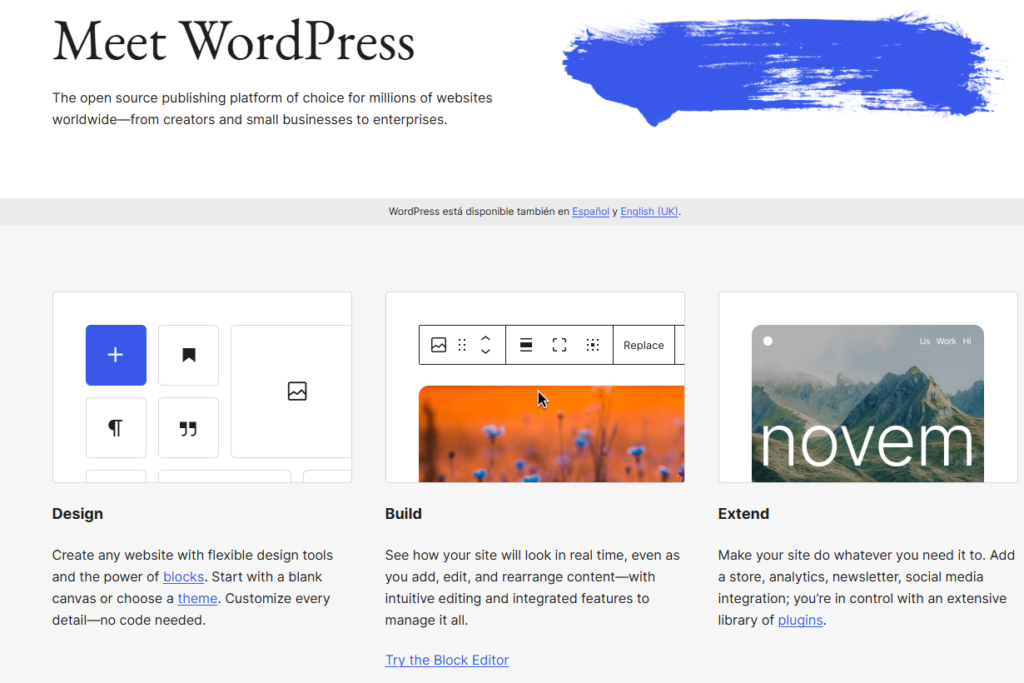
Best for: Teams that want deep control over SEO, site structure, and extensibility.
WordPress stands out for its flexibility and diverse ecosystem. It gives teams full control over content structure, optimization, and publishing.
Features include:
WordPress.org is free to use. But additional costs depend on hosting, themes, and plugins.
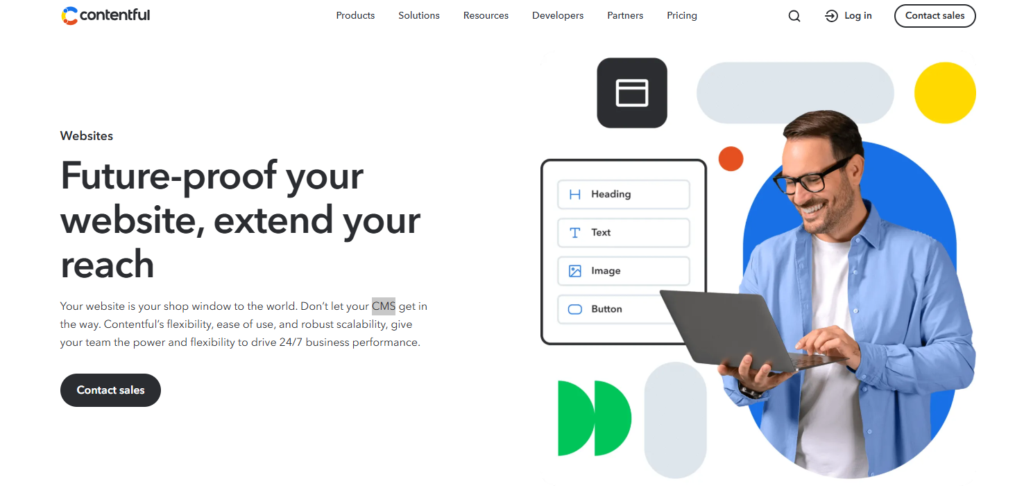
Best for: Content teams managing structured content across multiple platforms and products.
Contentful focuses on structured content and API delivery. It separates content from presentation, which makes it easier to reuse content across channels.
Users get:
Contentful offers a free tier for small projects. Paid plans start at $300 per month and scale based on usage, users, and API calls.
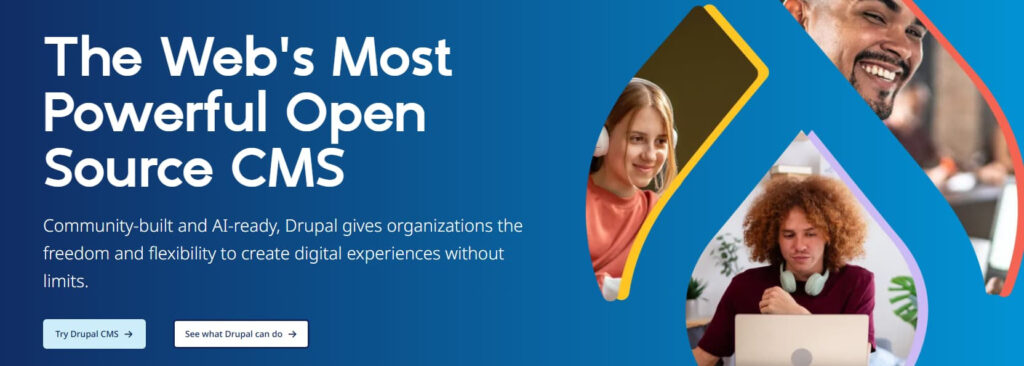
Best for: Enterprises that need strong content governance with flexibility for API-driven delivery.
Drupal combines a traditional CMS with headless capabilities. It supports both full-site builds and API-driven architectures in one system.
You get:
Drupal is open-source and free to use. Costs depend on hosting and development and often start higher because of setup complexity and ongoing maintenance.
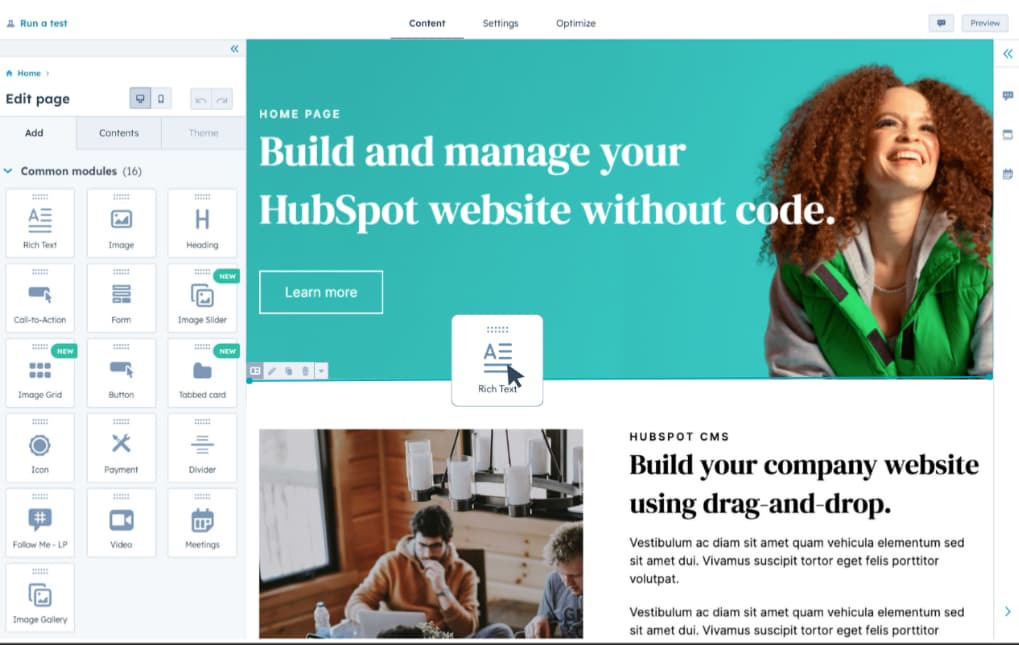
Best for: Marketing teams that want content tied directly to CRM and automation.
HubSpot Content Hub connects content with customer data. This allows teams to personalize experiences and track performance across the funnel.
This CMS tool comes with these features:
HubSpot Content Hub offers a free tier. Starter pricing currently begins at $7 per seat per month for eligible new customers, while Professional starts at $450 per month and Enterprise at $1,500 per month.

Best for: Teams that need flexible, real-time content collaboration with custom workflows.
Sanity emphasizes customization and collaboration. It allows teams to shape their content workflows and editing experience from the ground up.
Sanity offers:
Sanity offers a free plan for small projects. Paid plans start at $15 per user per month, with usage-based pricing for API requests and bandwidth.
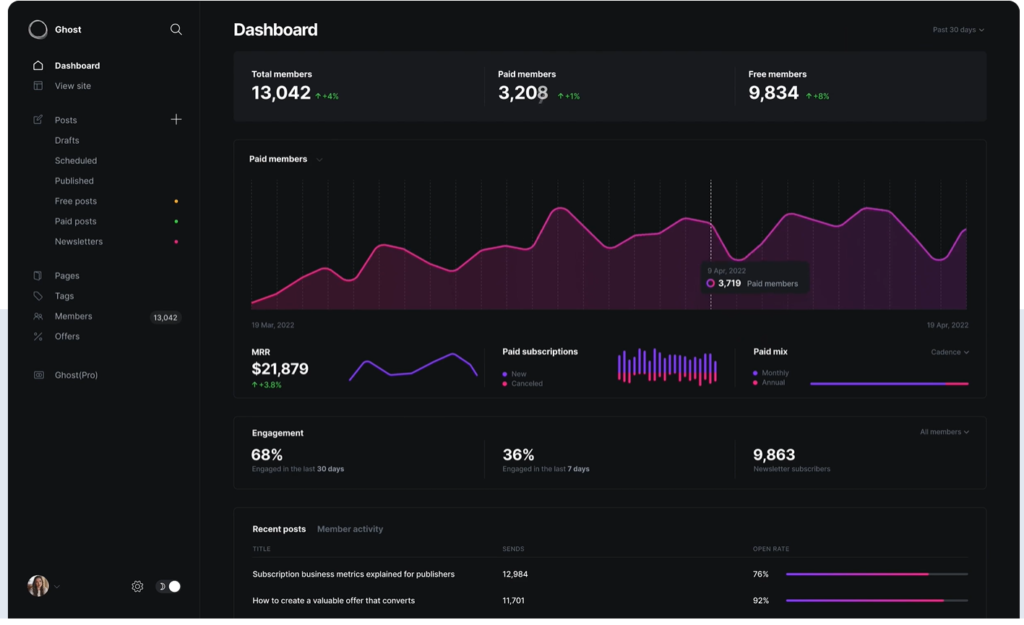
Best for: Publishers focused on content, newsletters, and memberships.
Ghost is a good option for publishing and monetization. It keeps the experience simple while supporting subscriptions and email distribution.
It comes with:
Ghost(Pro) Starter currently starts at $18 per month when billed yearly. Higher-tier pricing varies by features and audience size.
Choosing a platform is a long-term commitment. The right fit depends on your goals and how your team works day to day.
Think about these three areas to find a CMS that makes life easier for your team.
Look at your team size and roles. Do you have a simple path from draft to live? Or do you need many layers of approvals?
Your CMS should match your process. It should make handoffs between writers, editors, and SEO professionals smoother. Don’t let a clunky system create new bottlenecks.
Be honest about your technical help. Do you have developers ready to build custom features? Or do you need a no-code tool that marketers can run on their own?
If you lack a tech team, a headless CMS might be too much. Choose a system your team can manage without getting frustrated.
Your CMS must grow with you. Think about where your team needs to be in two years, then check whether the platform integrates with the tools you already use. Strong CMS integrations can reduce manual handoffs when moving content from docs to the web.
The trade-off is operational: more flexibility often requires more technical support, while simpler systems can limit customization. Choose the option that removes the biggest workflow bottleneck without creating a dependency your team cannot maintain.
Even strong CMS platforms can create friction during drafting. They’re built to manage and publish content, while many teams prefer to write and collaborate elsewhere.
Most teams prefer the collaboration features of Google Docs. But moving a draft from a doc to your CMS is slow and manual. You lose formatting, images break, and you have to fix every header manually.
This is where Wordable fits into your workflow. It acts as a bridge. It lets you export your finished work from Google Docs directly to WordPress, Medium, or HubSpot with one click. For supported platforms, Wordable handles much of the manual formatting and publishing work for you.
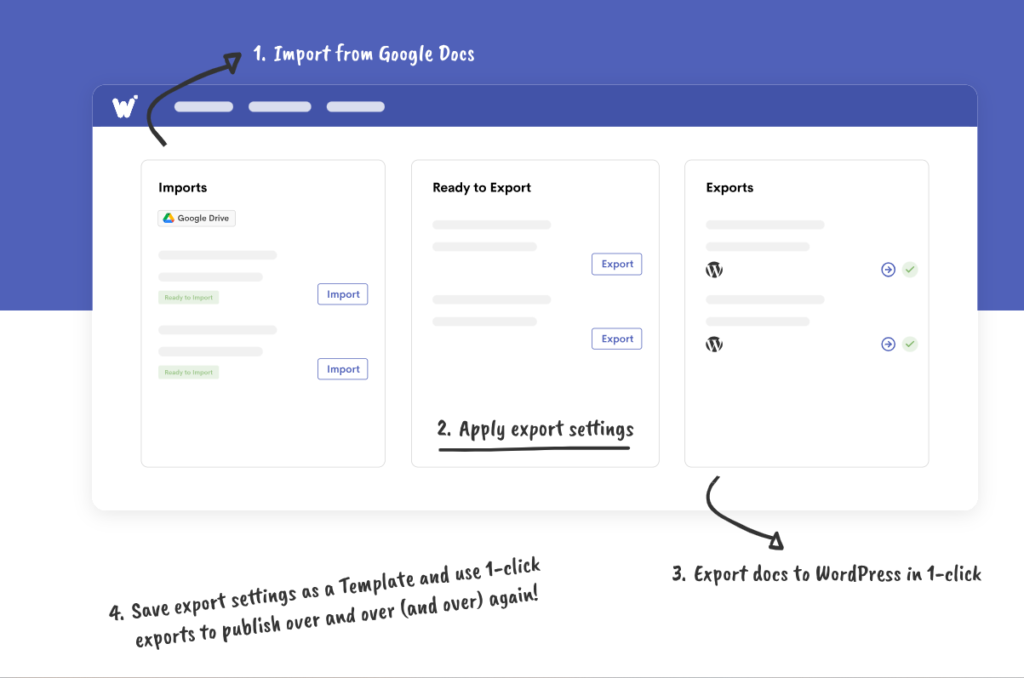
Wordable preserves your structure and automatically cleans up the code. It turns an hour of tedious uploading into a task that takes seconds. By removing these manual steps, your team can focus on creating more content instead of fighting with a dashboard.
It addresses the ‘last mile’ between a finished draft and publication by reducing manual formatting and uploading.
Choosing a CMS is ultimately a workflow decision. Compare each platform against your team’s current bottlenecks, including approvals, technical overhead, integrations, and publishing speed. The right fit should reduce friction without adding complexity your team cannot support.
Focus on speed, consistency, and how easily content moves from draft to live. When those pieces align, your team can spend less time managing publishing and more time on higher-value content work.
Ready to fix your publishing flow? Explore Wordable to streamline your publishing workflow and cut down on manual formatting and uploading.