


Searching for a job involves much more than finding vacancies and sending resumes. Candidates need to identify relevant opportunities, check job requirements, tailor their resumes, write cover letters, complete application forms, and follow up with recruiters. Managing all these tasks manually can take several hours every day.
AI can make this process easier. Instead of handling every application from scratch, job seekers can use AI to organize their search, automate repetitive tasks, and spend more time on activities that require human judgment.
The key is to build a repeatable workflow where each task has a defined place. This guide explains how to use AI in your job search, which activities to automate, which prompts to try, and how to save time without compromising application quality.
Many job seekers approach their search one application at a time. They browse job boards, save interesting vacancies, update their resumes, and try to remember which companies they have already contacted.
This approach creates several problems:
A structured workflow connects different stages of the job search process. AI handles repetitive activities, while candidates remain responsible for important decisions.
Before using AI to find opportunities, establish what kind of job is being targeted.
Searching without clear preferences often results in irrelevant vacancies and wasted applications. AI can identify useful opportunities more effectively when it has enough information about the candidate’s requirements.
Start by defining:
For example, someone looking for a digital marketing position might target SEO Specialist, Content Marketing Executive, and Growth Marketing Associate roles.
Save these preferences in a document so they can be reused across different AI tools.
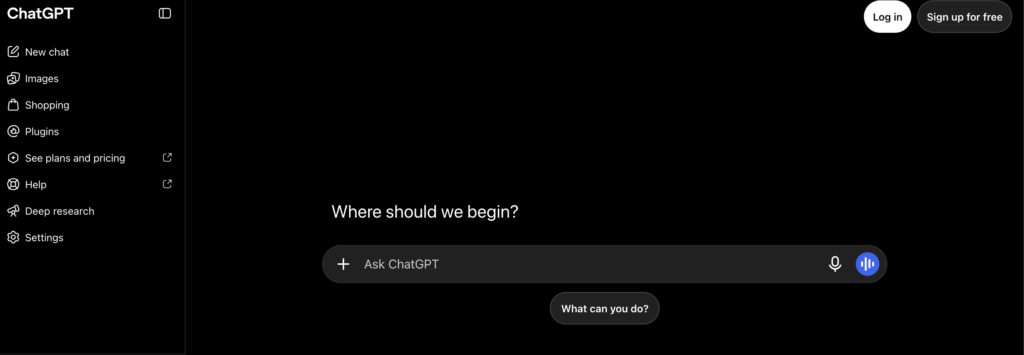
Pro Tip: Use ChatGPT, Microsoft Copilot, or another AI chatbot to organize job search preferences. Provide details about previous experience, skills, qualifications, and career goals, then use a prompt such as: “Based on this experience, suggest 10 job titles I should search for, including alternative names companies use for the same role.”
The resume is one of the most important parts of a job application. Even when a candidate has the right experience, poor formatting, missing keywords, or unclear descriptions can affect how effectively the resume communicates that experience.
AI can help identify these problems before applications begin.
Start with a master resume containing complete information about previous roles, achievements, projects, education, and skills. This becomes the primary reference document for creating tailored versions.
Next, use AI to:
An ATS checker can also help identify formatting issues and missing keywords that may affect how an applicant tracking system reads a resume.
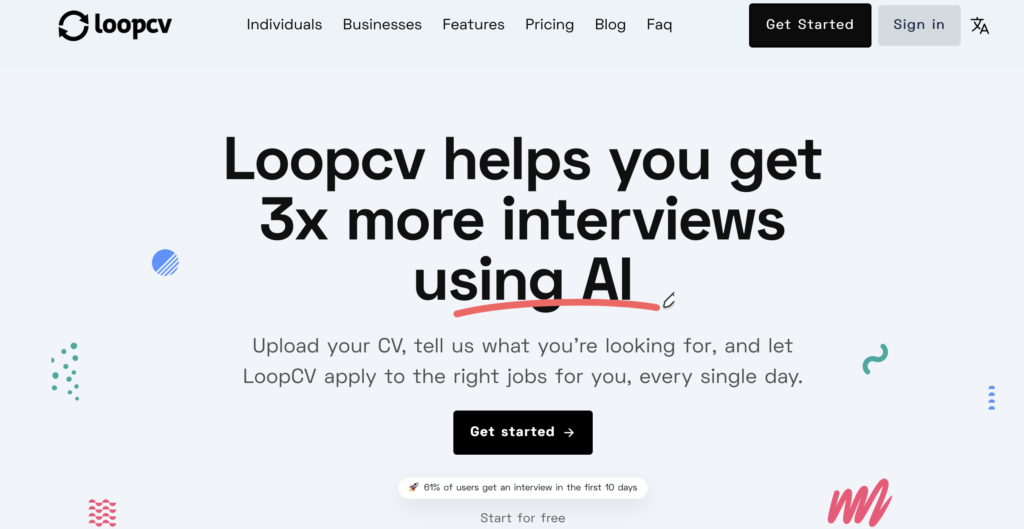
Pro Tip: Use an AI CV checker to evaluate the resume before applying. LoopCV’s AI CV Checker can help identify areas for improvement. Candidates can also use ChatGPT to compare their resumes with specific job descriptions and suggest relevant changes without adding unsupported skills or achievements.
Treat AI output as a first draft. Check every suggested change against what you actually did, and remove your phone number and home address before pasting a resume into a chatbot. Read the tool’s privacy policy if you are unsure how it stores your data.
Finding relevant vacancies is one of the most repetitive parts of a job search.
Candidates often check LinkedIn, Indeed, Glassdoor, company career pages, and other job boards separately. This takes time and can lead to duplicate job postings or missed opportunities.
An AI job finder can simplify this process by bringing vacancies from multiple sources into one place.
Instead of manually searching every platform, candidates can configure their preferences and let an AI-powered platform identify relevant job openings.
A useful job discovery workflow looks like this:
LoopCV’s AI Job Finder searches across multiple job platforms, helping candidates discover opportunities based on their resumes and preferences.
Pro Tip: Avoid using only one job title when setting up searches. Add closely related titles and variations to increase the chances of finding relevant vacancies.
Finding a vacancy does not automatically mean it is worth applying for.
A job description might include several requirements, but not all of them will be equally important. Applying without checking the match can waste time on positions that do not align with existing experience.
AI can compare job descriptions against a candidate’s resume and identify how closely they match.
For each opportunity, ask AI to evaluate:
For example, a candidate applying for an SEO Specialist position can paste the job description and resume into ChatGPT with a prompt like: “Compare my resume with this job description. List the requirements I clearly meet, the ones I partly meet, and the ones I am missing.” The answer highlights relevant experience in keyword research, technical SEO, and content optimization.
The output can help prioritize applications for the specific jobs you are most interested in.
However, AI-generated match scores should not be treated as final decisions. A candidate might meet the most important requirements even if the resume does not contain every keyword mentioned in the listing.
Once relevant vacancies have been identified, the next step is applying.
This is often where most of the time goes. Every application may require uploading a resume, entering personal information, answering screening questions, and sometimes writing a cover letter.
AI-powered job application platforms can reduce this manual effort.
Candidates can configure their job preferences and automate applications to matching opportunities. Some platforms can also tailor resumes for individual vacancies.
A practical approach is to divide applications into two groups:
This hybrid approach helps maintain application quality without requiring every application to be completed manually.
For high-priority roles, use AI to write the first draft of the cover letter. Give it the job description, your resume, and one or two reasons you want to work at that company, then rewrite the draft in your own words. Hiring managers read many AI-generated cover letters, and a specific detail about the company or team stands out more than polished but generic phrasing.
Pro Tip: Review automated application settings regularly. Exclude companies or positions that do not meet the candidate’s requirements, and personally check application questions involving eligibility, salary expectations, or work authorization.
Sending applications is only one part of the job search. Keeping track of them is equally important.
Without a tracking system, candidates may forget which companies they contacted, when an application was submitted, or whether a recruiter responded.
An application tracker should include:
| Information | What to Record |
|---|---|
| Company | Name of the hiring company |
| Job title | Position applied for |
| Application date | Date of submission |
| Resume version | Resume used for the application |
| Application status | Applied, shortlisted, rejected, or interview |
| Follow-up date | Date for the next follow-up |
| Notes | Recruiter details and other updates |
AI can help organize this information, summarize application activity, and identify applications that need attention.
Candidates can also use AI to draft short, professional follow-up messages based on the company and position. A simple prompt works: “Write a three-sentence follow-up to a recruiter about my application for the Content Marketing Executive role, sent 10 days ago.”
However, messages should be reviewed before sending, particularly when communicating directly with recruiters.
An effective job search workflow should not end after an application is submitted.
Once interview invitations start arriving, preparation becomes the next priority.
AI can help candidates prepare by:
For example, ChatGPT can simulate an interview for a Product Marketing Manager position and ask questions about campaign planning, market research, and product positioning. AI search tools such as Perplexity are useful for researching the company before the call, since they show their sources.
Candidates can use the feedback to improve their answers before the actual interview.
The application process should also be reviewed regularly. If certain resume versions receive more responses than others, or specific job titles produce better results, those insights can help improve the next round of applications.
Not every part of a job search should be automated. AI works best when handling repetitive tasks, while important career decisions still require personal judgment.
| Job Search Activity | Recommended Approach |
|---|---|
| Searching multiple job boards | Automate |
| Finding relevant job titles | Use AI and review |
| Checking resume keywords | Use AI and review |
| Tailoring resumes | Automate with verification |
| Writing cover letters | Use AI for a draft, then rewrite |
| Submitting routine applications | Automate with checks |
| Answering eligibility questions | Review personally |
| Tracking applications | Automate |
| Writing recruiter messages | Use AI and personalize |
| Interview preparation | Use AI and practice personally |
| Choosing career opportunities | Decide personally |
The goal is to cut the time spent on repetitive activities while the candidate keeps every important decision.
Once the workflow is established, maintaining it should not require several hours every day.
A simple routine can keep the search organized:
| Activity | Suggested Time |
|---|---|
| Review new job matches | 10 minutes |
| Check high-priority opportunities | 10 minutes |
| Review application activity | 5 minutes |
| Send recruiter follow-ups | 5 minutes |
| Prepare for interviews or networking | 15 minutes |
This creates a manageable routine while automated job discovery and applications continue in the background.
The time required will vary depending on the number of opportunities, application requirements, and interview activity.
AI can automate repetitive activities such as finding job vacancies, matching resumes with job descriptions, drafting application materials, submitting applications, and tracking responses. This allows candidates to spend more time on interview preparation and networking.
Useful options include ChatGPT for resume improvement and interview preparation, tools like LoopCV for job discovery and automated applications, and dedicated ATS checkers for resume optimization. The right combination depends on the candidate’s requirements.
Yes. AI-powered job application platforms can find matching vacancies, customize application materials, and submit applications based on predefined preferences. Candidates should still review important application details before submission.
Some do. Many employers use an ATS, and recruiters can often spot generic, AI-sounding text. Drafting and polishing with AI is common, but copying text that is inaccurate or does not sound like you can hurt your chances. Keep every claim true and rewrite drafts in your own voice.
Sometimes. Reading AI-generated answers live can show in pauses and scripted phrasing, and some employers prohibit AI tools in interviews. Practice with AI beforehand, and follow the employer’s rules during the interview itself.
There is no fixed number. However, a structured workflow can reduce the time spent on repetitive administrative tasks. Around 30 to 60 minutes of focused daily activity can be a useful starting point, with additional time reserved for interviews, networking, and high-priority applications.
A hybrid approach is often more practical. Automation works well for job discovery, routine applications, and tracking. Manual review is important for high-priority roles, eligibility questions, recruiter communication, and career decisions.