


Thinking about making money in 2026 with blogging?
I’ve got the perfect starter guide for you.
Here’s what you need to do to start blogging for business and grow your blog into a source for traffic and income.
Blogging for business means using content to attract the right audience, build trust, and drive measurable results. (Like leads, sales, and loyal customers.)
Each post has a clear purpose, targets specific keywords, and strengthens your brand’s authority.
In practice, this means:
Unlike personal blogging, every post serves a business goal.
To start your new blog business, follow these four steps:
1. Pick your niche.
2. Choose a blogging platform.
3. Pick a domain name and template.
4. Create your visual identity.
Let’s walk through these below.
Start by narrowing your focus. Don’t try to cover everything. Choose one clear topic you can stick with long-term.
If it makes sense, go local. Pick a city, area, or neighborhood and create content for that audience. This makes it easier to stand out and claim your space.
If location isn’t your angle, zoom in within a larger topic. Take something broad and carve out a specific segment you want to be known for. (The tighter the focus, the clearer your content ideas become.)
Next, decide how you want to sound. Your writing style should feel natural and consistent across all posts. Keep it simple and recognizable. Then, commit to depth. Create detailed posts on topics others avoid because they take time. Cover one subject thoroughly before moving on to the next.
Once you lock this in, stay consistent. Let your niche guide every topic you publish and every decision you make. More on this in a bit.
Decide whether you want a hosted or self-hosted website builder. Then pick the option that matches how hands-on you want to be.

If you want something simple and low-maintenance, go with a hosted platform, like:
If you want full control and room to grow, choose a self-hosted platform, like:
PS: Check out this helpful Ghost Vs. WordPress Guide.
Here are some other helpful tools I recommend for your blog.
For SEO, use Ahrefs, Semrush, or AnswerThePublic for keyword research. To optimize each blog post before publishing, use Frase.
Next, you need a host. If your platform offers hosting, you can use that to keep things simple. If not, choose a reliable hosting provider like:
Next, choose your domain name. Keep it short, clear, and easy to remember. Use your brand name if you have one. If not, pick something directly tied to your niche. (Avoid numbers, hyphens, and anything hard to spell.)
Once that’s done, choose a template that fits your content style. Look for clean layouts and easy navigation.
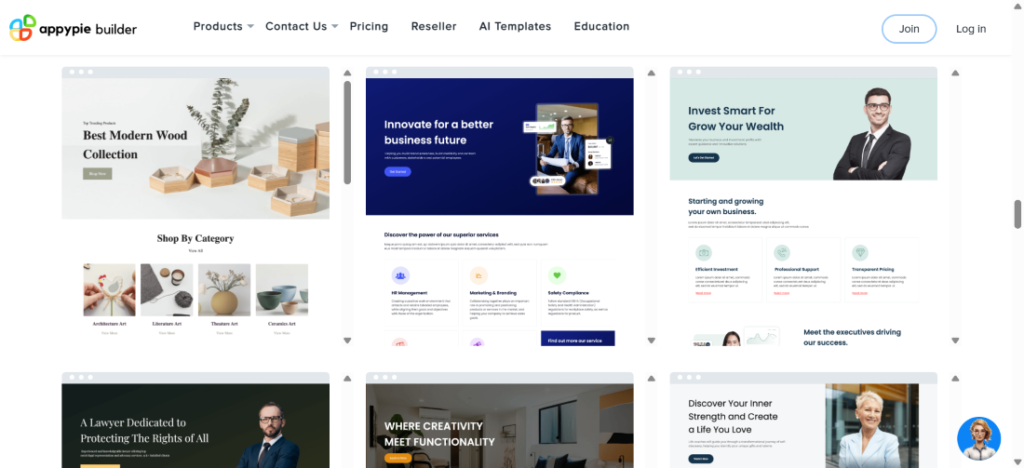
On WordPress, you can pick from thousands of free and paid themes and customize one as you go. Skip building a theme from scratch unless you already know what you’re doing. Trust me.
Set this up quickly, make it look presentable, and move on. You can always refine the design later. (That said, if you have the budget for it, feel free to hire someone to make your blog look snazzy.)
Speaking of branding, now’s the time to make your blog look like your blog. This is the fun part. Pick colors, fonts, and a style that match the vibe you want for your content.
You’ll also need a logo. You can create one yourself if you know design, hire a designer, or use an AI logo generator.
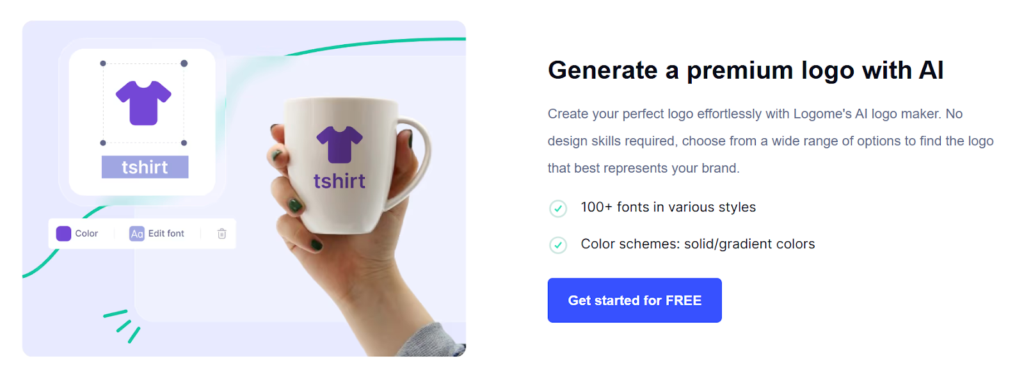
Use your colors, fonts, and logo consistently across all channels to lay the foundation for your visual brand.
Now, I’m going to go over:
… and you’ll see how to monetize your blog.
Consider signing up with an ad network once your blog gets enough traffic.
This is when you place ads on your site and earn money when visitors see or click them.
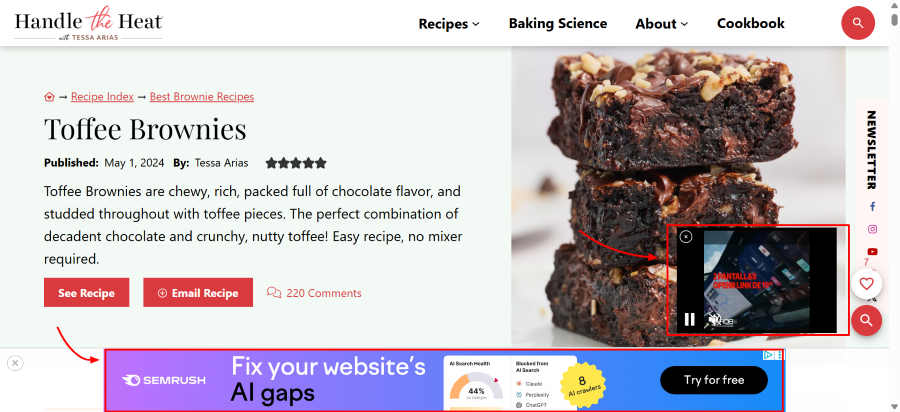
Ad networks are beginner-friendly, easy to set up, and can bring in recurring income. That said, ads can also degrade the user experience and slow your site. You’ll have to decide if the return on investment is worth the potential impact on your readers’ experience.
Check out these annoying ads that interrupted my mid-brownie drool.
For this monetization option, check out ad networks like:
(Very popular for recipe blogs.)
Think about selling physical items or digital downloads.
For example …
Create items that connect to your blog content. (E.g., If your blog is about travel, sell travel journals and merch featuring places you’ve been to. If you have a cooking blog, sell cookbooks and cookware.) Or, you can write ecommerce content and link to relevant products.
To sell physical items, you’ll need to set up an online store on an ecommerce platform and link it to your blog/website.
Sell digital products like ebooks, video tutorials, courses, or workshops. To make this work, you need to demonstrate your expertise and create content your audience finds highly valuable.
Delivering digital products is a whole other beast. You’ll need to find a place to park them, like:
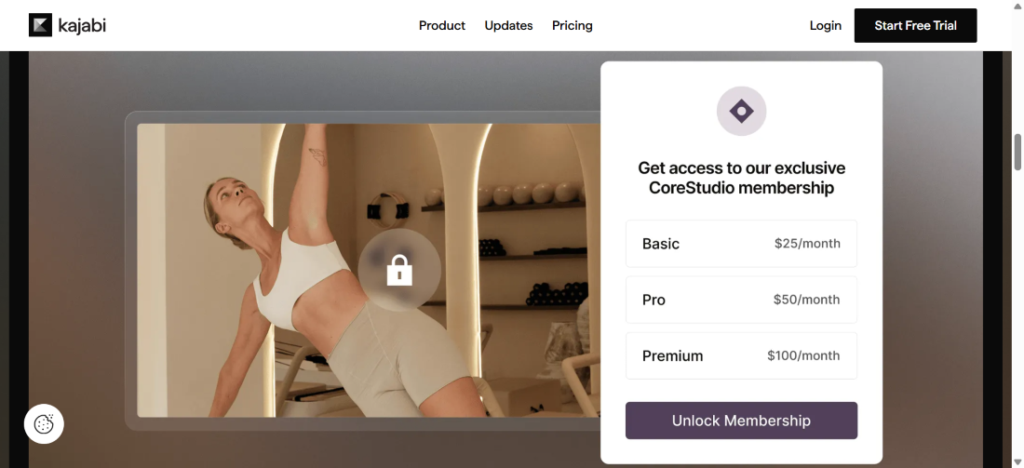
You’ll need to design a system to deliver them. That means making sure customers automatically get access after they purchase. (Most platforms handle this for you, but if you’re hosting files yourself, you’ll need to automate it with email or download links.)
Take the time to get this right. A smooth delivery system keeps customers happy and reduces support headaches.
Don’t think about affiliate marketing. Just do it.It’s become so popular that Cognitive Market Research projects that it will reach $31.7 billion by 2031.
This is when you recommend a product or service from another company and earn a commission when someone buys through your link.
Affiliate marketing is a great way for any blogger to earn passive income once the content is live.
Elementor found that advanced affiliate marketers earn between $10,000 and $100,000 per month. Top earners pull $100,000+.
To do this, add affiliate links to your blog content wherever they make sense. For example, if you’re sharing a recipe for your favorite berry smoothie, it makes sense to link to your favorite blender. If you’re writing about the top 10 productivity tools, it makes sense to link those tools.
Can you imagine the financial opportunity as this compounds over time?
When you’re ready, here are some popular affiliate programs you can join:
Here’s a quick look at how Etsy’s affiliate program works:
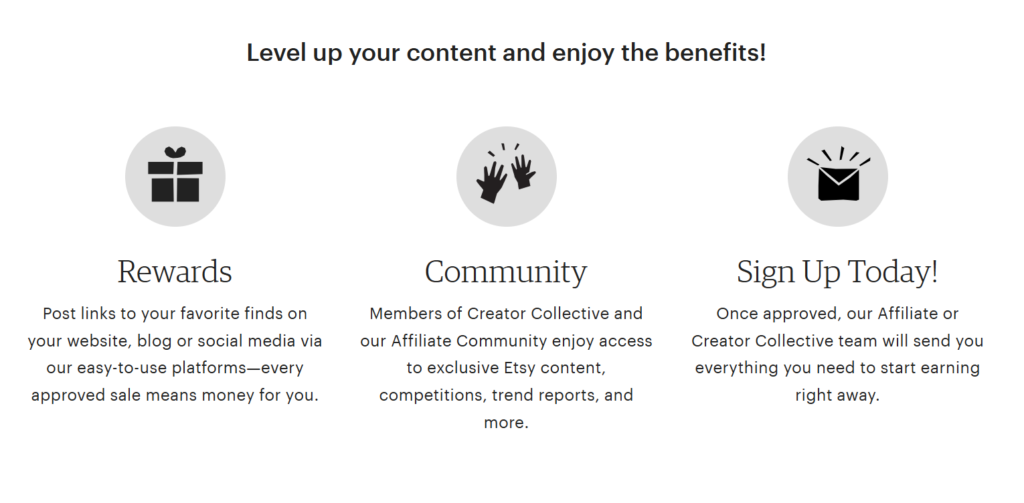
Keep in mind that affiliate marketing takes some time to get going. Weave it into your blog flow and expect earnings down the road. (Basically, think about it as a long-term play.)
*Pro-Tip 1: Only promote products you trust or would actually use. Your audience will notice, and your credibility matters more than quick commissions.
*Pro-Tip 2: Refresh your affiliate marketing content quarterly. Update any outdated stats or information, and make sure your links still work.
Consider turning your expertise into income by offering coaching or consulting services. You can also create self-guided materials, such as videos, ebooks, worksheets, or guides, so your audience can learn at their own pace.
Keep in mind, this takes effort.
You’ll need to spend time building your curriculum, organizing materials, and setting up a delivery system. Once it’s ready, though, you can sell it passively. Indefinitely.
Think about offering monthly subscriptions that give readers exclusive content, tools, or perks.
Subscriptions create recurring income and help build a loyal audience. It’s one of the best business models for encouraging a healthy CLTV.
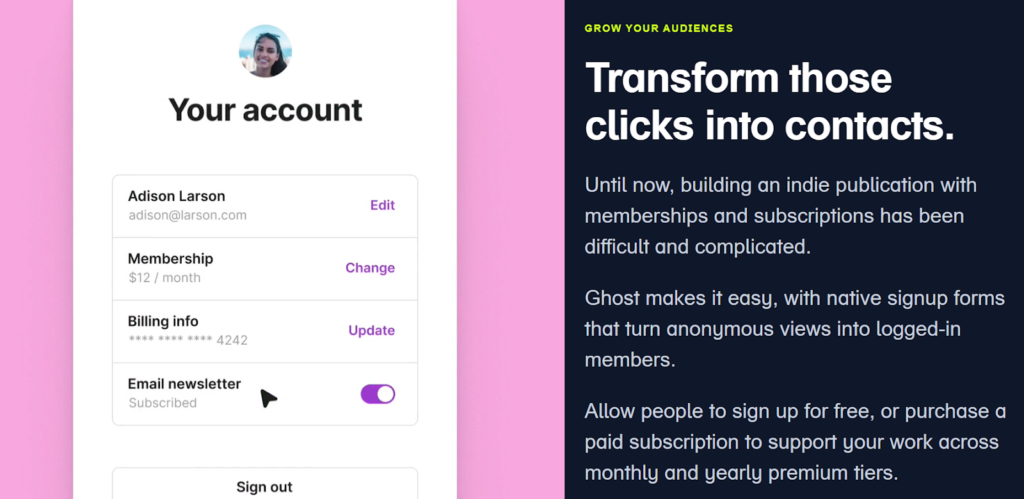
This could be a members-only section on your blog, a premium tips newsletter, or a library of downloadable resources.
Keep your content valuable and consistent, so subscribers feel like they’re getting something they can’t get for free elsewhere.
Before I let you go, here are a few more important tips for optimizing your blog.
Pick strong keywords for every blog post and use them in page titles, headers, image alt tags, and throughout your content. This boosts your chance of ranking higher in search engines.
For keyword selection, think about your target audience’s top needs and pain points. Type their potential questions into an SEO tool like Ahrefs or Semrush, and identify real keywords/topics. Choose the ones with less competition so you can rank faster and more easily.
Be sure to also:
Remember that you’ll need to create lots of SEO blog posts to get your site up and running. If you need help with this, consider working with a content creation agency.
Ensure your blog is mobile-friendly and loads quickly.
Choose a platform with built‑in speed tools like CDNs and image optimization to help your site load faster and perform well on mobile and desktop.
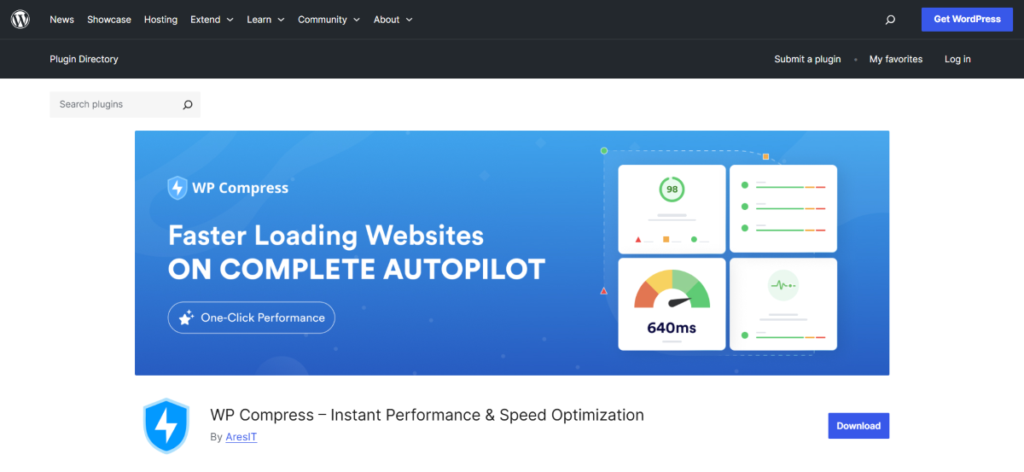
WordPress Speed Optimization
Minimize unnecessary scripts, large images, and other elements that slow your pages. Fast, mobile-optimized pages keep readers engaged and improve your SEO rankings.
Guide your readers toward action with clear calls to action (CTAs) throughout your blog posts.
Link these on anchor text, buttons, or banners.
Here are some CTA copy examples you can test:
Place your CTAs near text where clicking your CTA would be a relevant next step. (If you’re describing English idioms in a paragraph, it makes sense to add a CTA banner to your English idioms course right after.) Make this part of your content workflow.
This gives you a solid start for turning your blog into a business. From picking your niche, platform, and domain name to exploring ways to earn money and run your blog effectively, you now have the foundation to begin.
Blogging as a business is challenging, but the potential is huge.
It won’t always be easy. But as long as you stay consistent and focus on the steps you’ve chosen, I’m confident you’ll make progress.
Psst … want to save time publishing your blog content? You NEED Wordable. Use it to export your blog posts from Google Docs to your website in seconds. Try Wordable now.
What kind of blog should I start?
Pick a niche you’re passionate about and that has an audience. Focus on a specific topic so you can attract the right readers and grow authority in that area.
What tools do I need when blogging for business?
You’ll need a blogging platform (like WordPress, Squarespace, or Ghost) and a hosting provider.
You’ll also need a document processor to write your blog posts (use Google Docs, trust me). More tools include: Canva for graphics, Wordable for publishing, Hemingway for clean writing, and Writer for editing. For SEO, use tools like Semrush, Ahrefs, and Frase.
For planning, consider using an editorial calendar.
How can I measure my business blogging success?
Track your organic traffic, engagement metrics, lead generation, conversion rates, and revenue.
These numbers tell you what’s working and where to improve.
How much does it cost to start and run a blog?
Costs vary depending on your platform, hosting, domain, and tools. You can start small with a hosted platform for a few dollars a month. Or invest more in self-hosted solutions, premium themes, and marketing tools as your blog grows.