


Cloud ECM has a bit of an identity problem.
It’s often sold as an all-in-one content tool. So many teams assume it covers everything, from writing articles to publishing them.
It doesn’t.
Cloud ECM is excellent at storing, organizing, protecting, and governing business information. That’s exactly what it was designed to do.
But creating, publishing, and growing content requires a completely different toolkit.
Let’s look at what Cloud ECM does well and where it falls short for content marketing. Then I’ll share the tools that fill those gaps. That way, your content work can run smoothly from first draft to finished asset.
Highlights
Cloud ECM (Enterprise Content Management) is a system for storing, organizing, and managing business documents in the cloud.
Think of it as a secure digital filing cabinet where teams keep contracts, policies, reports, and other important files in one place.
It also controls who can open each file. It tracks versions and helps you meet compliance rules.
What it doesn’t do is manage the entire content creation and marketing process.
Cloud ECM is designed to manage content once it exists. It doesn’t help you come up with ideas, write articles, publish them, or see how they’re performing.
Its job is to manage finished documents once they’re approved.
If your focus is publishing content rather than managing records, you’ll need a few other tools alongside Cloud ECM.
Once a document comes to life, Cloud ECM gives it a permanent home. It acts as a central hub for your business files. It keeps them safe, sorted, and easy to manage.
Here’s where Cloud ECM really earns its keep:
If document management is your goal, Cloud ECM is doing exactly what it was designed to do.
It isn’t a content marketing platform, though. If you’re planning, creating, publishing, and growing content, you’ll need other tools to fill those gaps.
Cloud ECM can still have a place in many marketing teams. It’s useful for storing approved assets, managing brand documentation, and keeping important files organized.
But that’s only one part of the content lifecycle.
The day-to-day work of planning, creating, publishing, and improving content happens elsewhere.
That’s where Cloud ECM starts to show its limits.
There’s:
These aren’t flaws of Cloud ECM. They reflect what it was built to do. It’s a document management platform, not a content marketing platform.
If publishing content is a big part of your business, you’ll need additional tools to support the rest of your content operation.
Think about the journey a blog post goes through.
You create it, publish it, and improve it over time.
Along the way, Cloud ECM stores and governs approved content. Other tools handle the daily work of content marketing.
Here’s what to pair with Cloud ECM for publishing at scale, by use case:
Before there’s anything to store, there’s work to do. You need an idea worth exploring, a solid draft, and visuals that bring it all together.
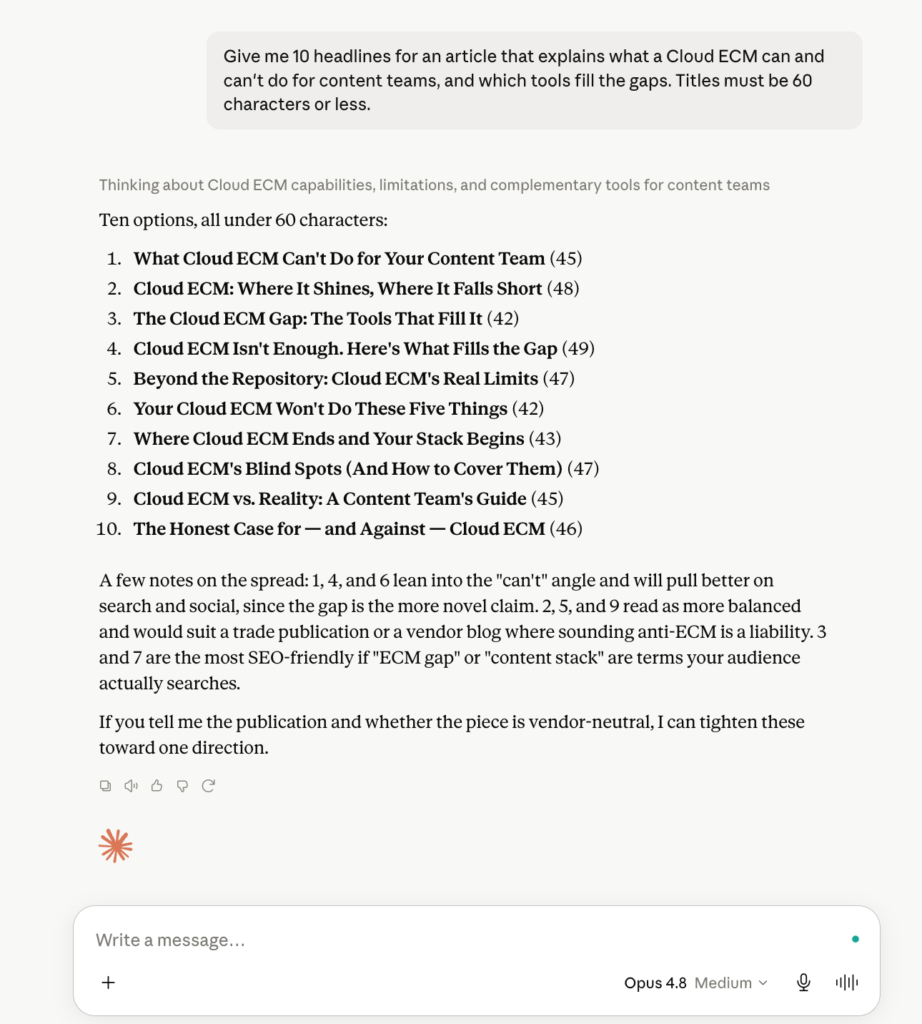
Why use it: Speeds up research, outlines, and first drafts.
Pricing: Free plan available; paid plans from $20/month
Claude is like having a research assistant on your content team. Ask it to brainstorm headlines, compare research, sort messy notes, or build outlines. It can also write a rough first draft. Then you refine it with your own expertise.
Claude won’t replace a good writer, but it can save your team time. In fact, HubSpot’s 2026 Stat of Marketing report found that 67% of marketers say AI saves them 10+ hours a week.
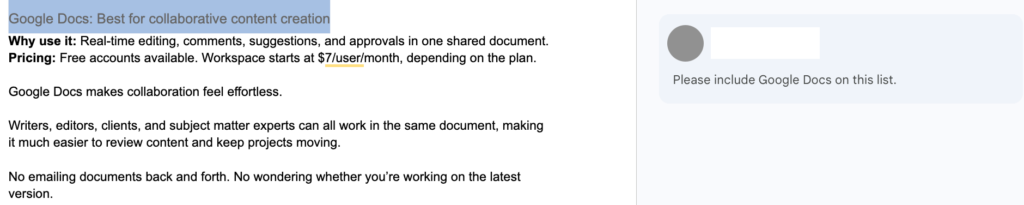
Why use it: Real-time editing, comments, suggestions, and approvals in one shared document.
Pricing: Free accounts available. Workspace starts at $7/user/month, depending on the plan.
Google Docs makes content collaboration feel effortless.
Writers, editors, clients, and subject experts can all work in the same file. That makes it much easier to review content and keep projects moving.
No emailing documents back and forth. No wondering whether you’re working on the latest version.
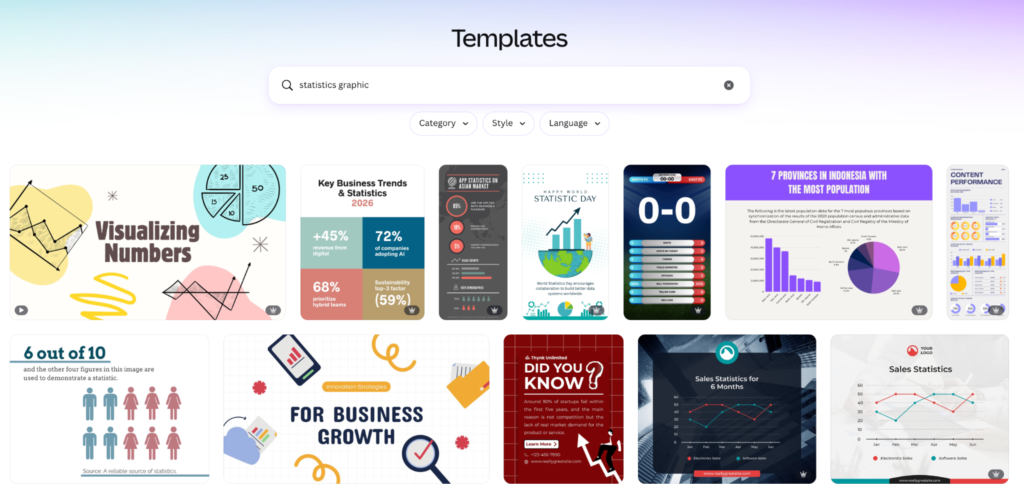
Why use it: Thousands of templates, drag-and-drop editing, and AI-powered design tools.
Pricing: Free plan available; paid plans start at $15/month
Articles need visual content that grabs attention. With Canva, you can make featured images, diagrams, social graphics, and infographics. You don’t need to wait on a designer.
It’s fast, intuitive, and packed with templates you can customize in minutes.
A finished draft still isn’t ready for readers. These tools help you optimize it for search and get it live. They also keep your site organized as your content library grows.
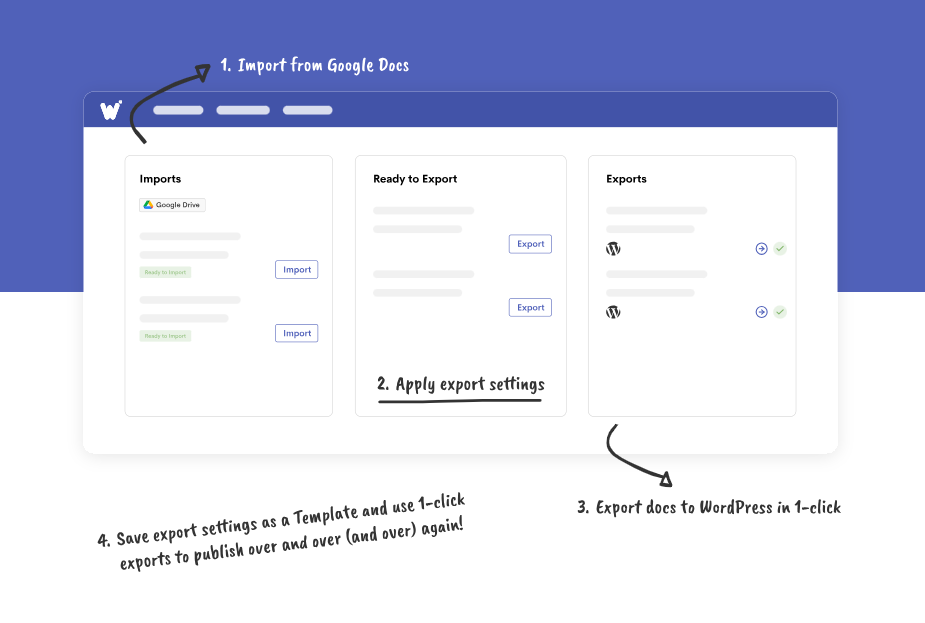
Why use it: Publishes Google Docs to WordPress in a few clicks. It keeps your formatting, images, headings, and links.
Pricing: Free trial available; paid plans start at approximately $29/year.
If your team writes in Google Docs but publishes in WordPress, Wordable removes one of the most repetitive parts of the workflow.
No more copying and pasting, then fixing broken formatting, images, headings, and links. Wordable transfers everything directly into WordPress and keeps the document intact.
It’s especially useful for teams that publish several articles each week. It cuts manual formatting and speeds up publishing. Editors get more time to focus on quality instead of cleanup.
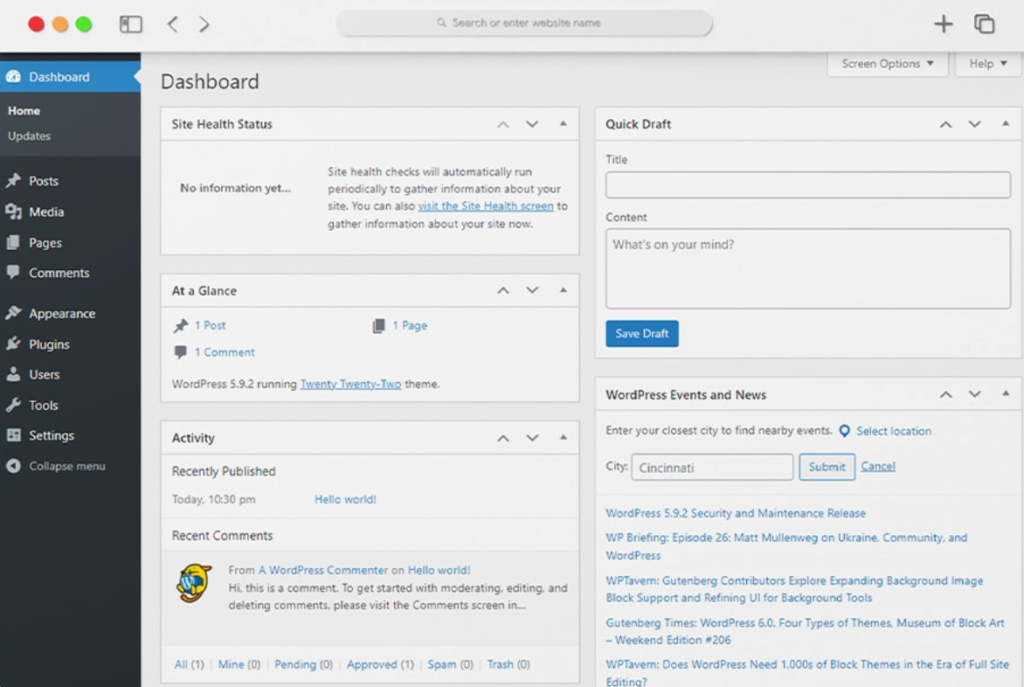
Why use it: Flexible publishing, scheduling, plugins, and content management.
Pricing: Free, but you need to pay for hosting
WordPress powers 40% of websites, and for good reason. It makes publishing content refreshingly simple.
You can draft, schedule, organize, update, and manage your entire blog from one place. It also has thousands of plugins. You can use them to shape your site as your content strategy grows.
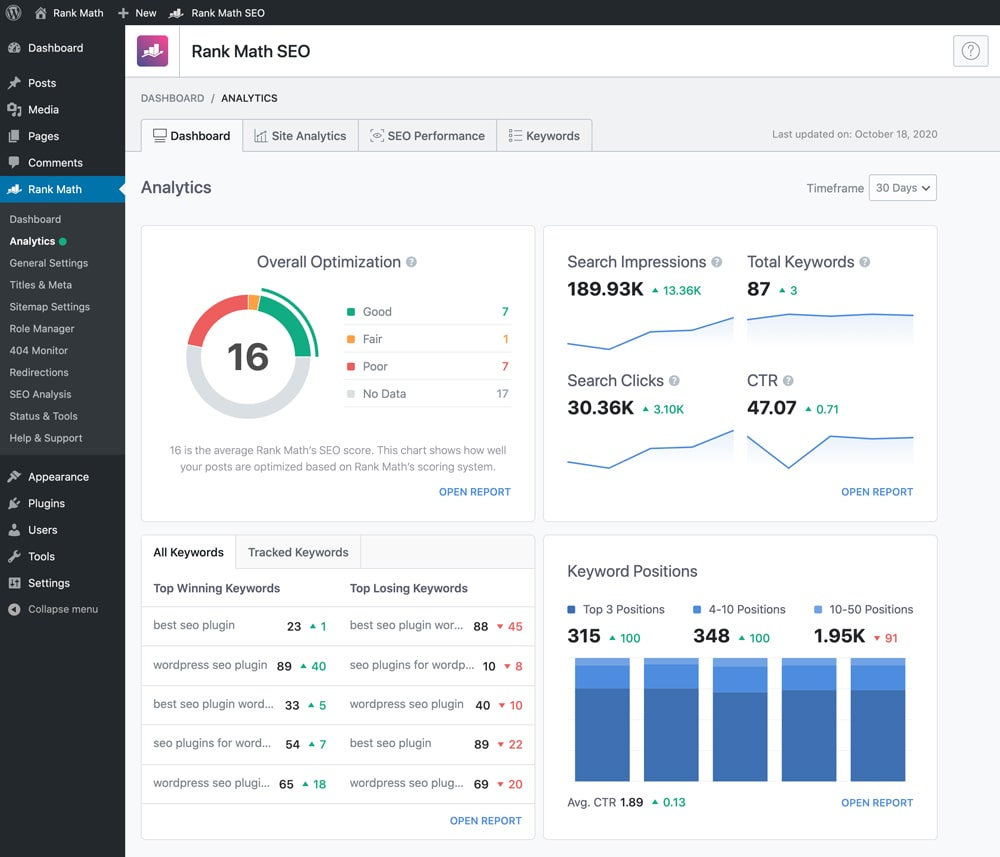
Why use it: Metadata, schema, XML sitemaps, redirects, and SEO guidance.
Pricing: Free plan available; paid plans start at $5.99/month
Think of Rank Math as a final SEO check before you hit publish.
It helps you optimize titles, meta descriptions, schema, internal links, and other on-page elements. That gives every article its best chance to perform well in search.
The best content gets better over time. These tools help you measure results, refine your strategy, and get more from every article you create.
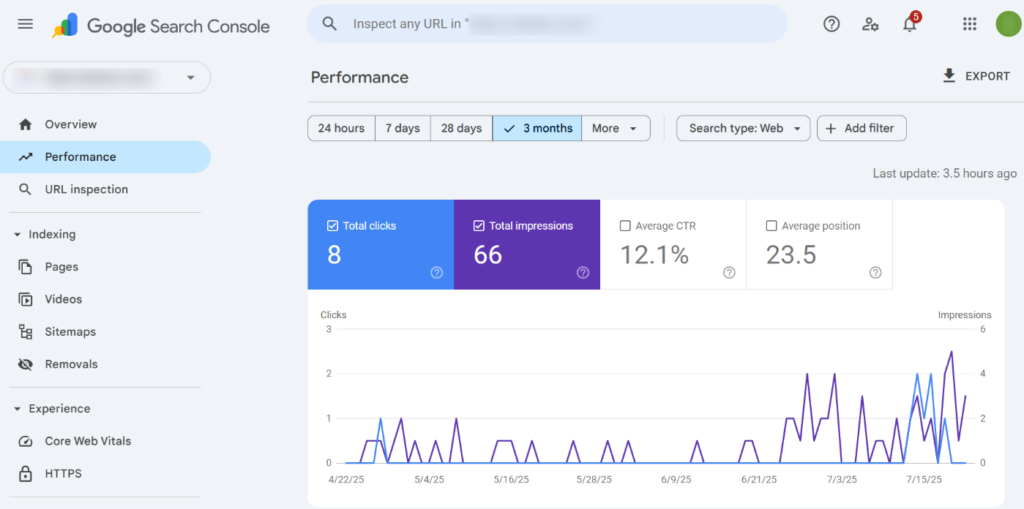
Why use it: Search performance, indexing, and keyword insights.
Pricing: Free
Google Search Console shows you what’s happening after your content appears in search. It quickly shows which articles are gaining traction and which are slipping. It also points to where a small update could make a real difference.
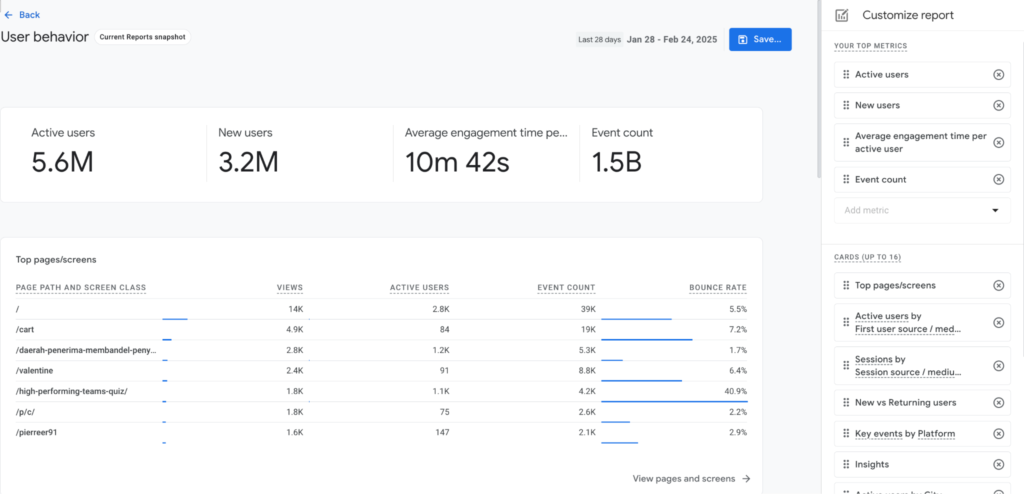
Why use it: Engagement, user journeys, and conversion tracking.
Pricing: Free
Traffic tells you people arrived. GA4 tells you what happened next.
It helps you measure engagement, track conversions, and see how people move through your site. Then you can make smarter content choices.
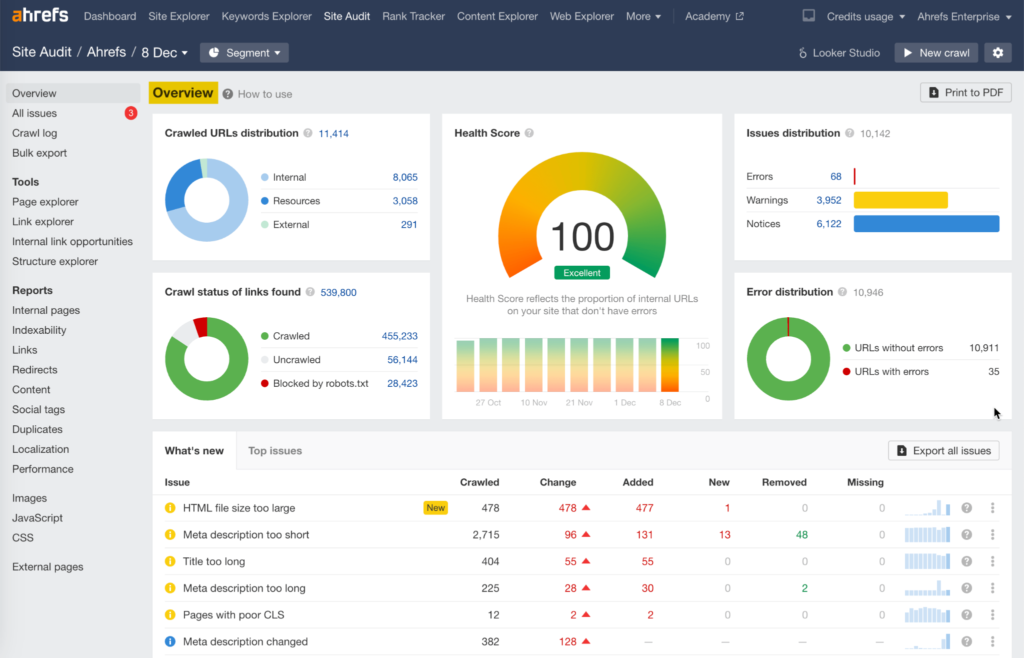
Why use it: Keyword research, competitor analysis, and content opportunities.
Pricing: Ahrefs Free costs nothing; paid plans start at $29/month
Every content library has blind spots. Some articles slowly lose traffic, while others have far more potential than they’re delivering.
Ahrefs helps you zoom out. Use it to spot opportunities and content gaps, compare against competitors, and decide where your time will have the biggest impact.
Cloud ECM is great at managing finished content, but it won’t power your entire content operation.
That’s why each stage of the work needs the right tool. Here’s how the stack from this guide breaks down:
Start by finding where your current process slows down. Is it ideas, drafting, publishing, or tracking results? Then choose the tools that solve those problems.
A well-built content stack will save time today, so it’s much easier to scale tomorrow.
Does moving content from Google Docs into WordPress or HubSpot slow your publishing down? If so, Wordable can automate the transfer. It keeps your formatting, images, and links in place. There’s a free Hobbyist account, and paid plans start at just $29 per year.
No. A CMS is built to publish and manage website content. Cloud ECM stores, organizes, and governs business documents.
Some platforms offer basic publishing features, but most content teams still use a dedicated CMS like WordPress for day-to-day publishing.
Usually not. If you’re creating and publishing content, a CMS and a few specialist content tools are often all you need. Cloud ECM becomes more useful as your document, compliance, and governance needs grow more complex.