


Successful content marketing depends on smooth handoffs between planning, creation, review, design, and publishing. The right content team collaboration tools can keep those moving parts organized without adding unnecessary complexity.
We’ve reviewed 13 options across project management, content creation, communication, and automation to help you choose the tools that best fit your workflow.
Highlights
To help you choose the best collaboration tools for your content team, we’ve rounded up some of the top tech. We’ve sorted them into four categories: project management, communication, content automation, and content creation.
Here are our top picks for each category.
We evaluated these tools based on their usefulness for content workflows, collaboration features, ease of adoption, integrations, and cost. We grouped the list by use case so teams can compare tools based on the specific part of their content process they need to improve.
When comparing these tools, consider where collaboration currently slows your team down. A team struggling with approvals may need stronger project management, while distributed teams may benefit more from centralized communication.
Content-heavy workflows can also benefit from automation that reduces repetitive publishing and formatting tasks. The best stack should solve specific workflow gaps rather than simply add more software.
Content marketing projects often move between writers, editors, designers, and publishing teams. Project management tools help coordinate these handoffs and track progress across each stage.
With that in mind, here are a few top project management tools for content marketing teams.
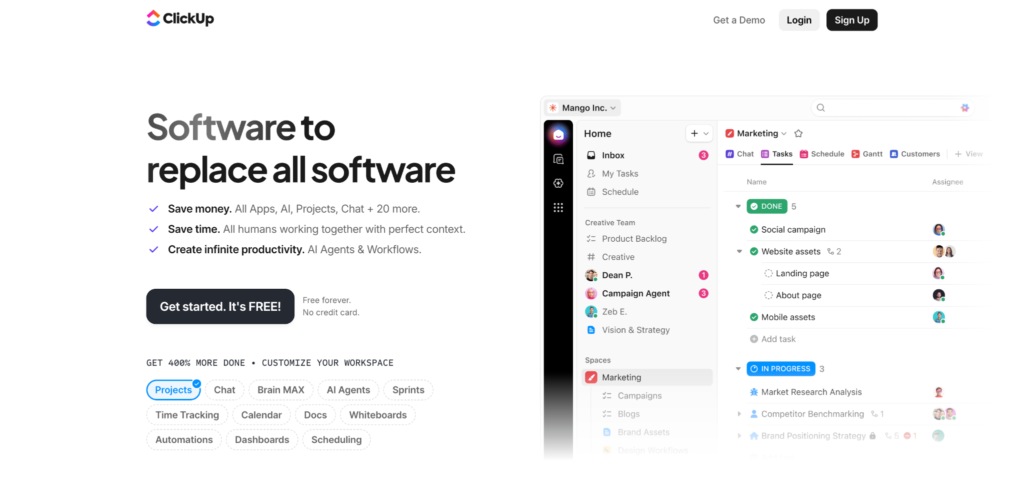
ClickUp is a powerful project management tool for creating, assigning, and tracking tasks. It is great for managing content creation through stages like planning, creation, review, and more.
ClickUp is extremely flexible, supporting a wide range of project and task views. It also integrates with over 1000 business tools, making it a seamless fit for many marketing and collaboration tech stacks.
Beyond project management boards, ClickUp offers document-sharing features. This makes it easy to keep track of important documents, such as brand guidelines, SOPs, and other marketing resources.
You can get started with ClickUp for free. However, to use the platform fully, users must upgrade to the Unlimited plan, which costs $7 per user per month.

Notion is another strong project management tool that offers functionality similar to ClickUp. Like ClickUp, Notion offers flexible task management layouts and views. This makes it suitable for teams with different workflow preferences.
This flexibility also requires some upfront effort. You’ll need to build dashboards and workflows that match your team’s collaboration needs. With tons of templates to choose from, this process doesn’t require technical know-how, but it does take time to set everything up.
It’s free to get started with Notion. However, to access the platform’s full customization capabilities, teams must upgrade to the Plus plan, which costs $10 per user per month.
Asana is a simpler project management alternative to Notion and ClickUp. Asana’s project boards offer a variety of view options, like the other tools we’ve covered. However, it’s not quite as flexible or feature-rich. Depending on your use case, this simplicity may be preferable, as you can get started with minimal configuration.
Asana’s free Personal plan supports up to two users. Larger teams and those needing advanced project management features can upgrade to the Starter plan, which starts at $10.99 per user per month when billed annually.
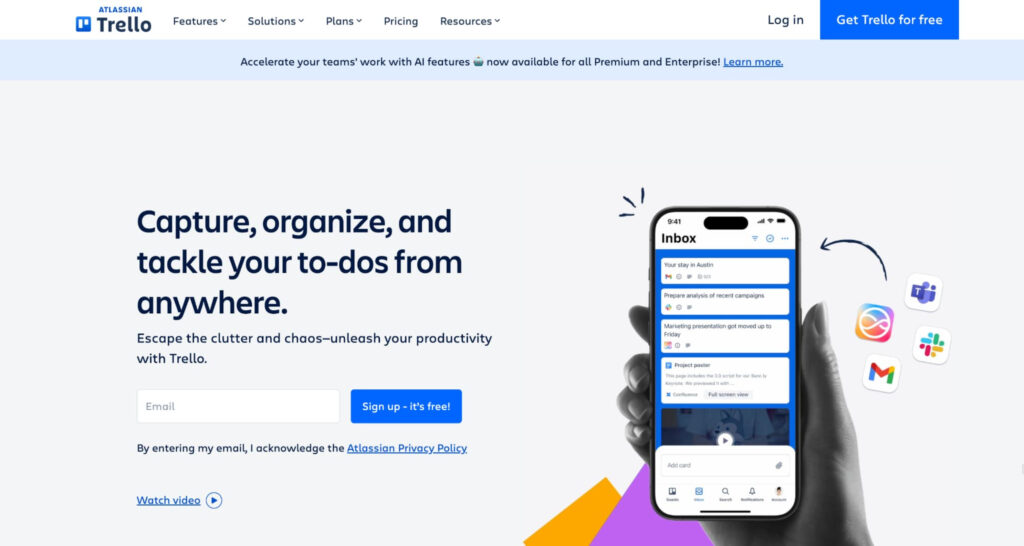
Trello is a project management tool best known for its Kanban board views. It is a user-friendly option well-suited for teams that prefer visual organization.
Trello integrates with many popular marketing and business tools, enabling seamless collaboration workflows. It also offers a variety of automations and templates to further streamline operations.
You can get started with Trello’s basic project management plan for up to ten users for free. Paid plans start at $5 per month per user.
Choose ClickUp when your team needs extensive workflow customization, Notion when documentation and project management need to live together, Asana when you want structured project management with less setup, and Trello when a simple visual Kanban workflow is enough.
Content creation tools with built-in collaboration are essential for keeping your content marketing team running smoothly. You will likely need a few different content production tools to execute different parts of your content marketing strategy, ranging from word processors to design tools. Here are a few options.
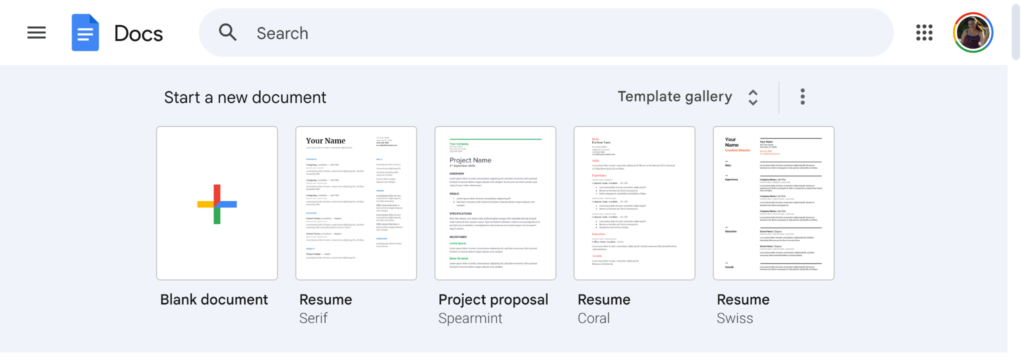
Google Docs is a content creation tool that supports real-time collaboration among writers, editors, and other team members. Although it is simply a word processor, Google Docs is a valuable tool for writing landing pages, blog posts, press releases, social media captions, and more.
Google Docs offers real-time editing, version history, comments, and suggested edits. It also offers permission settings for viewing, editing, and commenting, which come in handy when working with external collaborators. All of this is included for free.
In addition to being completely free to use, Google Docs integrates with many other tools. One of the most valuable Google Docs plugins for content creation is Grammarly. We’ll discuss this in more detail later in this article.

Canva is a user-friendly design tool with powerful collaboration tools. As with Google Docs, teams can collaborate on a Canva project in real time.
Canva is easy to use, making it a good starting point for marketing teams without an experienced designer. It is equipped with a variety of templates for social media assets. These templates are sized to fit the recommended dimensions for posts, stories, cover images, and more across different social media platforms.
Although Canva offers AI design generators that are great for creating imagery, its collection of pre-designed assets and templates may not include what you’re looking for.
Canva’s free version is great to start. However, upgrading to a Business plan for $250 per user per year is ideal for team collaboration.
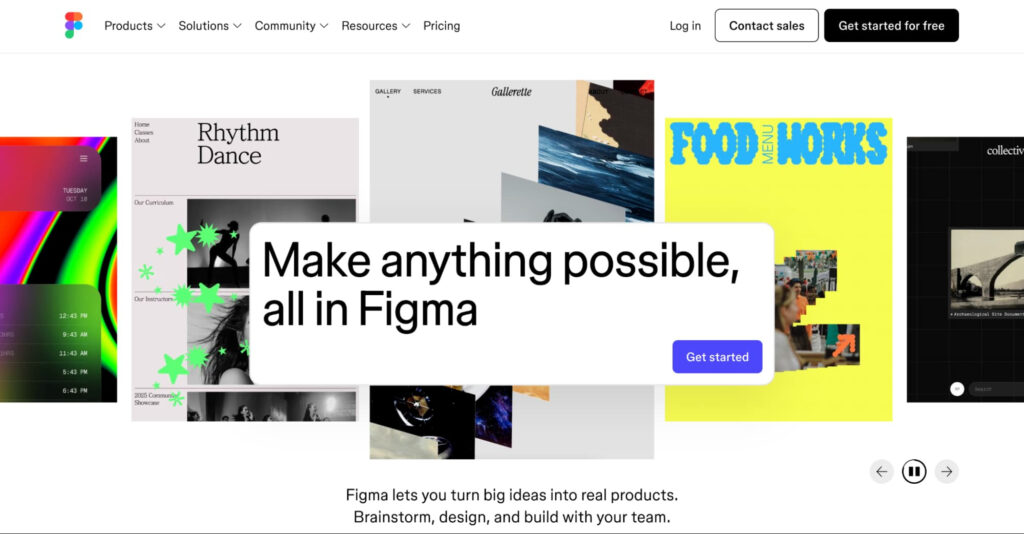
Figma is another great tool for design collaboration, especially if you’re creating content marketing assets that are designed to match your app or website. Figma enables you to create branded elements and templates that can be quickly repurposed for fresh content.
Figma is a feature-rich tool that may have a learning curve. Figma suits teams with more advanced designers who want to create highly customized assets. If you want something easy to use with generic design templates, this probably isn’t the option for you.
Figma offers a free Starter plan. Its Professional plan starts at $3 per month for a Collab seat, $12 for a Dev seat, and $16 for a Full seat with design editing capabilities, based on annual billing.
Even with the best tools in other categories, you still need dedicated communication channels. Whether you need instant messaging, video conferencing, or a mix of both, several communication tools can streamline your team’s collaboration. Let’s take a look.
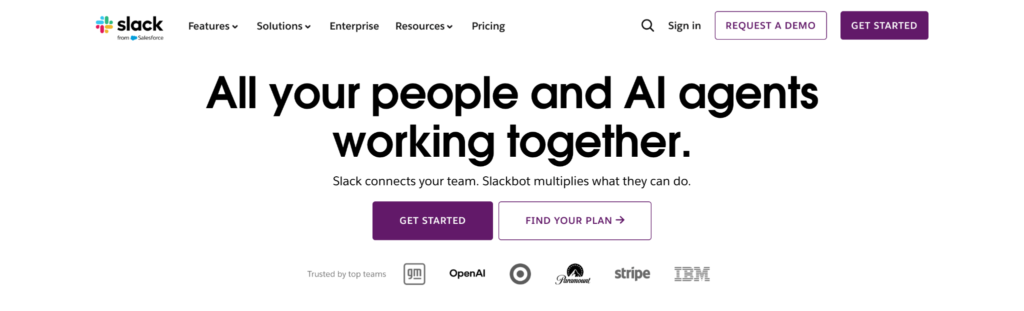
Slack is one of the most popular communication options for businesses because of its sleek, real-time messaging. In addition to direct messaging, Slack also has a robust channels system. This includes both private, invite-only channels and channels that are “public” to your entire organization.
Another major strength of Slack is its integration with many other marketing tools, which further streamlines collaboration.
Although Slack has built-in voice and video conferencing tools, these are primarily for internal communication. Communicating with leads, clients, vendors, and other external parties is simpler with another tool.
You can get started with Slack for free. Its Pro plan starts at $7.25 per user per month when billed annually, with additional collaboration features and access to a longer message history.
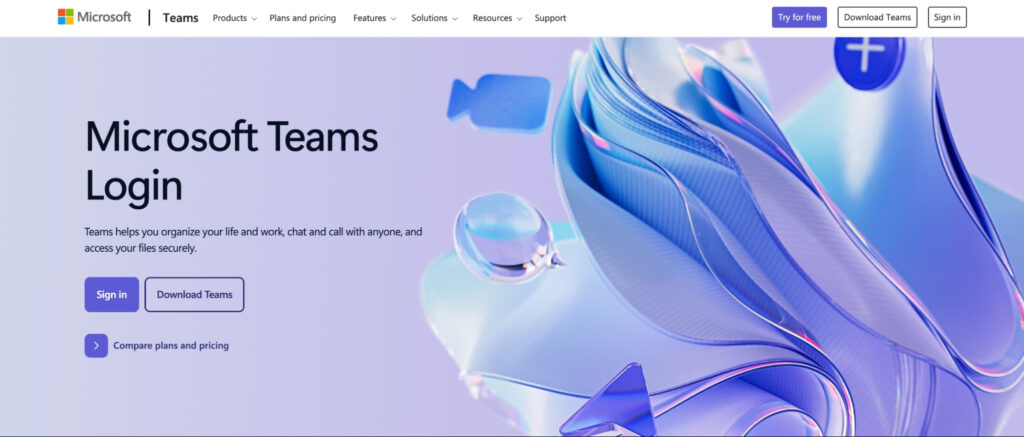
Microsoft Teams combines workplace messaging, video meetings, and Microsoft 365 integration in one platform.
One benefit of Teams over Slack is its video conferencing, which participants outside your organization can access. This makes it especially useful for teams already in Microsoft’s ecosystem.
However, the Slack interface is significantly sleeker, which some teams prefer. Teams also has a much smaller library of third-party integrations.
Teams starts at $4 per user per month.
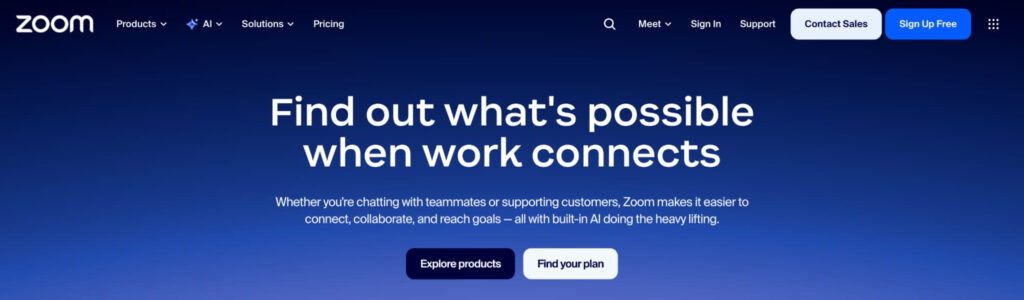
Zoom is the go-to video conferencing tool for many organizations. It includes standard video conferencing tools, plus advanced features such as screen sharing, screen recording, live chat, and live reactions.
Zoom is device-agnostic, making it convenient to take calls anywhere, anytime. Even without internet access, users can dial into a conference call from their telephone.
Anybody can use Zoom for free. However, to host calls longer than 40 minutes and to access premium features, users must upgrade to the Pro Plus plan. These plans start at $17.43 per user per month.
Content workflows slow down when team members spend time on repetitive manual tasks. Automation and AI tools can reduce this workload by simplifying recurring content production processes.
Currently, 79% of businesses report using AI in marketing. With that in mind, here are our top picks for content automation and AI assistant tools.
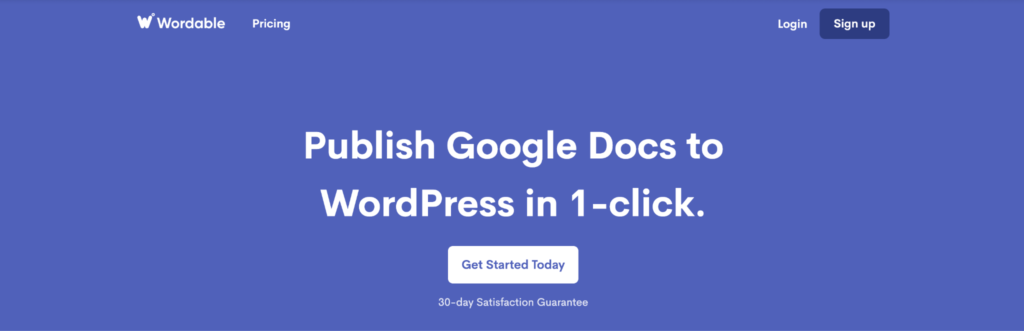
Many marketers and content creators overlook how long it takes to move blog content from a word processor to a website host. Importing and reformatting content takes time, but Wordable automates this process with a click.
Wordable lets users automatically import blog content from Google Docs to WordPress, HubSpot, and Medium while preserving formatting. This saves tremendous time by eliminating the need to reformat content when you move it from one platform to another.
Wordable’s process uses customizable templates to keep new blog posts consistent with your site’s existing content.
You can get started with Wordable for free.
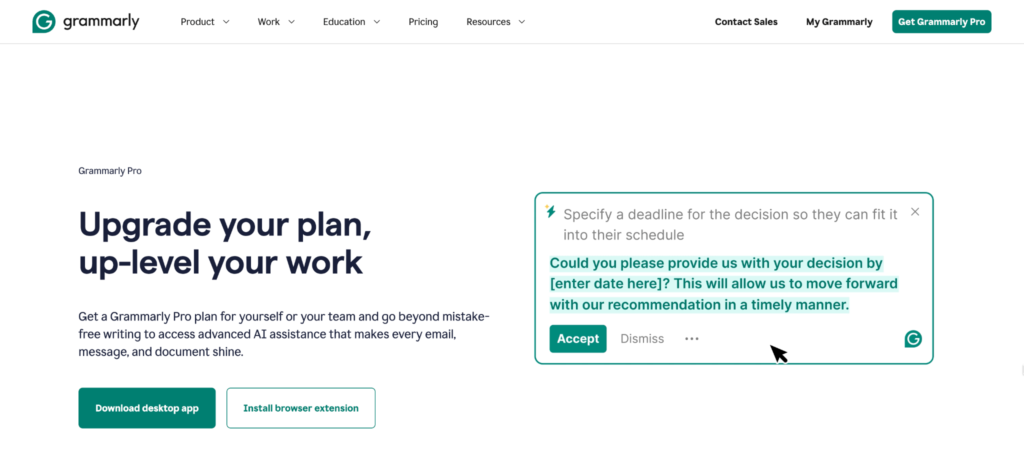
When you’re compiling work from several creators, maintaining consistent quality is key. For content teams, shared writing standards can also reduce editing discrepancies when multiple writers and editors contribute to the same workflow. That’s where Grammarly, an AI-powered editor, comes in handy. Grammarly goes beyond basic spell check to provide constructive grammar feedback. It looks at sentence structure, active versus passive voice, word choice, and more.
With Grammarly Pro comes an AI chatbot that is great for topic ideation, outlining, paraphrasing, rewriting, and more. If you use the Grammarly plugin for Google Docs, the AI intuitively matches your document’s tone and adds supplemental content and edits, which is a definite plus.
Another powerful aspect of Grammarly is its AI and plagiarism-detection tools. These features can help editors review submissions from new writers and check for potential plagiarism.
Grammarly has a free version, but content collaboration teams are better off investing in the Pro plan, which starts at $12 per user per month.
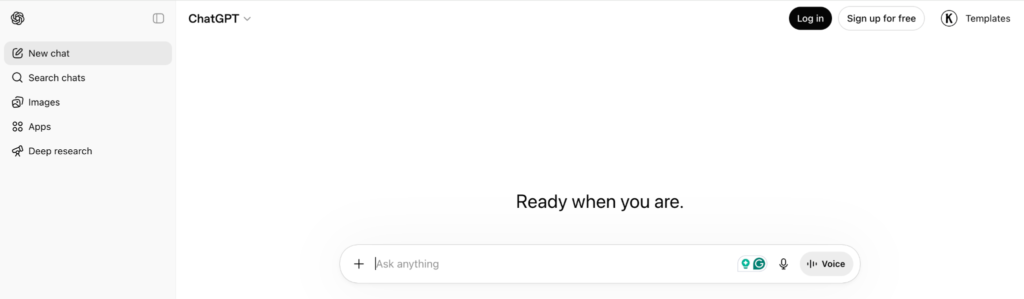
ChatGPT can support content collaboration indirectly by speeding up planning before writers, editors, and other team members begin production. It is valuable for content ideation and article outlining, saving significant time in content planning and pre-writing.
Some marketing teams use AI to write their content entirely. However, it’s best to use ChatGPT to streamline planning and research, not as an end-to-end writing solution. Without a human touch guided by critical thinking and unique ideas, content often lacks originality.
ChatGPT is free to use.
The best collaboration stack depends on where your content workflow creates the most friction. Project management tools can improve ownership and handoffs, communication platforms keep teams aligned, and automation tools reduce repetitive production work.
If publishing is one of those bottlenecks, Wordable can simplify the final stage by moving Google Docs content into your CMS while preserving your formatting.
With this one-click workflow, your blog posts will follow your chosen template and be staged to match the existing content on your site.