


Document generation often brings to mind a law firm preparing contracts, proposals, and other legal paperwork.
But if you’re reading this, you probably don’t need legal document automation or a digital-signature tool.
Day to day, content teams work with a different type of document.
You’re creating content briefs and blog posts. You’re editing, optimizing, and publishing at scale.
Your challenge isn’t generating legal paperwork. It’s automating the repetitive work involved in planning, editing, optimizing, and publishing content.
The right tools can help you standardize briefs, enforce your brand voice, identify content to refresh, automate internal linking — and even publish documents to your content management system (CMS) in seconds.
Keep reading for a tight document automation tool stack built for content teams.
Highlights
Content-focused document automation software helps teams manage document creation, optimization, and publishing at scale.
These tools address different stages of content production. Brief templates help teams standardize assignments, editing tools check drafts against shared rules, and publishing software reduces manual work when transferring approved content into a CMS.
Instead of creating every content brief from scratch, you can build reusable document templates for blog posts, landing pages, product pages, and more. This gives you a clearer way to compare tools with different capabilities and prevents you from automating a stage that isn’t causing delays.
HubSpot’s 2026 State of Marketing report found that AI saves marketing teams significant time: about one-third of marketers say it saves 10–14 hours per week, while another third report saving more than 15 hours weekly.
Time savings vary between teams. According to Salesforce’s 2026 State of Marketing report, high-performing marketers save an average of eight hours per week through automation.
These findings reflect AI use across marketing workflows, not document automation alone. Actual time savings depend on which tasks a team automates and how frequently it performs them.
| Tool | Best for | Free option | Price (plans start at …) |
| EasyContent | Automating content briefs and blog templates | 14-day free trial | $59/month |
| Writer | Automating editing and brand voice checks | 14-day free trial | Contact sales |
| Wordable | Automating blog publishing from Google Docs to WordPress or HubSpot | Free Hobbyist plan | $29/year |
| MarketMuse | Automating content audits and identifying pages to refresh. | Free limited plan | Contact sales |
| Link Whisper | Automating orphan page audits and internal linking | Free site audit | $97/year |
| AltText.ai | Automating image optimization across your entire content library. | Start with 25 free credits | $5/month |
Here’s a deeper look at each tool.
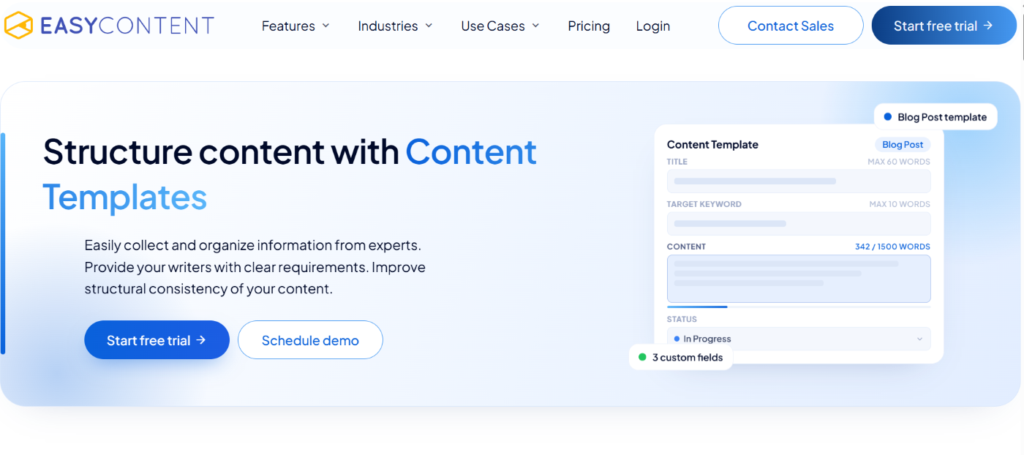
EasyContent helps content teams standardize the way they plan and produce content.
Instead of creating every content brief from scratch, you can build reusable templates for blog posts, landing pages, product pages, and more. Writers, editors, and stakeholders can all work from the same brief, keeping every project organized and on track.
You can also use workflow automation to manage review and approval steps.
For example, a content team preparing multiple blog posts can use one template to collect the target keyword, audience, outline, and review requirements for each assignment. Editors can check whether the necessary information is available before assigning the brief to a writer. This keeps the handoff consistent and reduces repeated clarification about project requirements.
Why use EasyContent:
How EasyContent supports content team workflows: EasyContent automates content brief creation with reusable templates and structured workflows.
Pricing: Paid plans start at $59/month.

Writer acts as an AI editor that reviews your documents before they go live. It checks grammar, spelling, readability, terminology, and brand voice. It also suggests improvements to help keep content quality consistent across your team.
It’s also a great tool for self-editing. Writers can catch issues before handing drafts over to editors.
For teams working with multiple contributors, shared terminology and brand rules can help identify inconsistencies across drafts. A writer can review these suggestions before submitting an article, giving the editor a more consistent starting point. However, automated checks do not replace editorial judgment.
Editors still need to confirm that suggested changes preserve the intended meaning and fit the surrounding context.
Why use Writer:
How Writer supports content team workflows: Writer helps teams check drafts against shared editorial standards before they reach an editor or publisher.
Pricing: Contact sales to ask about paid plans.
Wordable eliminates one of the most repetitive parts of content marketing: formatting documents for your CMS. Instead of copying and pasting from Google Docs, Wordable simplifies the document workflow by transferring content to your CMS while preserving headings, links, lists, and formatting.
It also handles your images automatically. It downloads, compresses, and uploads images to WordPress or HubSpot while preserving their positions within the post.
You can also use Wordable’s publishing templates to standardize your export settings.
Once everything’s ready, you can bulk publish your blog posts from Google Docs to HubSpot or WordPress in seconds.
Consider a team exporting several approved articles each week. Without an automated publishing workflow, editors may need to correct headings, check hyperlinks, and upload images separately for each post. Wordable reduces much of that transfer work, although a final CMS preview is still important to confirm that every element appears correctly. This makes it particularly relevant to teams whose publishing volume creates repeated formatting tasks.
Why use Wordable:
How Wordable supports workflows for content teams: Wordable automates the journey from finished draft → published content. No more wasting hours fixing formatting before you hit publish.
Pricing: Free Hobbyist plan. Paid plans start at $29 per year.
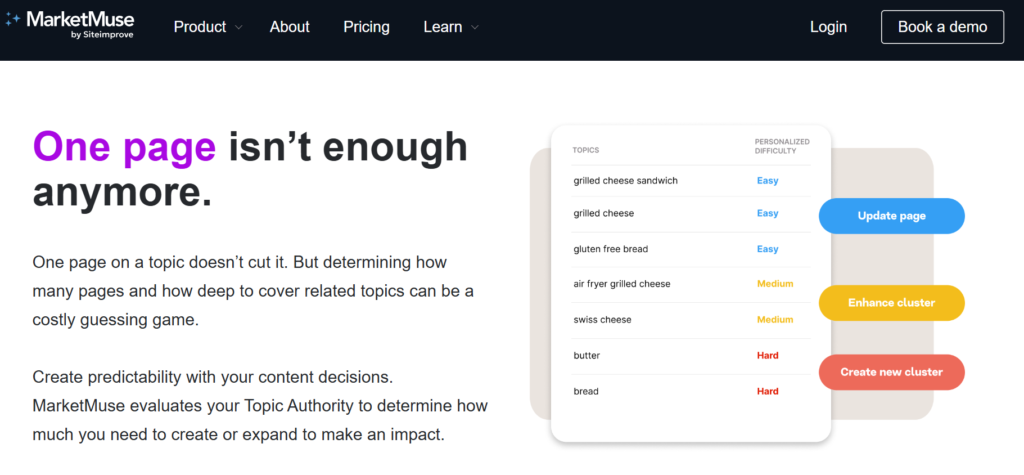
MarketMuse analyzes your content library to identify improvement opportunities.
It helps teams prioritize which pages to update, highlights topical gaps, and recommends where to expand existing content. It also doubles as a semantic tool for on-page SEO.
MarketMuse can help teams compare topic coverage across competing pages and identify gaps worth investigating. Editors can use these findings to decide where existing content needs more coverage.
For example, a team managing a large library of older articles can use content analysis to shortlist pages for review. Editors should then assess the page’s search intent, existing performance, and relevance to the audience before deciding whether an update is necessary. This keeps the tool’s recommendations connected to editorial priorities rather than treating every identified gap as a required change.
Why use MarketMuse:
How MarketMuse supports content team workflows: MarketMuse automates large-scale content audits. It helps teams prioritize content updates based on identified SEO opportunities.
Pricing: Contact sales for pricing.
Internal linking is a time-consuming task for large websites.
Link Whisper scans your site’s content, identifies orphan pages, and recommends relevant internal links to strengthen your site’s structure. (A key part of SEO and an important ranking factor.)
Link Whisper focuses on automating internal-link suggestions and identifying orphan pages.
Why use Link Whisper:
How Link Whisper supports content team workflows: Link Whisper automates internal linking across your entire content library. This makes it easier to maintain a healthy site structure as your content grows.
Pricing: Paid plans start at $97/year.
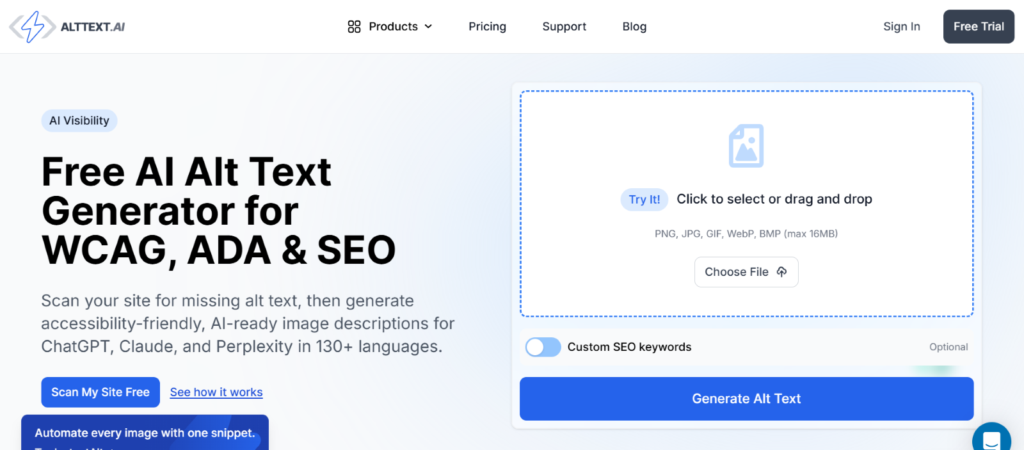
AltText.ai automatically generates descriptive alt text for your images using AI.
Optimize new and existing images across your content library in bulk to improve accessibility and image SEO.
This reduces the need to write every image description from scratch. However, editors should review AI-generated alt text before publishing to make sure it accurately reflects the image and its context.
Why use AltText.ai:
How AltText.ai supports content team workflows: AltText.ai automates one of the most repetitive publishing tasks by generating descriptive alt text across your entire media library.
Pricing: Paid plans start at $5 per month.
When choosing a document automation platform, the number of features alone isn’t a useful basis for comparison. Content teams should first identify the task causing delays, then check whether a tool fits their existing CMS, editorial process, and review requirements.
A publishing tool won’t solve inconsistent briefs, just as a brief template won’t eliminate manual CMS formatting. Use the following table to identify the tool that addresses your most immediate workflow need.
| If you want to … | Choose … |
| Standardize content briefs and templates | EasyContent |
| Automate editing and brand voice checks | Writer |
| Identify pages to refresh and content gaps | MarketMuse |
| Build internal links and find orphan pages | Link Whisper |
| Generate alt text across your image library | AltText.ai |
| Publish Google Docs to WordPress or HubSpot | Wordable |
Content teams need tools that remove repetitive work from content production.
Whether you’re creating content briefs, checking brand voice, identifying pages to refresh, or publishing articles, the right document automation tools can save hours every week while helping your team produce more consistent content.
Start by identifying the biggest bottleneck in your workflow, then choose the tool that solves it.
If manual formatting is slowing down your publishing workflow, Wordable is an easy place to start. It automatically transfers Google Docs to WordPress or HubSpot while preserving your formatting, images, links, and document structure, so your team can publish faster with less manual work.
Try Wordable for free and see how much time you can save on your next blog post.
Yes.
Many document automation tools help optimize content for search by identifying content gaps, adding internal links, generating image alt text, or improving on-page SEO.
Yes.
Many content automation tools integrate directly with WordPress to help with publishing, internal linking, image optimization, and SEO.
It depends on your workflow. But automating repetitive tasks like formatting, internal linking, and content briefs can save several hours each week.
Yes.
Even automating one part of your content workflow can save time, improve consistency, and help you publish more content.
Yes.
Templates, brand voice checks, and standardized publishing workflows help ensure every article meets the same quality standards.
Not necessarily. Start with the tool that addresses your team’s biggest workflow bottleneck. Consider additional tools only when they solve different problems in your content production process.