


As a professional, your email address can be the difference between credibility and losing leads.
The right email hosting provider helps you send emails from your own domain, manage team inboxes, protect business communication, and avoid the limitations of free personal email accounts.
But not every business needs the same setup. A freelancer may prioritize an affordable email plan that includes a domain. A growing agency may need shared inboxes, aliases, admin controls, and reliable storage. While an enterprise team requires added security, compliance, and productivity tools.
This guide compares the top email hosting services for businesses based on pricing, features, usability, storage, and the types of businesses each provider best fits.
To keep this comparison useful, each provider is judged on the same criteria: ease of setup, mailbox pricing, storage, security features, collaboration tools, and the type of business it best fits. That makes it easier to compare an email-only provider against a full productivity suite without assuming every business needs the same thing.
Highlights
Email hosting services for businesses let you create professional email addresses using your own domain name, such as hello@yourcompany.com or support@yourbrand.com.
Unlike free personal email accounts, business email hosting gives you more control over your brand, user accounts, storage, security, and admin settings. It also helps your communication look more trustworthy when you contact customers, vendors, partners, or investors. That same impression matters when contact details change hands, and a modern way to share professional contact information without printed materials is a digital business card.
For example, a small bakery that uses the email orders@bloomcakes.com looks more professional than one that uses a personal Gmail address for customer orders. The same applies to agencies, consultants, e-commerce stores, SaaS startups, and local service businesses.
Most business email hosting providers include features like the following:
For email authentication, CISA recommends using SPF and DKIM to help domains verify legitimate emails and reduce unauthorized email activity.
Some providers also include website builders, AI writing tools, cloud storage, video meetings, or office apps.
| Provider | Best for | Starting price | Key strength |
|---|---|---|---|
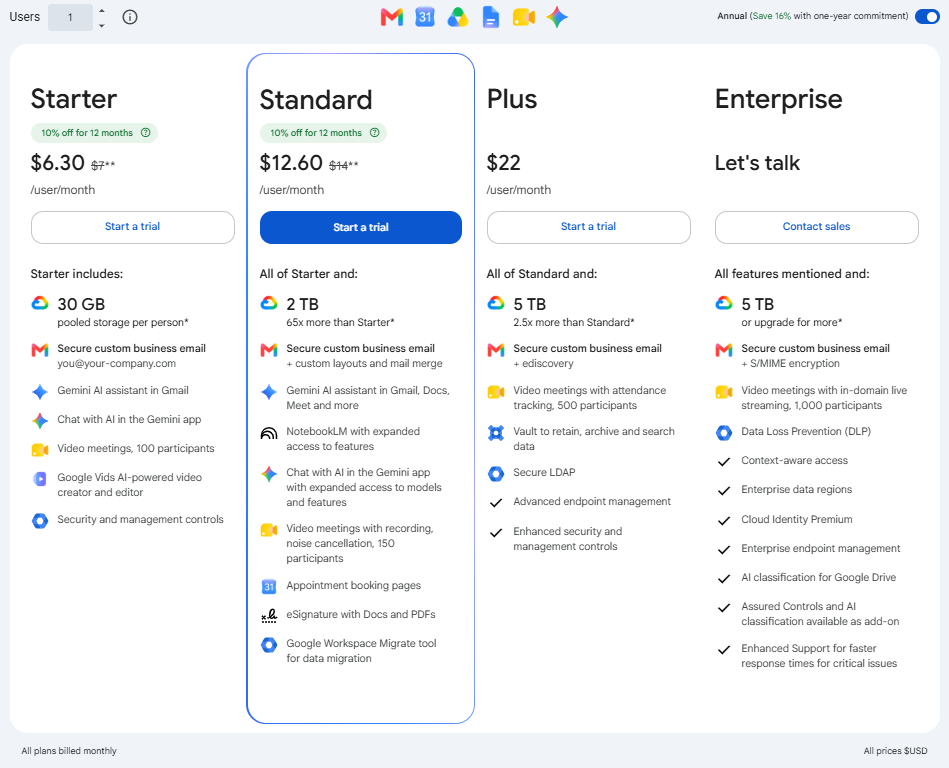
| Google Workspace | Teams that use Gmail, Drive, Docs, and Meet | $6.30/user/month annually for Business Starter | Familiar Gmail experience with Google productivity tools |
| Neo Mail | Startups, freelancers, and small businesses | $1.99/mailbox/month | Affordable business email with a domain, AI features, and a simple setup |
| Zoho Mail | Budget-conscious small businesses | Free plan in select regions; paid plans from $1/user/month | Affordable email hosting with strong admin controls |
| Hostinger Email | Businesses that also need hosting | Approx. $0.35/mailbox/month promotional pricing | Low-cost email hosting with domain and storage options |
| Proton Mail | Privacy-focused businesses | From $6.99/user/month annually | Encrypted email and privacy-first positioning |
| Fastmail | Teams that want independent email and calendars | From $4/user/month | Clean email, calendar, contacts, aliases, and custom domains |
Pricing can change by region, billing term, and promotional offer. Check each provider’s pricing page before publishing or purchasing.
(Image source: Google Workplace)
(Image source: Google Workspace)
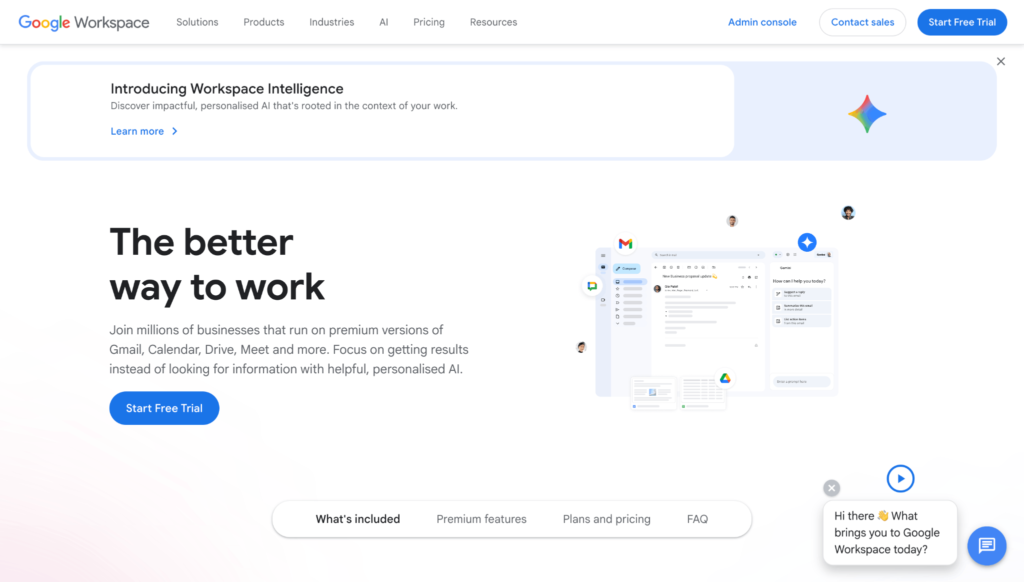
Google Workspace is a popular selection for businesses that already use Gmail, Google Drive, Google Docs, Google Sheets, and Google Meet.
Its biggest advantage is familiarity. Many users already know how Gmail works, which makes onboarding easier for teams. Google Workspace also gives businesses admin controls, shared storage, video meetings, and collaboration tools.
Google Workspace is best for businesses that want email hosting plus a full productivity suite.
Google’s Business Starter plan is listed at $7 per user/month on an annual or fixed-term plan, while Business Standard is listed at $14 per user/month and Business Plus at $22 per user/month. Business Starter, Standard, and plans support up to 300 users.
Choose Google Workspace if your team needs more than email. It is better for businesses that want cloud documents, shared drives, video meetings, and familiar collaboration tools.
It may not be the most affordable choice if you only need a basic business email.
(Image source: Neo Mail)
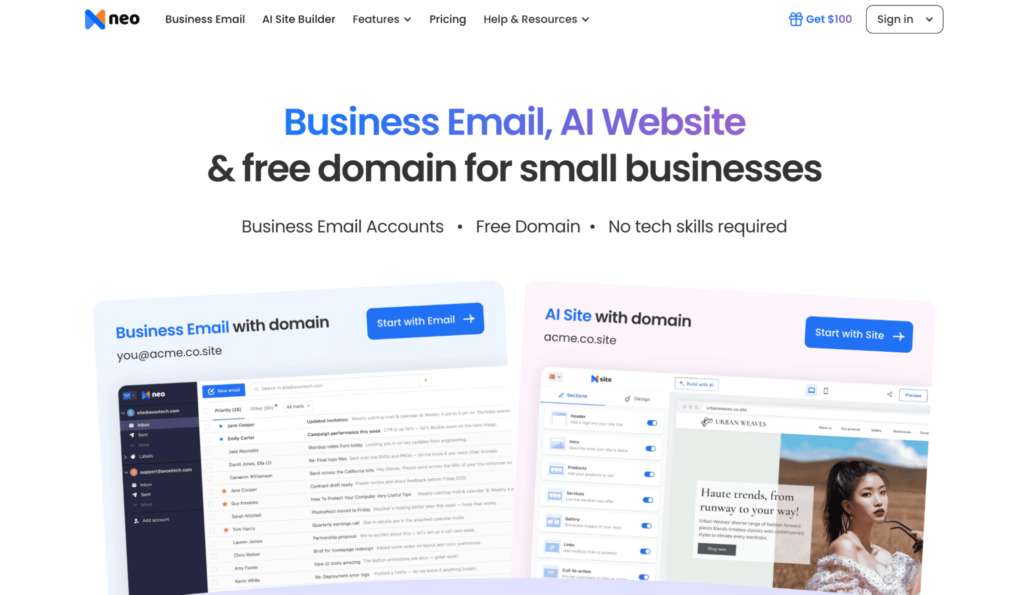
Neo Mail is one of the most practical email hosting services for businesses that want a professional email address without a complex setup.
It is built for startups, freelancers, small businesses, and solo founders who want business email, a domain, and a simple website presence in one place. Neo Mail’s pricing page highlights business email, free AI website builder, AI Smart Write, email tracking, priority inbox, flexible storage, email rules, webmail, mobile apps, security, personalized email addresses, and custom domains.
Small businesses that want to launch a branded online presence quickly should check out Neo Mail.
Neo Mail’s pricing is designed to be affordable. The pricing breakdown lists Starter at $1.99 per mailbox/month, Standard at $3.99 per mailbox/month, and Max at $7.99 per mailbox/month.
Neo Mail provides a simple and affordable business email setup. It lets you create a professional email address even if you do not already own a domain, making it useful for businesses that are just getting started.
It is also a good fit if your audience includes startups, solopreneurs, agencies, coaches, consultants, or service businesses that need to look professional without paying for a full productivity suite.
(Image source: Zoho Mail)
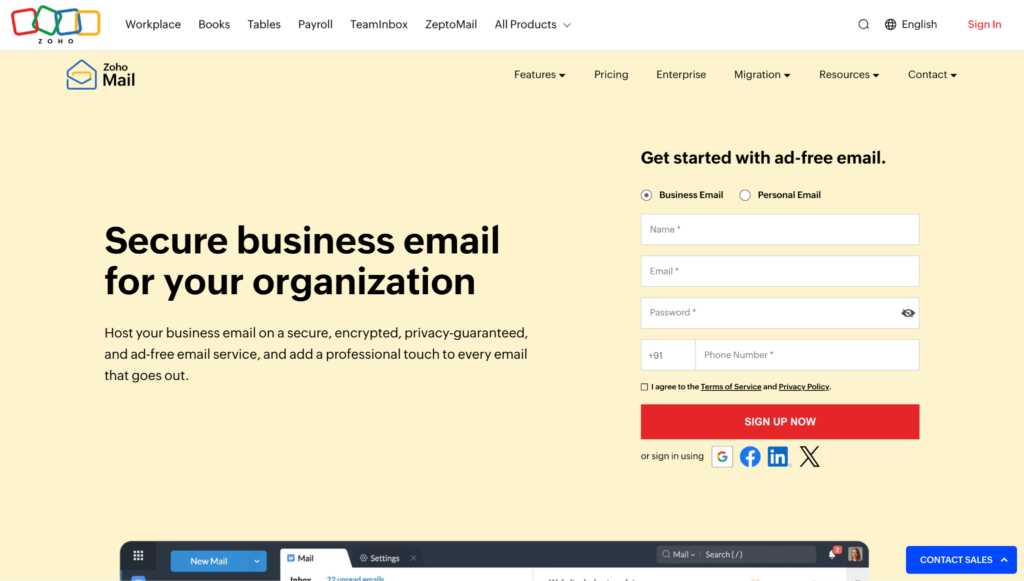
Zoho Mail is a budget-friendly business email hosting provider with strong admin features.
It is a good option for small businesses that want a professional email without paying for a full productivity suite. Zoho also delivers a broader workplace suite, so firms can expand beyond email if needed.
Zoho Mail is the top choice for small businesses that want affordable business email with solid controls.
Zoho Mail’s free plan supports email hosting for one domain and up to 5 users, with 5 GB of storage per user, though IMAP, POP, and ActiveSync are not included. Its paid plans start with Mail Lite at $1/user/month and Mail Premium at $4/user/month. Zoho also offers Workplace plans for businesses that need email and a wider range of productivity tools.
If affordability is your main priority and you want more business-focused controls than a basic personal email account offers, Zoho Mail is a winner.
It is especially useful for teams that want a professional setup but do not need Google or Microsoft’s full app ecosystem.
(Image source: Hostinger)
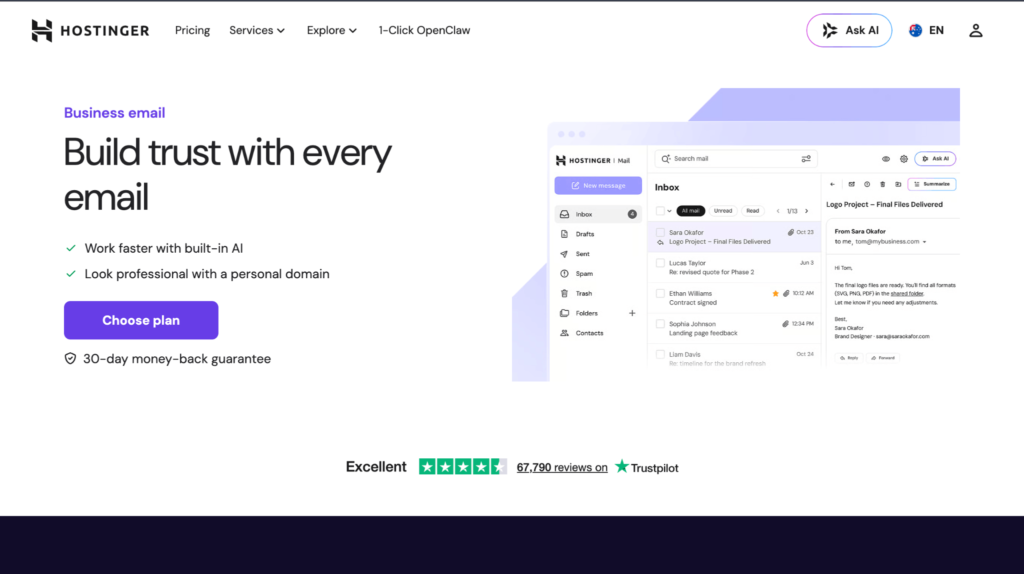
Hostinger Email is a practical choice for businesses that want email hosting alongside web hosting or domain services.
It is often attractive to small business owners building a website to include email in the same ecosystem.
Businesses that already use Hostinger for web hosting or want low-cost mailbox pricing should explore Hostinger Email before alternatives.
Hostinger’s Starter Business Email starts at approximately $0.30/month in promotional pricing, then renews at around $0.72/month. Its Premium Business Email plan starts at approximately $0.82/month and renews at around $1.86/month.
Choose Hostinger Email if you want a low-cost email hosting option and prefer to keep your website, domain, and email with one provider.
It is less ideal if you need advanced collaboration tools like Google Docs or Microsoft Teams.
(Image source: Proton Mail)
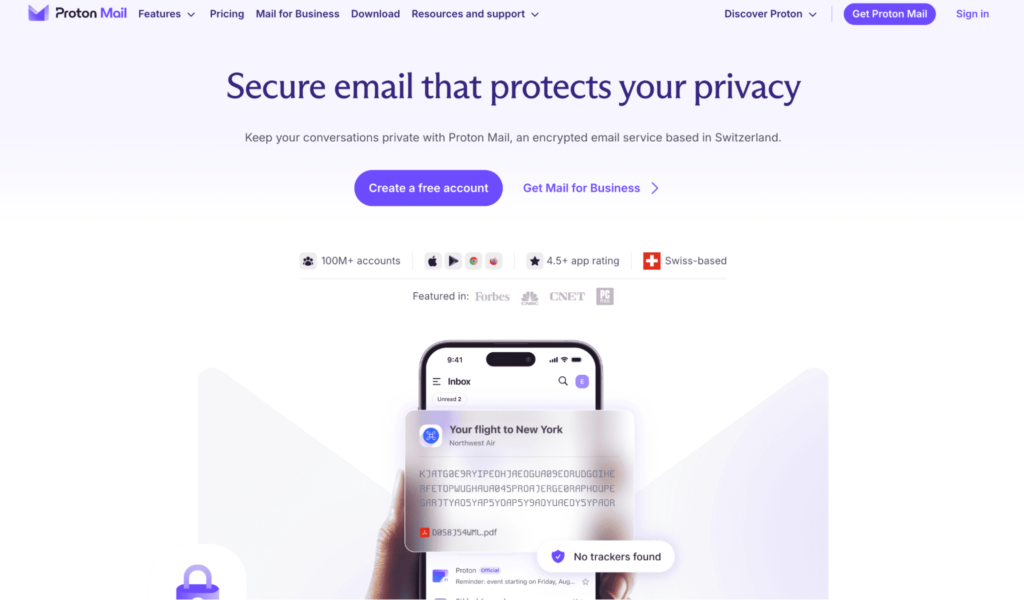
Proton Mail is a privacy-focused email hosting provider based on encrypted communication.
It is a good fit for businesses that process sensitive communication or want a privacy-first alternative to major technology ecosystems.
Proton Mail is ideal for consultants, legal teams, privacy-conscious startups, and businesses that want encrypted email.
Proton Mail’s business plans start at $6.99/user/month when billed annually. It offers encrypted business email and is trusted by over 100 million users and organizations.
Businesses choose Proton Mail when privacy matters more than deep app integrations.
However, it may not be the best fit if your team needs built-in document collaboration like Google Docs or Microsoft Office.
(Image source: Fastmail)
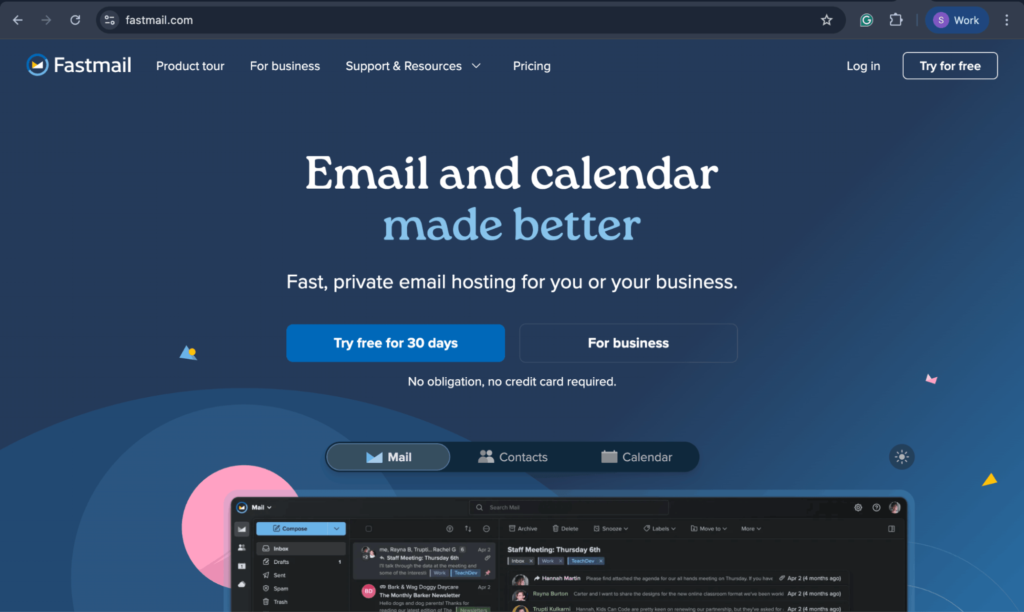
Fastmail is an independent email and calendar provider for businesses that want professional email without using Google or Microsoft. It offers custom-domain email, aliases, calendars, contacts, and clean-inbox tools for simple business communication.
It also supports shared calendars and role-based email aliases, rendering it practical for small teams that want organized commercial communication.
Teams that want private business email, calendars, contacts, aliases, and admin controls in a focused email platform find everything they need in Fastmail.
Fastmail’s Business Basic plan starts at about $2.88/user/month when paid yearly. Its standard plan costs about $4.80/user/month, while the professional plan costs about $8.64/user/month.
Consider Fastmail if you want a focused business email provider with privacy-friendly features, shared calendars, and fewer distractions.
It is not the best option if you want a bundled website builder, office suite, or video meeting platform.
The best email hosting services for businesses are not always the most expensive ones. The right choice depends on what your business actually needs.
Choose based on your business size: If you are a freelancer, consultant, or early-stage founder, you may not need a full productivity suite. Neo Mail, Zoho Mail, Hostinger, or any of these can be enough. If you manage a growing team, Google Workspace may make more sense because it includes collaboration tools, storage, meetings, and admin controls. As that team grows and more people need admin access to its mailboxes, a password manager for IT teams keeps those logins in one controlled place.
Choose based on setup complexity: Some providers are easier for beginners. Neo Mail is useful when you want an email, a domain, and a simple website presence all in one place. Hostinger is convenient if you are also setting up web hosting. Google Workspace is powerful, but it may involve more setup decisions for smaller teams.
Choose based on security needs: If your business handles sensitive information, prioritize security features such as two-factor authentication, encryption, retention, admin access, and recovery options. Proton Mail is strong for privacy-focused teams. Google Workspace delivers broader business security controls, especially in higher-tier plans.
Security is especially important because the FBI’s 2024 Internet Crime Report recorded $16.6 billion in reported losses, while IC3 data shows complaint-reported losses rising from $4.2 billion in 2020 to $16.6 billion in 2024.

(Image source: IC3 Report)
If password security is also on your email security checklist, this guide from Login LockDown can serve as an additional reference.
Choose based on total cost: Look beyond the first-month price. Check renewal pricing, storage limits, mailbox limits, user pricing, domain costs, and whether you need separate tools for websites, meetings, storage, or AI writing. For example, a low-cost email plan may become less attractive if you still need to buy a domain, website builder, and extra collaboration tools separately.
Choosing an email hosting provider is only part of the equation. After mailboxes are set up, businesses also need a clear process for internal announcements, employee updates, and team-wide communication. Internal email communication platforms like HubEngage can support that layer by helping teams manage newsletters, company updates, and engagement tracking separately from everyday inbox activity.
The best choice depends on whether your business needs email only or a broader work platform. If you only need a professional inbox, a focused provider can keep costs lower and set up simpler.
If your team also needs documents, storage, meetings, calendars, and admin controls, a full productivity suite may be worth the higher monthly cost.
For most startups, freelancers, and small businesses, Neo Mail is a strong first choice because it offers affordability, custom-domain email, AI writing, email tracking, and a simple setup.
For businesses that need full work tools, Google Workspace is a better option. It costs more, but it includes documents, storage, meetings, and collaboration tools.
For budget-focused teams, Zoho Mail and Hostinger offer practical email hosting at lower entry prices. For privacy-first teams, Proton Mail and Fastmail are worth considering.
The simplest way to decide is to start with your main priority:
Business email is more than a mailbox. It shapes how customers see your brand, how your team communicates, and how easily you manage day-to-day conversations.
If you are just starting, choose an email hosting service that keeps setup simple, gives you a professional domain-based address, and fits your budget.
Once you choose a provider, document who manages admin access, how new mailboxes are created, and which security settings your team should use, so your business email setup stays consistent as your team grows.
If your team also publishes business content from Google Docs, sign up for Wordable to move drafts into WordPress faster without fixing formatting.
For small businesses, Neo Mail is a strong option because it offers affordable business email, support for custom domains, AI-powered email tools, and a simple setup process. Zoho Mail and Hostinger are also good, cost-effective options.
Yes. Business email hosting lets you use your own domain name, manage team accounts, set up aliases, improve branding, and access business-focused security and admin features. Free personal email accounts are not designed for professional team communication.
Business email hosting can start from a few dollars per mailbox per month, depending on the provider, billing term, storage, and included tools. Low-cost providers like Neo Mail, Zoho Mail, and Hostinger are often more affordable than full productivity suites like Google Workspace or Microsoft 365.
Yes, you need a domain to create a professional email address, such as hello@yourbusiness.com. Some providers, including Neo Mail and Hostinger, offer domain-related options with selected plans.
Google Workspace is better if your team prefers Gmail, Google Drive, Docs, Sheets, and Meet. Microsoft 365 is better if your team uses Outlook, Word, Excel, PowerPoint, and Teams. Both are better suited for businesses that need productivity tools in addition to email hosting.