


AI agents are everywhere right now. And for good reason.
Marketers, agencies, and website owners are using them to automate workflows that used to take hours or entire teams. What’s changed isn’t just the models, but the tools around them.
AI agent builders now let non-technical users create systems that plan tasks, call APIs, and recover from errors without writing a single line of code. That shift is turning AI from a one-off assistant into a full workflow layer.
The question is which platform actually works for your use case.
Here’s a quick breakdown of what matters before we get into the tools.
Highlights
An AI agent builder is a tool that lets you create intelligent agents. These agents can think, plan, and take action on their own.
A basic automation tool just follows rules. If A happens, do B. An AI agent is different. It uses large language models and generative AI to understand what you need, figure out the steps, make API calls to external tools, and adjust when things go wrong. A customer support AI agent works exactly this way, resolving an entire query queue without a human touching each ticket.
Agent builders make this accessible. You do not need to write complex code. You describe what you want, and the platform builds the logic for you. If you want a deeper look at how content automation fits into this picture, Wordable’s content automation guide is a great place to start.
Here are some things AI agents can handle today:
The best platforms on this list do all of this without requiring any coding knowledge.
Before picking a platform, ask yourself these questions. They will save you a lot of time.
If you need three days of tutorials just to build one agent, that tool is not right for you. Look for platforms with drag-and-drop interfaces, templates, and guided setup flows. You should be able to launch your first agent in under an hour.
The best AI agent builders let you choose your model. GPT, Claude, Gemini, or open source frameworks like Mistral. Different tasks need different models. Flexibility matters, and so does choosing the right AI tools for your stack before committing to a platform. You also want strong API management and integrations with the tools you already use.
If you need custom solutions, companies like Launchpad help businesses design, deploy, and scale intelligent workflows tailored to their needs. Their expertise can accelerate implementation while ensuring your AI agents integrate seamlessly with existing systems.
Autonomous agents will make mistakes. That is just reality. Good platforms let you add review steps and approval gates before an agent takes action. Look for security features like RBAC (Role-Based Access Control) too, especially if your agents handle sensitive data. Prompt injection protection is another thing worth checking.
You need to know when something breaks. Look for platforms with clear logs, observability data, and error alerts. Without this, a broken workflow can run silently for days before you notice. For a broader look at how to build a reliable content workflow around these tools, check out Wordable’s 2026 content workflow guide.
The business impact of AI agents is already measurable. According to PwC’s AI agent survey research, 66% of organizations report increased productivity, 57% report cost savings, and 55% report faster decision-making.
These outcomes make factors such as pricing, reliability, and scalability critical when evaluating these platforms.
That is why cost structure and performance need to be evaluated based on real workflow volume, not just initial setup.
With those criteria in mind, the platforms below stand out for different reasons depending on your team’s technical level and workflow needs.
Here are the platforms that actually deliver. Each one was chosen based on usability, integration depth, and real agentic automation capabilities.
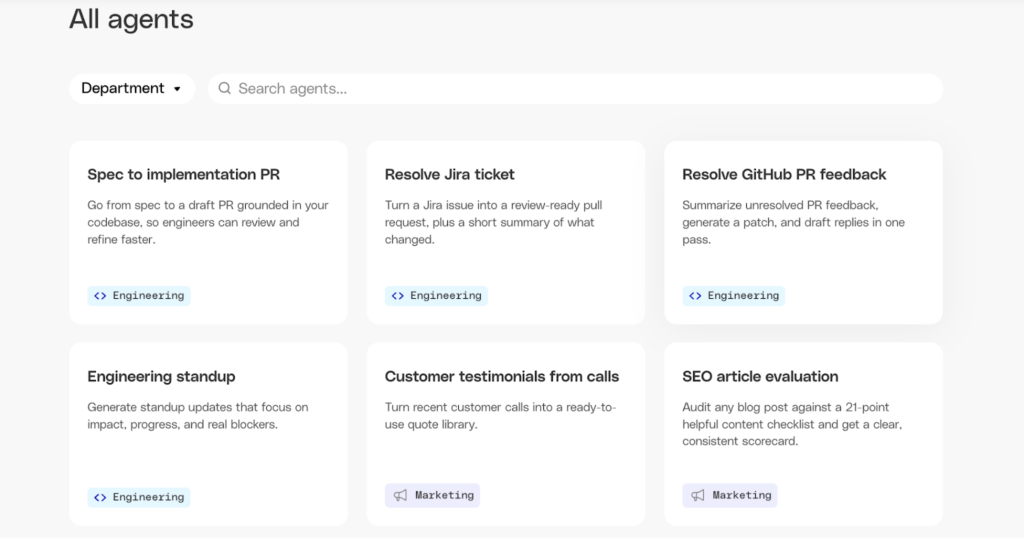
Best for: Enterprise teams who need agents grounded in their own company knowledge
Pricing: Custom pricing; contact for a demo
Glean is built around the knowledge your company already has – inside Slack, Google Drive, Confluence, Salesforce, and hundreds of other tools your team already uses.
Its Agent Builder lets you create agents that search, reason, and act across all of that internal context. RBAC, data permissioning, and Agent Governance are baked in from the start, so agents only surface information the user is already allowed to see.
It also supports Agent Orchestration, enabling chaining of multiple agents into larger multi-agent workflows. LinkedIn, Duolingo, and Okta are among the companies using it in production.
If your priority is agents that understand your business, not just the web, Glean deserves a spot on your shortlist.
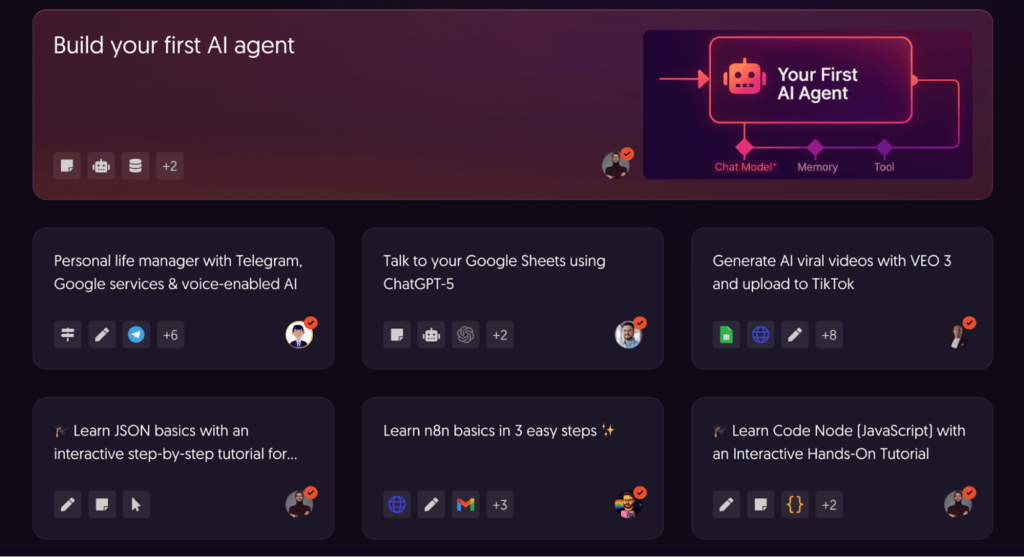
Best for: Technical teams who want open-source flexibility and self-hosting
Pricing: Self-hosted version is free; n8n Cloud from $20/month
n8n is an open source framework that started as a Zapier alternative. It has grown into one of the most capable agent builder platforms for technical teams.
It supports large language models, vector databases, and knowledge graphs as part of your agent’s reasoning setup. You can build complex multi-agent workflows inside a visual interface.
The self-hosted option is what makes n8n special. You run it on your own infrastructure. No data leakage. Full control. This is ideal for teams with strict compliance needs.
It is not beginner-friendly. But if you have a developer on your team, n8n gives you a level of control-flow logic that few other platforms can match.
This makes n8n a strong choice for teams that need full control over infrastructure and agent behavior.
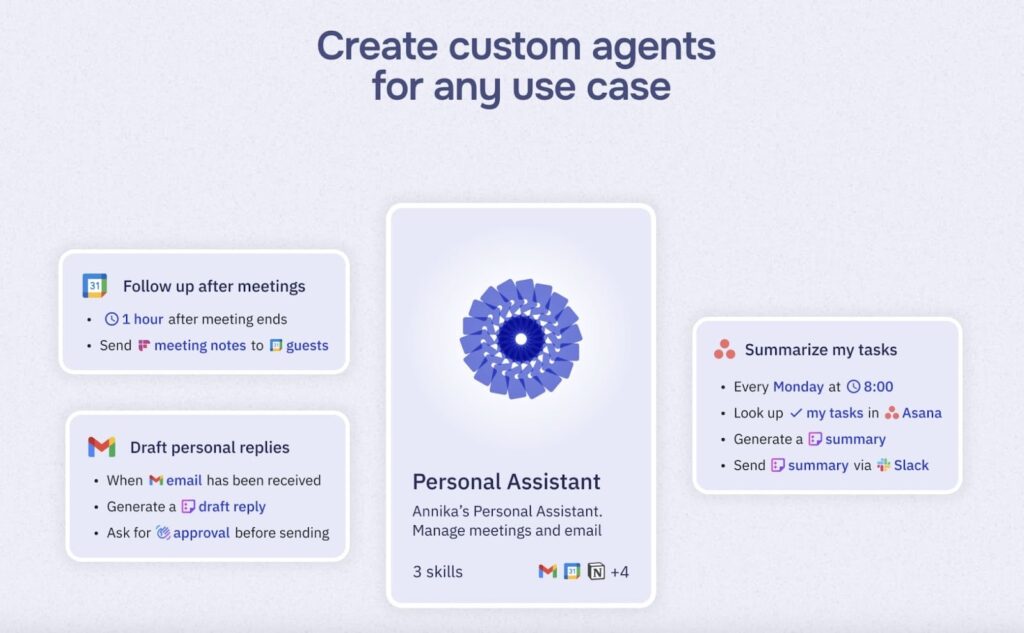
Best for: Non-technical users who want strong human-in-the-loop controls
Pricing: Free plan available; paid plans from $9/month
Relay.app is built for people who are not developers. It is clean, simple, and fast to get started with.
You can build a working AI agent in under 30 minutes. No coding required.
What sets it apart is human-in-the-loop control. You can add approval steps and review gates directly inside your agent deployment workflows. Agents do not act until a human signs off.
This is a great fit for marketing and ops teams, where agent outputs need to be checked before they go live. The integration library covers most of the tools teams use daily.
If you want something polished and easy to trust, Relay.app is a great place to start with intelligent agents.
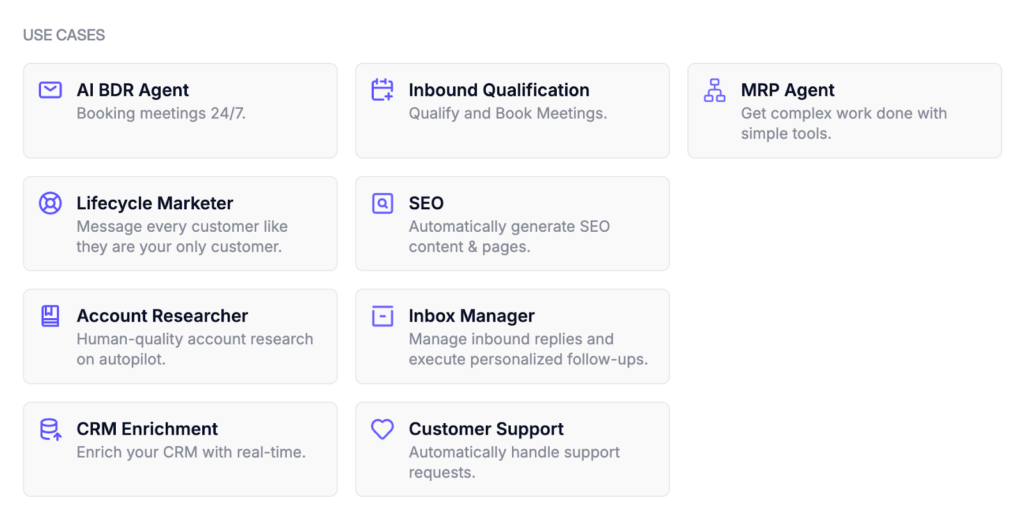
Best for: Operations teams automating support, reporting, and lead research
Pricing: Free plan available; paid tiers vary by usage
Relevance AI is made for ops teams who want generative AI solutions without needing an engineering team.
It shines at business process automation. Think customer support agent routing, report generation, and lead enrichment. Tasks where output quality and consistency matter.
Non-technical users can start with pre-built templates. Developers can extend those templates with custom logic and API management. It grows with you.
Performance monitoring and dashboards are strong here. You can see exactly what your agents are doing and catch problems early.
The only downside is that pricing tiers can feel a bit confusing. Map out your usage before you sign up.
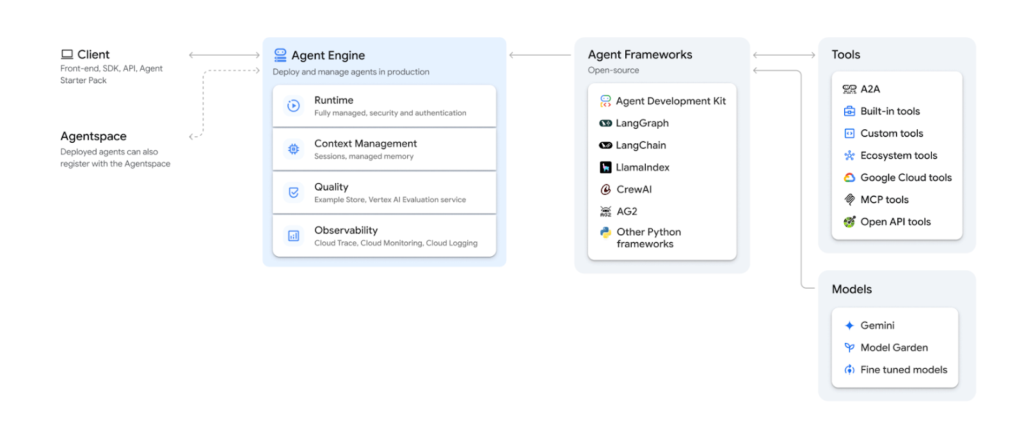
Best for: Enterprises on Google Cloud who need production-grade agent deployment
Pricing: Pay-as-you-go via Google Cloud pricing
Vertex AI Agent Builder is Google Cloud’s enterprise-grade AI agent builder. It is built for teams that need scale, reliability, and deep infrastructure control.
It gives you access to Google’s Model Garden and Gemini Enterprise models. You also get Vertex AI Search, which lets agents pull from structured and unstructured data using Retrieval-Augmented Generation and knowledge graphs.
Agents can search across Google News, Google Maps, and your own internal data at the same time. This makes it powerful for customer support agents and Gen AI applications that need broad, accurate answers fast.
The Agent Engine and Agent Development Kit give developers precise control over agent deployment. The A2A (Agent-to-Agent) protocol makes it easy to build systems in which AI agents hand off tasks to one another.
This is not a beginner tool. It is built for IT leaders and engineering teams comfortable with Google Cloud. But for enterprises running generative AI solutions at scale, it is one of the most capable platforms available.
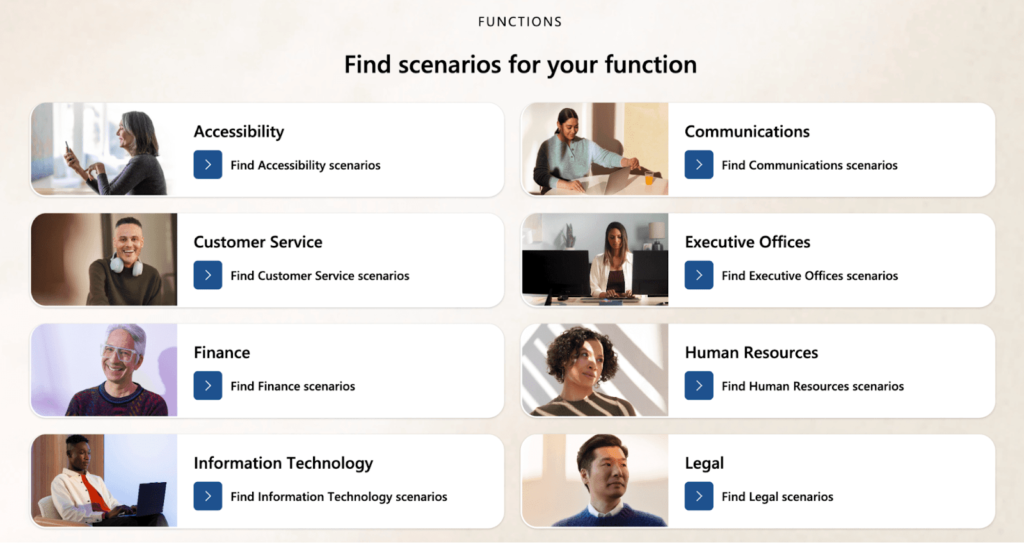
Best for: Organizations already in the Microsoft ecosystem
Pricing: Tied to Microsoft Copilot licenses; Copilot credits apply per usage
Already using Microsoft Teams, Dynamics 365, or the Power Platform? Then Copilot Studio is built for you.
The builder is no-code and guided. It supports embedding chat experiences into existing Microsoft tools. It also integrates with Azure OpenAI, giving you access to powerful generative AI within a governed, enterprise-safe environment.
Non-technical staff can build intelligent agents that live inside Teams or Outlook. No coding needed.
The catch is vendor lock-in. Agents built in Copilot Studio do not move easily to other platforms. If you are not already in the Microsoft ecosystem, the setup cost is high, and the payoff is lower.
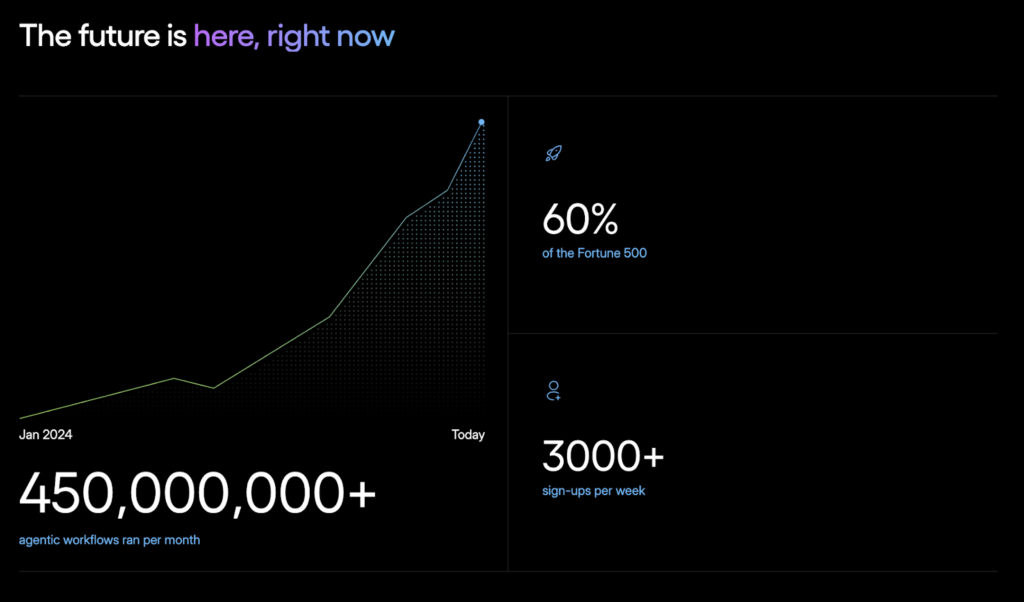
Best for: Developers building multi-agent workflows with specialized roles
Pricing: Open-source (free); enterprise plans available
CrewAI is built around a simple but powerful idea. Instead of one AI agent doing everything, you build a crew of specialized agents that work together.
Each agent gets a role, a goal, and a set of tools. Then you define how they hand off tasks to one another within multi-agent workflows.
This works really well for complex tasks. A researcher agent gathers information. A writer agent turns it into content. An editor agent polishes the final output. CrewAI structures agent-based systems to match how AI is already reshaping content-creation workflows.
CrewAI supports a wide range of large language models, including Deepseek’s R1. You are not locked into one provider.
You do need to know how to code. This is not a no-code tool. But for developers who want serious agentic automation without vendor dependency, CrewAI is hard to beat.
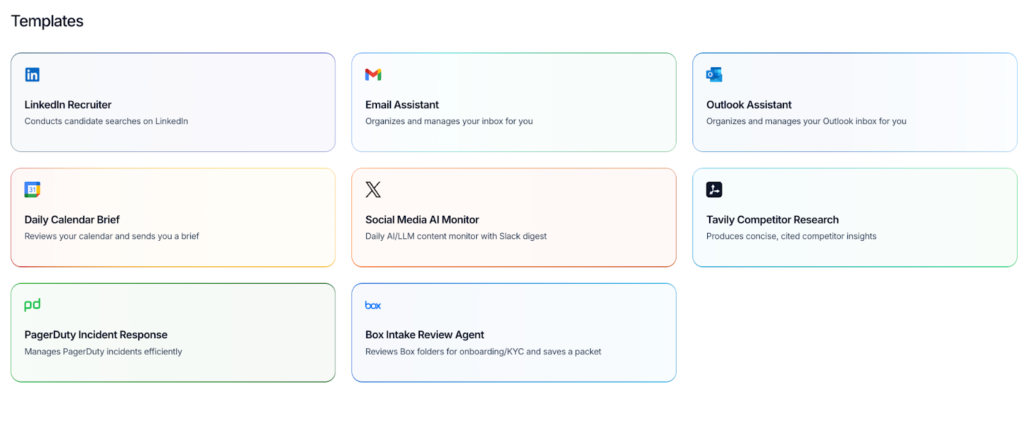
Best for: Developers who need full control over how their AI agents think and act
Pricing: Open-source (free); LangSmith available on paid tiers
LangChain is one of the most widely used open-source frameworks for building AI agents. Its LangGraph extension is designed specifically for stateful, multi-step agent workflows.
The ecosystem is massive. You can connect to any major large language model, elastic vector database, or API management layer. It works with AWS Bedrock and Azure OpenAI out of the box.
LangSmith adds production-grade observability. You can trace every agent run, use trace graders to check output quality, and debug issues with real precision. It is one of the best tools available for developing Gen AI applications.
Be honest with yourself about the learning curve here. This is a developer tool. Setting up a solid agent deployment takes real engineering effort.
But if you are building a serious AI-driven platform and need total control over your agents, LangChain gives you that. Nothing else on this list comes close to pure technical depth.
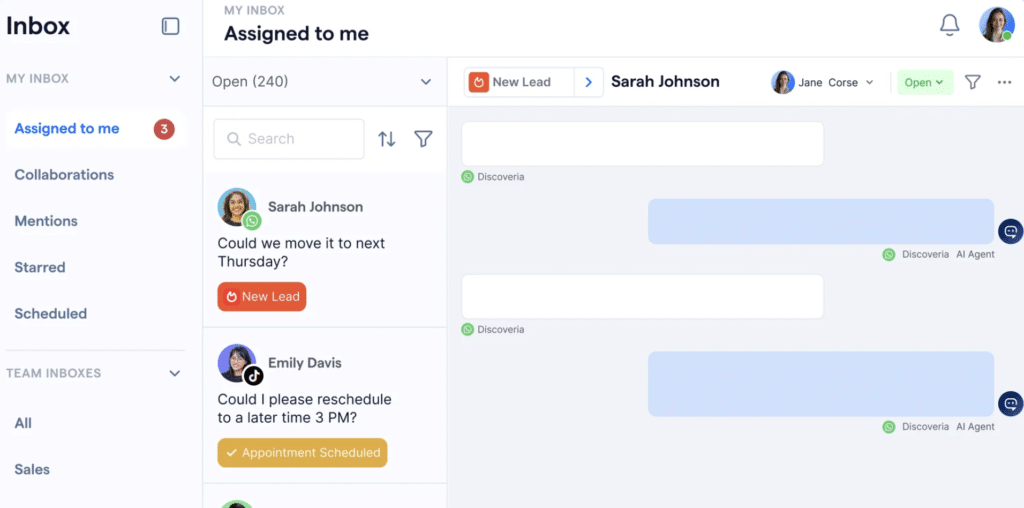
Best for: B2C teams building AI agents for customer conversations across sales, support, and retention
Pricing: Free plan available; Pro AI from $99/month; Premium AI from $299/month; Enterprise plans available
SleekFlow is built for teams that want AI agents inside the channels their customers already use. WhatsApp, Instagram, Messenger, SMS, website live chat, email, and calls can all sit in one AI operating system.
At the center of the platform is AgentFlow, SleekFlow’s AI GTM workforce for revenue-driving conversations. It can help qualify leads, support customers, recommend next steps, and keep customer journeys moving without turning every workflow into a developer project.
This makes SleekFlow a strong fit for retail, e-commerce, real estate, financial services, and other B2C teams with high conversation volume. You also get practical business features around broadcasts, Flow Builder automation, analytics, webhooks, API calls, role-based access, and custom integrations on higher-tier plans.
The main thing to watch is setup depth. Teams with more advanced channel logic or custom integrations may need time to map their workflows properly, especially on larger deployments.
There are a lot of great options here. The right one depends on three things.
Not a developer? Stick with Relay.app, Relevance AI, or Microsoft Copilot Studio. They are built to be approachable. Have a developer on your team? n8n, LangChain, and CrewAI will give you far more power and flexibility for building custom generative AI solutions.
Marketing and content work? Go with Relay.app. Teams can also learn how to build AI agents for marketing around recurring tasks such as campaign analysis, data comparison, and report generation. Operations and support? Relevance AI is a strong fit. Building an AI-driven platform for enterprise use? Look at Vertex AI Agent Builder or LangChain. Multi-agent workflows with specialized roles? CrewAI was made for that.
Open source frameworks like n8n, LangChain, and CrewAI give you full ownership. Your code, your infrastructure, your rules. Proprietary tools are easier to get started with, but can get expensive or restrictive as part of a long-term AI strategy. Think about where you want to be in two years, not just next month.
Choosing the right AI agent builder comes down to matching the tool’s capabilities to your team’s workflow and technical constraints.
AI agent builders have come a long way. The best ones in 2026 are not just dressed-up automation tools. They are capable of running real, complex multi-agent workflows that used to require full engineering teams.
For marketers and content teams, Relay.app is the fastest path to getting started. For technical teams, n8n, LangChain, and CrewAI give you serious depth. For enterprises with significant infrastructure needs, Vertex AI Agent Builder and Microsoft Copilot Studio provide the security features and agent deployment capabilities that IT leaders need.
Teams seeing the best results are starting with a single defined workflow, closely measuring output quality, and expanding from there.Once your workflows are producing consistent output, the next bottleneck is usually publishing. Wordable helps teams move content from Google Docs to WordPress with clean formatting, so you can turn AI-assisted workflows into a scalable publishing system without manual cleanup.