


Your emails can have strong subject lines and the right readers and still land in spam. Often the reason is your sender reputation score, the trust rating mailbox providers like Gmail, Outlook and Yahoo give your domain and IP address.
A good reputation helps your email reach the inbox. A bad one gets it filtered to spam or blocked. This guide explains what the score is, what affects it, and how to check and improve it.
A sender reputation score shows how trustworthy you look to mailbox providers. They watch how you send email, then decide if a message goes to the inbox, to spam, or gets rejected.
Your reputation is tied to your sending domain, your IP address, or both. Domain reputation generally follows you even if you change email service providers. IP reputation belongs to the mail server’s IP, so on a shared IP other senders can affect it.
Each provider uses its own filters and data points, so a reputation check tool may not match what Gmail sees. Treat the score as a group of trust signals, not one number that promises inbox placement.
Mailbox providers look at many signals together. These are the ones that matter most.
Every time someone marks your email as spam, providers count it against you. Google’s email sender guidelines ask senders to keep the spam rate below 0.10% and to avoid 0.30% or higher.
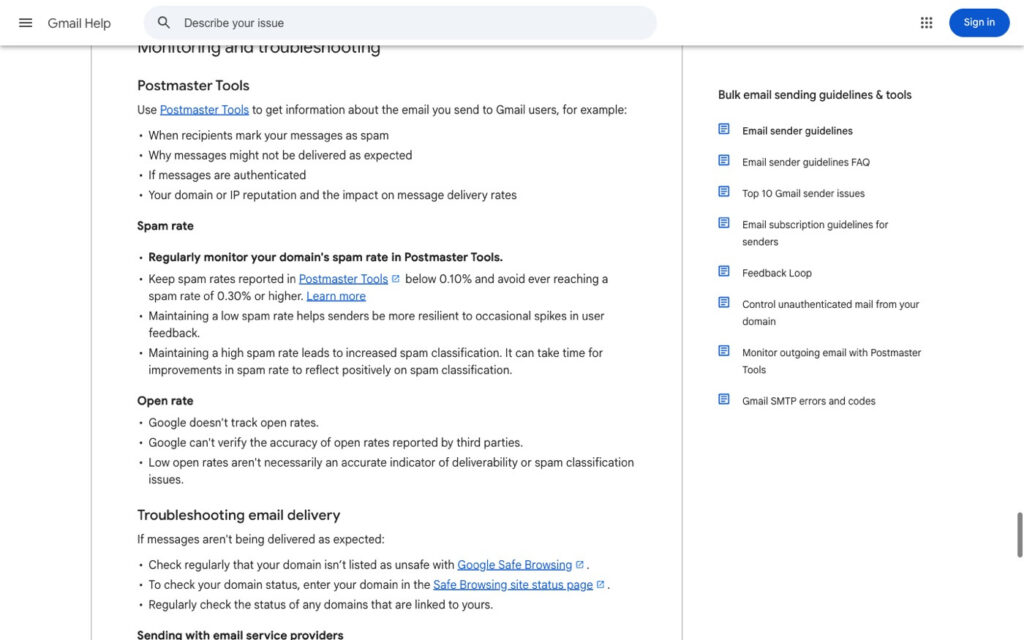
Source: Gmail Help, Email sender guidelines
SPF, DKIM and DMARC prove a message really comes from you. Missing or broken DNS records make your email look risky, and Gmail requires all three for bulk senders (5,000+ emails a day), though DMARC can start at p=none. The DMARC overview explains how the three work together.
Old contacts, fake addresses and spam traps raise your bounce rates and tell providers you don’t manage your list. Sending to 5,000 people who want your email beats sending to 50,000 unchecked addresses. If you need a bigger audience, grow your email list with people who opt in.
A new domain that jumps from 100 emails a day to 10,000 looks like a spammer. Raise volume slowly and keep a steady pattern.
Misleading subject lines and shady links hurt trust. Replies, clicks and low complaint rates help it, so write email content people want to click.
No one tool shows the full picture. Use a mix of provider reports, monitoring and DNS checks.
Add and verify your domain in Google Postmaster Tools. It shows your Gmail spam rate, authentication results, delivery errors and whether you meet Gmail’s sender rules. It only covers Gmail, so pair it with other checks.
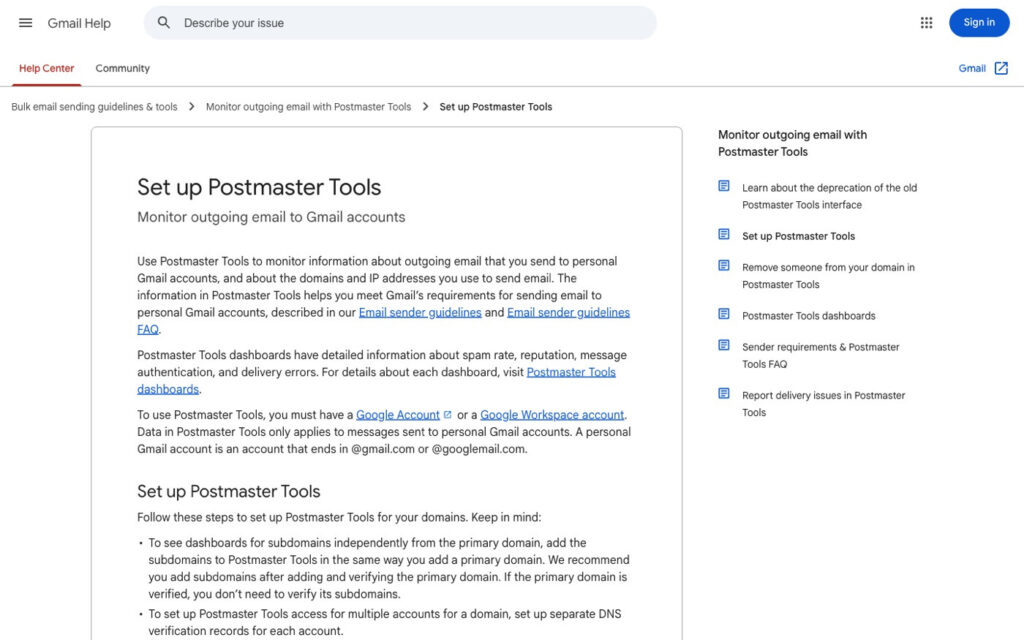
Source: Gmail Help, Set up Postmaster Tools
Microsoft’s Smart Network Data Services shows how Outlook sees your sending IP. Validity’s Sender Score rates an IP address from 0 to 100, and most deliverability teams treat 80 or above as good.
EmailPond tracks reputation, inbox placement and sender health across your domains from one dashboard. It also warms up Google Workspace and Microsoft 365 inboxes and alerts you when your reputation data changes, which helps agencies that manage many client domains.
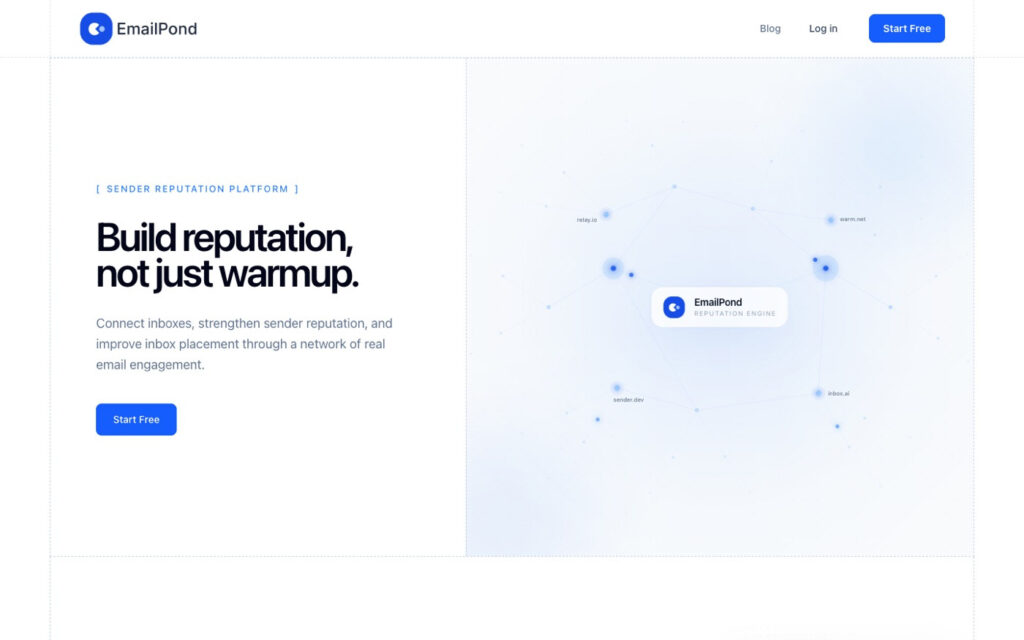
Source: EmailPond
Run a DNS lookup on your domain and confirm all three records exist and align with your From domain. Fix this before any large send, since a record can exist and still fail.
Run your domain or IP address through a blacklist checker. A listing can block your mail at many providers at once, so investigate the cause before you send again.
Fixing a low score takes weeks, not a single setting change. Focus on the habits that caused the drop.
Start with your list. Remove hard bounces, unsubscribes and contacts who haven’t engaged in months, and never buy lists.
Next, make unsubscribing easy. Gmail and Yahoo’s sender best practices require one-click unsubscribe for bulk marketing email and ask you to honor requests within two days. An easy exit keeps annoyed readers from hitting the spam button.
Then keep volume steady and email only people who expect to hear from you. Our guide to email marketing strategies covers ways to stay relevant without sending more.
Finally, check your signals every week. Log big changes like new domains, list imports and volume jumps so you can link a drop to its cause. Teams in regulated fields face stricter checks, as this look at email deliverability in fintech shows.
Your sender reputation score decides whether your email reaches the inbox. Mailbox providers judge you on complaints, authentication, list quality and how you send.
Check your signals often, fix problems early, and send email people want. A healthy reputation follows from responsible habits, not from one good number.
Google Postmaster Tools, Microsoft SNDS and Validity’s Sender Score lookup are all free. Together they show how Gmail and Outlook see your sending, though none of them gives one complete score.
Partly. Third-party scores like Sender Score can be looked up by anyone, but the reputation data Gmail and Outlook use to filter mail stays private.
On Sender Score, 80 or above is generally considered good, and a lower number is a sign to look at complaints and bounces. In Postmaster Tools, aim for a spam rate under 0.10% and passing authentication.
Check weekly if you send often, and always before and after a big campaign. Check right away if your open or reply rates suddenly drop.