


Researching WordPress alternatives?
I don’t blame you. In 2026, there are tons of options you can choose from when planning your website or blog. The trick is finding one that meets most of your goals. (Cuz let’s face it, no platform’s perfect.)
Keep reading for a lowdown on seven WordPress alternatives you should consider in 2026. 👇
Highlights
You’ve probably already heard of WordPress or have used it. But for the newbies: WordPress is a content management system (CMS) with an endless array of template libraries and plugins. It’s very popular among bloggers, website owners, and people who need a portfolio site. It’s not a headless CMS, which can be a pro or a con depending on your needs.
While WordPress is a solid CMS platform, it’s not a perfect go-to.
Here’s why WordPress alternatives are sometimes the better choice. 👇
I’ve had several WordPress websites.
And as much as I tried to love WordPress, I always ended up breaking my site. I’m not a developer …
Not only that, but security was always an issue. One of my websites suddenly had thousands of spammy comments overnight. 🤦🏻♀️
Security is a major concern, mostly because it’s hugely popular (WordPress powers millions of websites). This makes it a prime target for hackers.
Ever heard of the famous 2016 Panama Papers Leak? 2.6TB of data and 11.5 million documents were exposed from a WordPress website. Simply due to a late update on the Slider Revolution plugin!
Anyway, I had three options:
I chose the third.
Here are some solid WordPress alternatives you can choose from in 2026. I personally use Ghost!
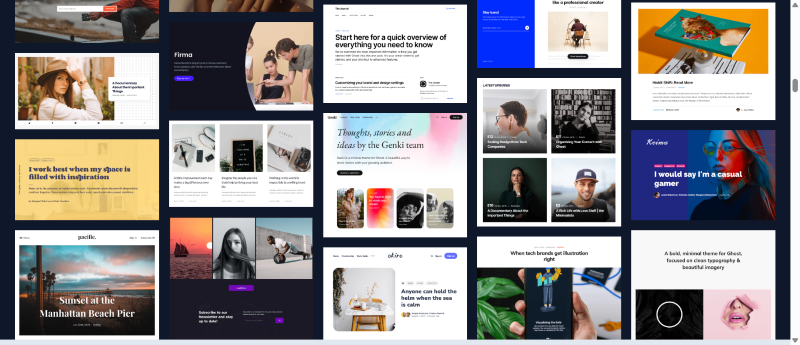
Ghost Websites
It’s so easy to get up and running with Ghost CMS. The entire website-building process feels intuitive. And there’s no code. (Though you can inject custom code if you want!)
Just choose a template, add an icon or custom logo, pick your colors, and tweak the web design. It doesn’t have a drag-and-drop interface. You simply click on the setting you need in the admin panel, and then make your adjustments. Or use the sliders to turn features on or off.
I also really like that it has built-in website analytics tools. In fact, it’s the first thing that pops up when you sign into your Ghost site, so you can instantly track your website visitors and members.
Speaking of members, you can offer paid tiers.
Pros:
Cons:
Pricing: Plans start at $18 per month.
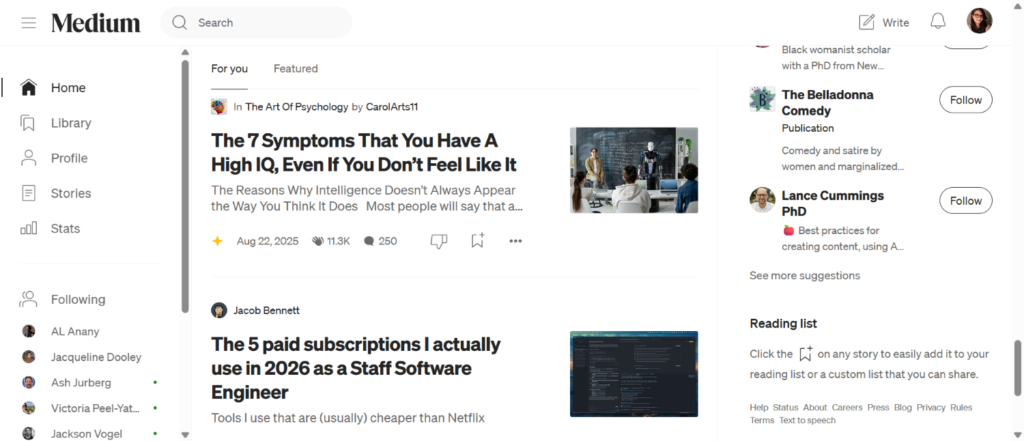
Need a place to publish your writing portfolio or start a simple blog? Check out Medium.
Medium is strictly a blogging platform, so if you’re not looking for anything else, it may be the best option for you. You’ll need to market your Medium blogs elsewhere, but you’ll find this publishing platform a great place to get going with content quickly.
(I recommend it to all of my freelance writing coaching clients who are newbie writers.)
Medium also has its own community. You can follow other creators and engage with their posts. Engagement features include “claps,” social media shares, saves, listens, and replies. If you sign up for the Medium Partner Program, you can also earn money on eligible stories when readers engage with your posts.
Pros:
Cons:
Pricing: Use Medium for free or choose a paid membership starting at $5 per month.
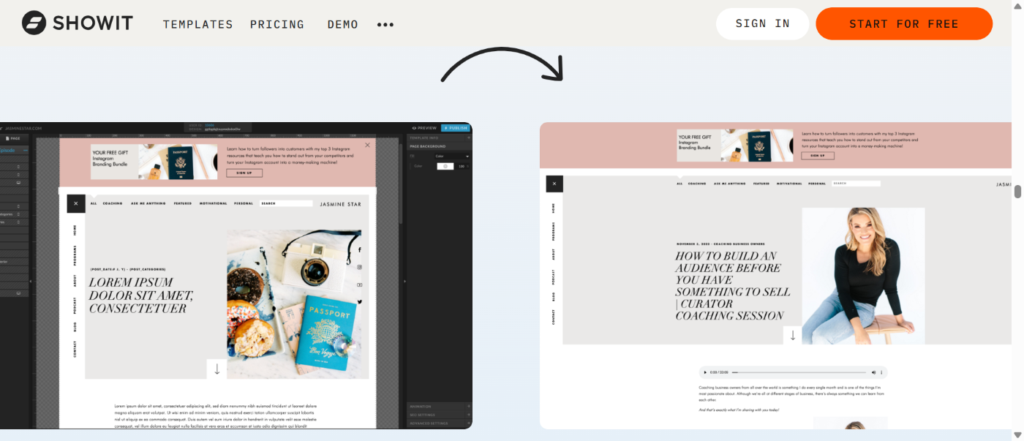
Showit isn’t a full WordPress alternative if you need a blog. But if beautiful animation or ultra website customization is a priority, Showit’s a fantastic option.
Showit can function without WordPress for static, portfolio-style websites. But it uses WordPress specifically for blogging functionality. You can choose a Showit plan without a blog, or use the integrated WordPress setup to handle content. (In other words, you’ll design in Showit and post in WordPress.)
It has a very handy drag-and-drop interface, a photo editor, and interactive elements (without plugins). Creators love it for its super unique designs and the option to do whatever TF you want. 💪
Pros:
Cons:
Pricing: Plans start at $27 per month.
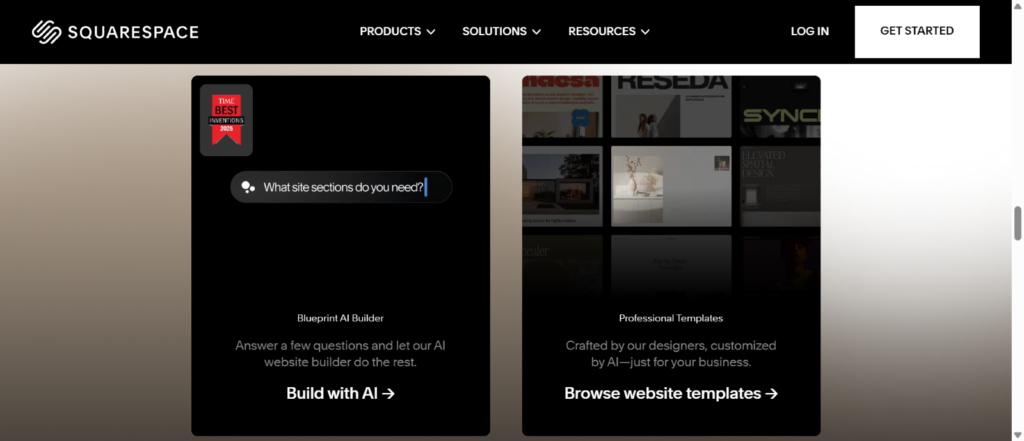
Building with AI
Digital Marketing Expert Jenna Kutcher refers to Squarespace as a “pretty prison” 😂 and I get it.
“When I tried to customize a Squarespace template for a client’s rebrand, I hit wall after wall. Want to move that sidebar? Nope. Change the header layout? Not happening. Create a custom sales page that doesn’t look like everyone else’s? Good luck,” Jenna says.
It has gorgeous, modern website templates and an AI builder, but you’re capped on how much you can change. That said, if you’re looking to build a quick website that still looks great, Squarespace is a solid pick.
Just choose a template and use its drag and drop editor to make changes — and voila!
Pros:
Cons:
Pricing: Plans start at $16 per month.
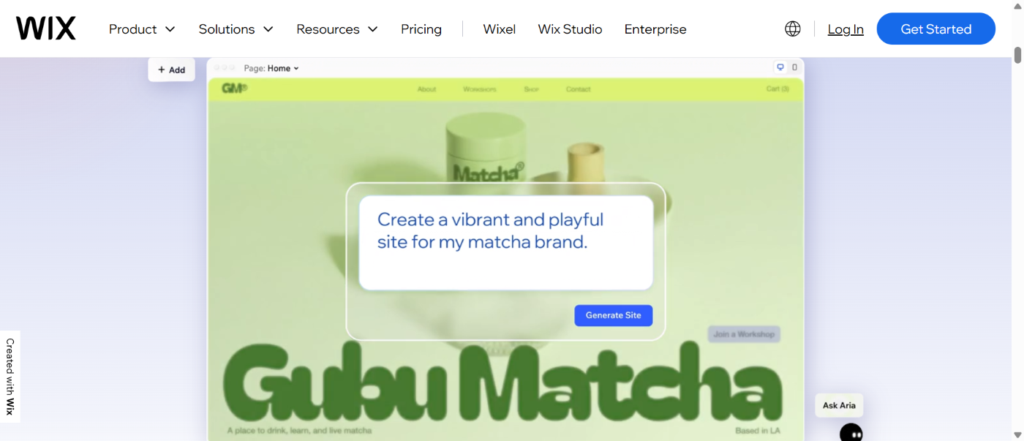
Wix is an AI-powered site builder that lets you answer a few questions, then spins up a custom, business-ready site for you in minutes. You can then shuffle layouts, change themes, swap images, and edit text in a visual interface without touching code.
It’s the site builder of your dreams if you loathe technology. 😂
If you want more hands-on control, you can open everything in the Wix Editor and drag and drop individual elements around your pages. If you’d rather have structure, Wix’s AI flow (built on what used to be called Wix ADI as the first generation) gives you a solid starting point, and you just tweak from there.
Wix is also an excellent WordPress alternative for ecommerce. Through Wix Stores, you can manage products and inventory, accept payments (including Wix Payments), and set up shipping and fulfillment.
Pros:
Cons:
Pricing: Plans start at $17 per month.
Want something more similar to WordPress?
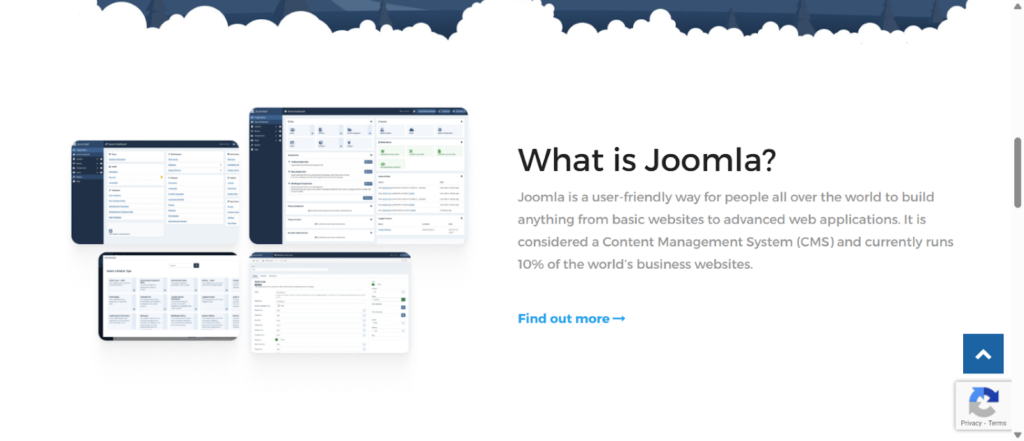
Joomla targets users who want power and control. It’s a forever-free, open-source CMS similar to WordPress.
You self-host it on your own server, configure manually, pick a template, and build content via structured modules. A hosted option called Joomla Launch exists for easier starts, but power users stick to self-hosted for total control.
Pros:
Cons:
Pricing: Free forever with lots of free extensions.
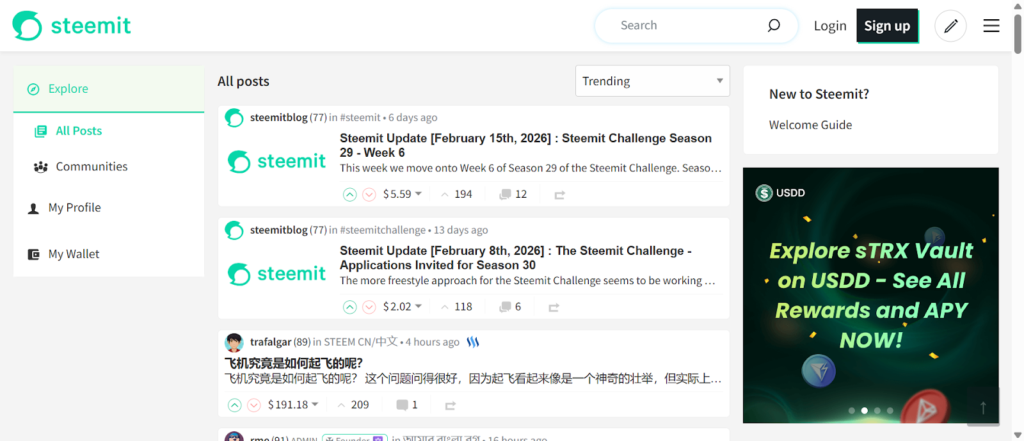
Born from Crypto ideals, 🧩 Steemit’s an open-source publishing platform built on blockchain (Steem). It also has a tight-knit community of content creators.
While mostly focused on tech, you’ll find all types of content here. That said, you might not like using this platform if you’re not tech-y.
What’s cool is you can actually earn cryptocurrency, called STEEM tokens, for valuable posts that educate, entertain, or engage. (Via upvotes from creation and curation.) It’s also easy to search for content and tags that can support your SEO strategy.
Steemit is really unique, though. If you’re looking for a business website or a traditional-looking blog, you’ll want to pass on this option.
Pros:
Cons:
Pricing: Free to join. No cost to sign up, post, or engage.
Honestly, there are a lot of WordPress alternatives. These options just scratch the surface.
Your best bet is to outline your current and long-term goals. Then, re-read the pros and cons above to narrow down your options.
In the worst-case scenario, try a few of these to see which one best meets your needs.
And if you’re planning on publishing blogs to Medium, WordPress, or HubSpot, check out Wordable. It helps you stage and publish your blog posts from Google Docs to your platform in seconds! I saved hours using it just this week. 😍
WordPress alternatives can be safer than WordPress. Especially all-in-one platforms that handle hosting, updates, and security for you.
With self-hosted WordPress websites, you’re responsible for plugin updates and maintenance. Miss one (like what happened with the Slider Revolution plugin years ago), and you expose your site to risk. Builders like Ghost, Wix, and Squarespace manage most of that behind the scenes.
Wix and Squarespace are the easiest WordPress alternatives for non-technical users. Both offer drag-and-drop editors and modern website templates. You won’t need to touch code or configure servers.
If you want full control like WordPress offers, Joomla is the closest match in terms of flexibility and power. It’s open source, self-hosted, and highly customizable.
Just know that it comes with a learning curve.
Yes, you can still blog on these platforms, but the experience varies. Ghost is built specifically for publishing and memberships. Medium focuses purely on writing. Showit requires WordPress for blogging. Steemit works more like a social publishing network powered by Crypto.
If you care about design, Showit gives you extreme visual freedom, including beautiful animation and custom layouts. Squarespace also offers polished templates, but customization is more structured.
Some WordPress alternatives are good for ecommerce. Wix includes built-in ecommerce features like product management and payments.
Squarespace also supports online stores.
If selling products is a priority, make sure the platform supports inventory, payments, and shipping out of the box.
Switching from WordPress won’t hurt your SEO if you migrate properly. Most platforms allow redirects and metadata controls. The bigger SEO risk usually comes from slow load speeds, poor structure, or broken links.
To choose the right WordPress alternative, start with your goal.
Think about how much control you want. And how much maintenance you’re willing to handle.