


Content is still king. But the way we create content is changing fast.
Artificial intelligence is transforming how businesses write, design, edit, translate, and optimize content. In 2026, the top AI tools for content creation are not just assistants—they are collaborators.
They help teams work faster, smarter, and with more creativity than ever before.
This guide explores the top AI tools that form the modern content stack. We’ll look at what each tool does, how it works, real use cases, pricing notes, and best practices so you can confidently adopt these tools in your business.
Before we talk about tools, let’s talk about impact.
AI is no longer a novelty. It’s a productivity engine, and task mining software can help teams understand how everyday tasks are performed and where workflow improvements may be possible.
According to McKinsey’s research, 20% of business owners report that 30% of employees use AI to automate their daily tasks—including creative and marketing work.
In content creation, AI helps with:
And the best part? AI outputs improve when prompts are refined and contextualized.
Below is your 2026 content stack built around the best AI tools for content creation.

Among the most famous AI tools is ChatGPT. It offers a variety of features and is among the most widely used tools.
What it does:
ChatGPT, powered by GPT‑4 and now GPT‑4o, is an advanced natural language model that creates, edits, and refines text.
Key features:
Why it’s on the list:
It’s one of the most versatile tools for writing across formats. Whether you need blog copy, email sequences, or product descriptions, ChatGPT delivers everything for your content marketing workflow.
Example use:
An online store can scale its eCommerce content using ChatGPT. They can write weekly blog posts, repurpose them into social captions, and draft newsletter content in minutes.
Tips:
Jasper AI hits hard with its powerful capabilities for marketing content creation.
What it does:
Jasper AI focuses on marketing content, with templates for blogs, ads, landing pages, and social media.
Key features:
Why it’s on the list:
Jasper AI is optimized to scale content production while maintaining brand voice consistency.
Example use:
Retailers use Jasper AI to generate product descriptions, seasonal campaign emails, and meta descriptions across hundreds of SKUs.
Tips:
Grammarly complements AI writers by refining clarity, tone, and grammatical accuracy.
What it does:
Grammarly checks grammar, tone, clarity, and style in real-time across platforms.
Key features:
Why it’s on the list:
Even the best writers make mistakes. Grammarly ensures content is polished and professional.
Example use:
A startup founder uses Grammarly to refine investor emails, product copy, and long-form reports, significantly reducing editing time.
Tips:
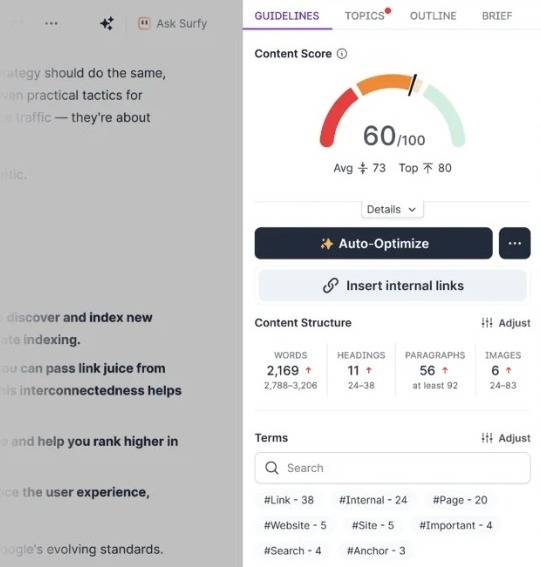
SurferSEO is one of the most recognizable content SEO tools.
What it does:
SurferSEO analyzes top‑ranking pages and provides real‑time recommendations while you write.
Key features:
Why it’s on the list:
Content without search visibility has a limited impact. SurferSEO ensures optimization of each piece for discoverability.
Example use:
A travel blog increases organic traffic thanks to SurferSEO’s capability to structure posts and optimize key terms based on real competitor data.
Tips:
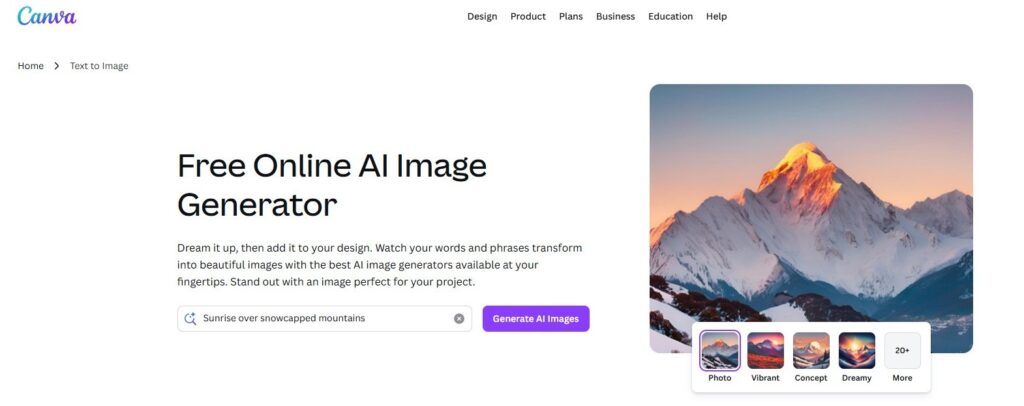
Besides visual content creation, Canva has a new feature called “Magic Write.” This feature can complement your visual strategy with compelling textual pieces.
What it does:
Canva’s AI features generate layouts, suggest visual edits, and create brand‑aligned imagery and graphics.
Key features:
Why it’s on the list:
Visual content is essential for engagement, as are blog posts. Canva brings design to non‑designers and AI writers to non-writers.
Example use:
A boutique fashion brand uses Canva to create Instagram carousels, event banners, and ad creatives with consistent branding.
Tips:

Pictory is famous for its text-to-video features. In addition to its core capabilities, it is one of the best tools for website content creation.
What it does:
Pictory turns scripts or articles into shareable videos with voiceovers and visuals.
Key features:
Why it’s on the list:
Video is dominating engagement. Pictory makes it fast and scalable.
Example use:
A SaaS company repurposes weekly blog posts into YouTube shorts and social videos, expanding reach with minimal effort.
Tips:
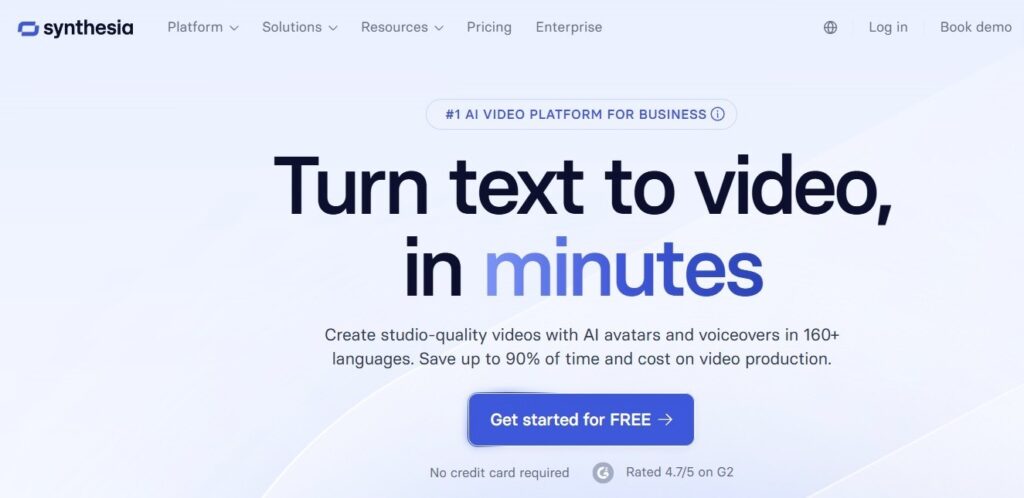
Synthesia offers AI-powered text-to-video features with multiple options for advanced creators.
What it does:
Synthesia generates realistic AI presenters for training, internal comms, product demos, and customer messaging.
Key features:
Why it’s on the list:
It transforms written content into professional video without cameras or studios.
Example use:
A training department uses Synthesia to create onboarding videos in multiple languages.
Tips:
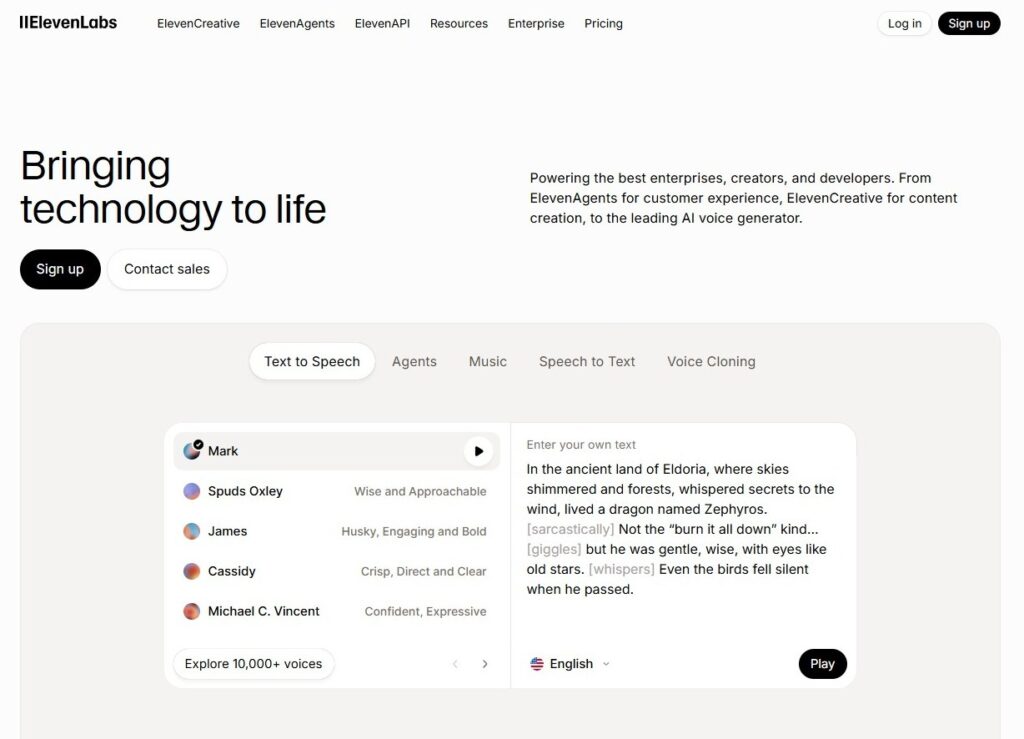
ElevenLabs is the ultimate AI voice generation tool. It offers a great variety of features and options for audio generation.
What it does:
ElevenLabs creates natural‑sounding voiceovers from text.
Key features:
Why it’s on the list:
Audio content—such as podcasts, narration, or voice ads—requires high-quality voice production. ElevenLabs delivers human-like voices at scale.
Example use:
A podcast repurposes blog articles into audio episodes using AI voices, increasing accessibility.
Tips:
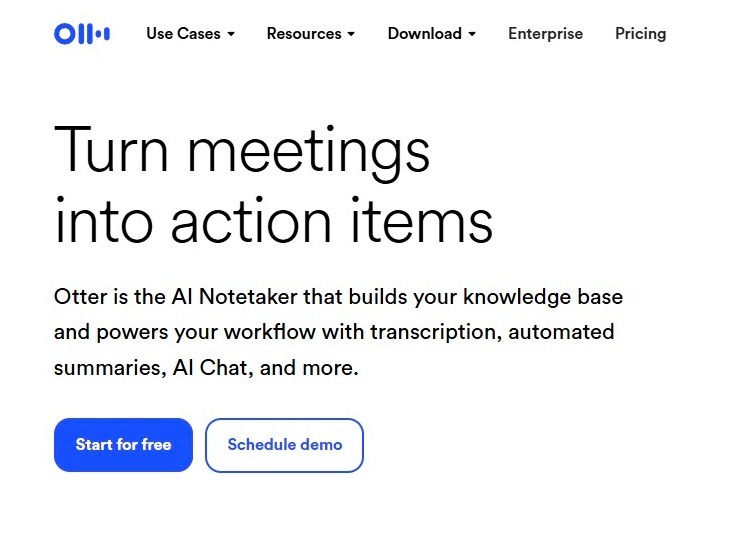
An AI transcription tool and notetaker helps transcribe multiple media formats with ease.
What it does:
Otter.ai transcribes audio and video with high accuracy.
Key features:
Why it’s on the list:
Interviews, podcasts, and webinars can fuel evergreen content when transcribed and repurposed.
Example use:
A business host records quarterly webinars, transcribes them with Otter, and turns them into blog articles and lead magnets.
Tips:

An AI image generation tool that does more than you think.
What it does:
DALL·E tool generates custom, brand‑aligned visuals from text prompts.
Key features:
Why they’re on the list:
Sometimes stock images fall short. Generated art fills visual gaps and sparks creativity.
Example use:
A tech brand uses DALL·E to visualize conceptual ideas for a keynote presentation.
Tips:
Use prompts that include:
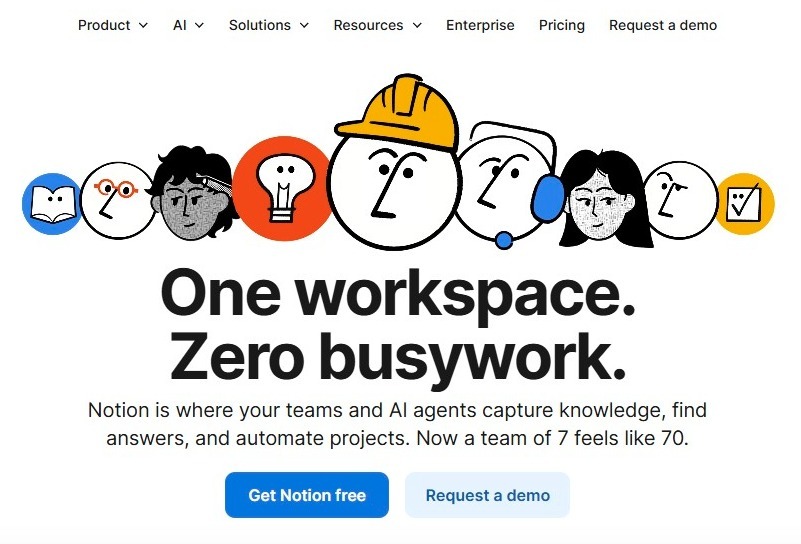
Notion AI is a workspace writer and gatekeeper of all your files.
What it does:
Notion AI assists writing, summarizing, and organizing within your company’s workspace.
Key features:
Why it’s on the list:
Content operations require collaboration and documentation. Notion AI improves team workflows.
Example use:
Teams store content briefs, brand guidelines, and drafts in Notion, using AI to speed organization.
Tips:
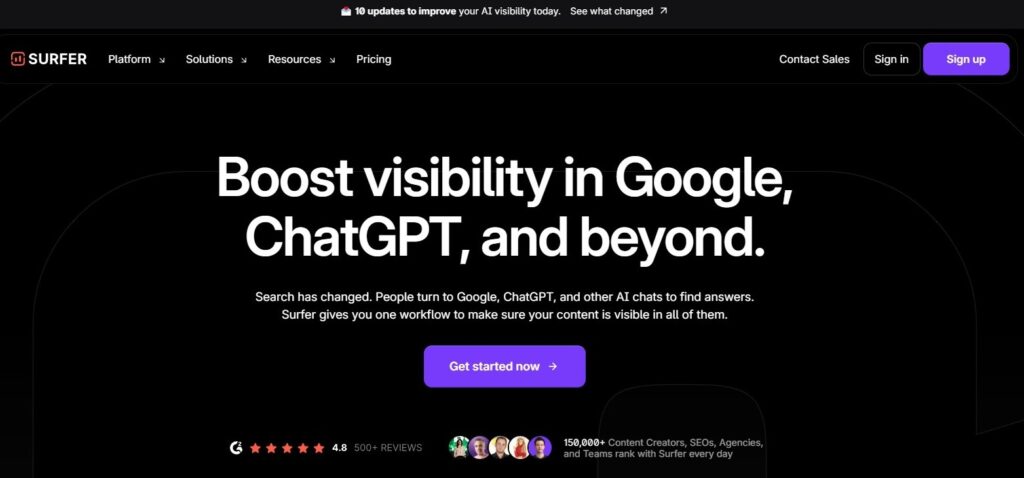
It offers numerous AI services. Besides, it brings a powerful combination of two of the best AI tools available is ChatGPT and SurferSEO integration.
What it does:
When SurferSEO integrates with GPT tools, you get content that is both well‑written and search‑optimized.
Key features:
Why it’s on the list:
It bridges writing quality with real-time SEO optimization.
Example use:
An educational site uses SurferSEO‑ChatGPT workflows to push new articles that rank on page one.
Tips:
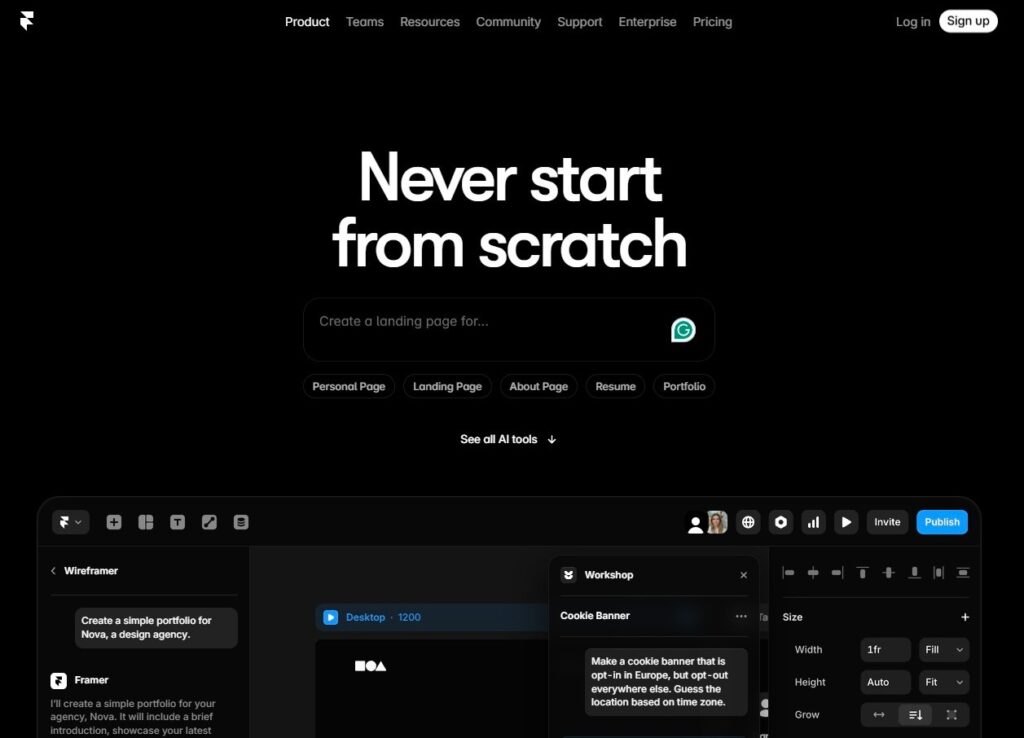
Framer AI is a website builder engine. Build, design, organize, and create pages with interactive elements and built-in hosting.
What it does:
Framer AI uses prompts and AI design logic to build responsive websites and landing pages quickly.
Key features:
Why it’s on the list:
Most content stacks focus on copy and visuals — but content needs a home. AI‑powered website builders like Framer dramatically reduce build time.
Example use:
A startup creates an optimized landing page in under an hour using Framer’s AI wizard, complete with mobile‑friendly sections and CTAs.
Tips:
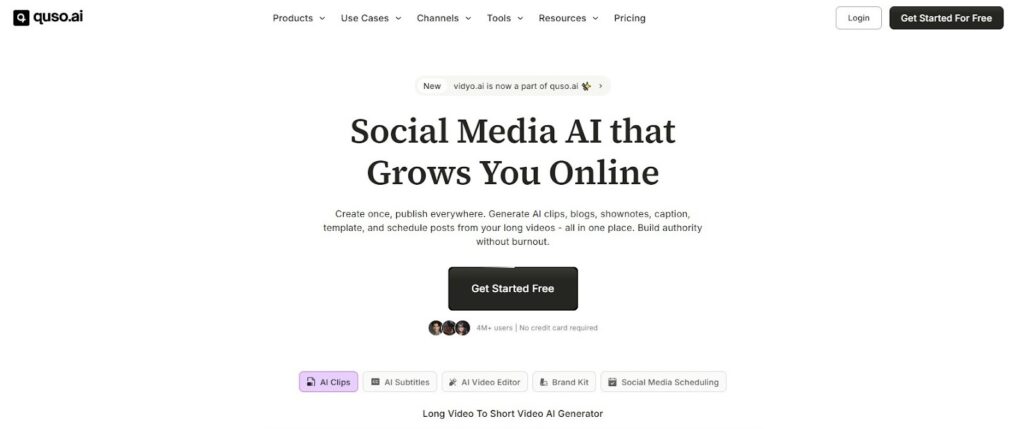
Vidyo AI (quso.ai) is a video editing tool that helps bring short-form videos to life from your long-form content.
What it does:
Vidyo.ai uses AI to automatically edit long‑form videos into short clips tailored for platforms like TikTok, YouTube Shorts, Instagram Reels, and LinkedIn.
Key features:
Why it’s on the list:
Video dominates digital consumption, and repurposing long‑form content manually is slow and expensive. Vidyo AI automates this at scale.
Example use:
A keynote speaker uploads a 60‑minute talk. Vidyo AI generates multiple short clips optimized for social engagement, increasing views and engagement.
Tips:
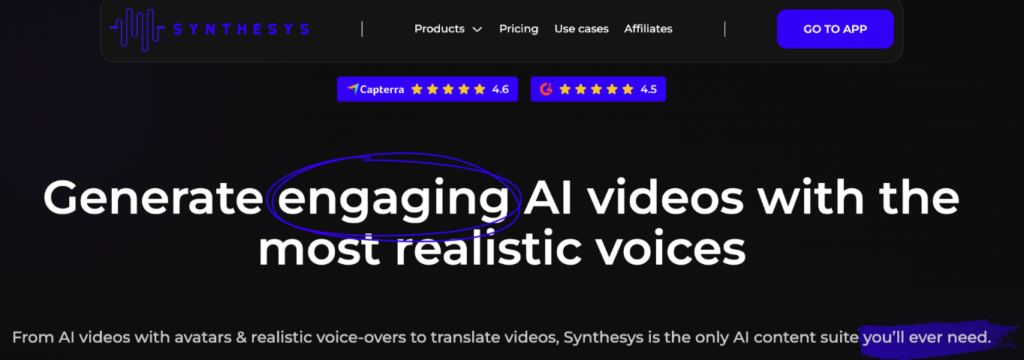
Synthesys is an AI tool meant to help with audio and video voiceovers for your content.
What it does:
Synthesys generates realistic voiceovers and AI‑presented video narrations without recording equipment or actors.
Key features:
Why it’s on the list:
Audio and video narration are essential in modern content, especially for training, tutorials, explainer videos, and voice ads.
Example use:
A training company creates professional product tutorial videos with AI voiceovers, cutting production time and cost.
Tips:
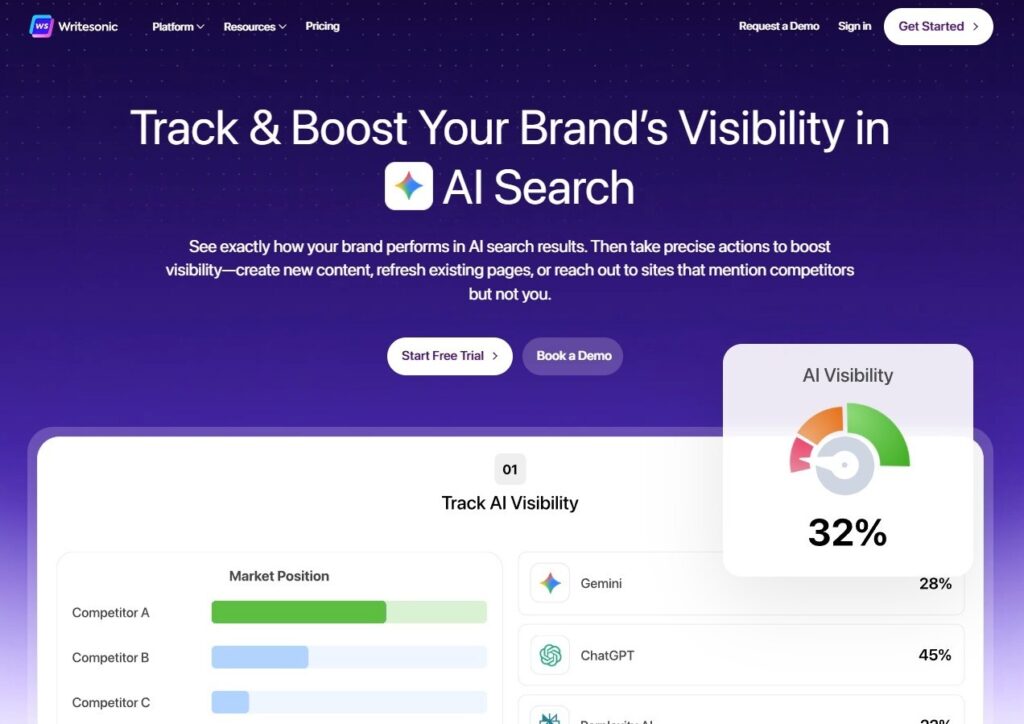
Writesonic helps you with all your writing efforts, but it also has AI SEO capabilities.
What it does:
Writesonic provides end‑to‑end AI writing for blogs, landing pages, ads, product descriptions, and more.
Key features:
Why it’s on the list:
Writesonic is excellent for teams that want versatile AI writing without switching between tools.
Example use:
A SaaS company uses Writesonic to produce SEO blogs, nurture emails, and retargeting ad copy weekly, significantly reducing its content backlog. Besides, adding AI-generated video can help create video clips and multilingual voiceovers.
Tips:
Predis.ai is an AI-powered content creation platform that helps businesses and creators generate complete social media content, including visuals, captions, and short-form videos, from simple text inputs.
What it does:
It converts ideas, prompts, or product descriptions into ready-to-publish social media content. The platform can generate post creatives, ad designs, captions, hashtags, and also includes a social media post generator that creates ready-to-use content for platforms like Instagram, Facebook, LinkedIn, and more.
Key features:
Why it’s on the list:
Modern marketing requires fast, consistent output across both static visuals and video formats. This tool simplifies the entire workflow by combining design, copywriting, and video creation into a single system, making it accessible even for non-designers and small teams.
Example use:
A D2C brand uses the platform to turn product details into Instagram posts, generate engaging captions, and create short promotional videos showcasing product benefits for social media ads and Reels.
Tips:
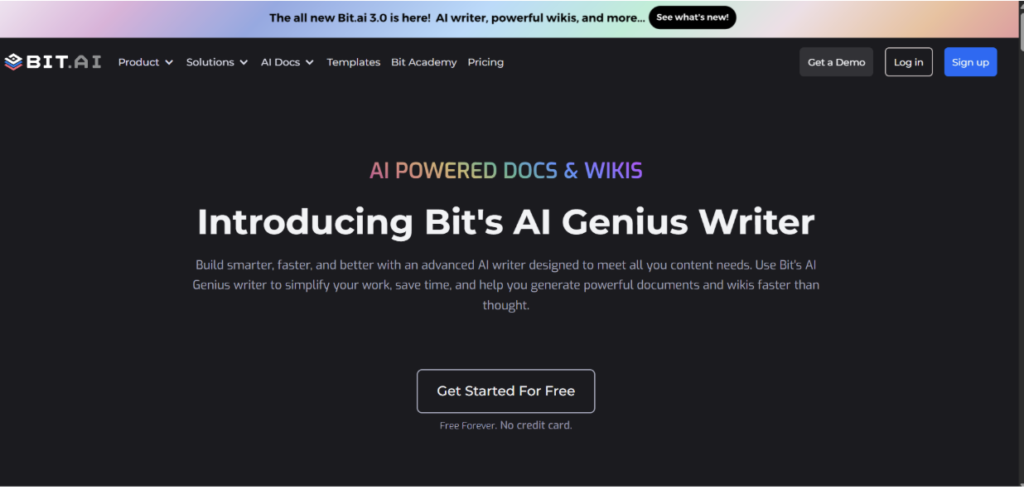
Bit AI Genius Writer is an AI-powered writing assistant built into a modern document collaboration platform.
What it does:
Bit AI Genius Writer helps create, edit, and enhance content inside smart documents while enabling real-time collaboration.
Key features:
Why it’s on the list:
Content creation today isn’t just about writing—it’s about collaboration and organization. Bit AI combines AI writing with document management, making it ideal for teams.
Example use:
Marketing teams create blog drafts, SOPs, and content libraries in Bit, using Genius Writer to speed up writing and maintain consistency.
Tips:

Magic Hour offers advanced AI lip sync capabilities that automatically align spoken audio with realistic mouth movements in videos.
What it does:
Magic Hour Lip Sync synchronizes voiceovers with facial movements, making videos look natural and professionally edited without manual animation.
Key features:
Why it’s on the list:
It eliminates the need for complex editing tools by automating lip-syncing, making it easy to produce high-quality, localized, and engaging video content.
Example use:
A content creator uses Magic Hour to dub videos into multiple languages while keeping the speaker’s lip movements perfectly aligned.
Tips:
When selecting the best AI tools for content creation, consider:
Does the tool solve a real bottleneck?
A tool without need becomes clutter.
Does it connect with your CMS, CRM, DAM, or calendar tools?
Seamless flow saves time.
Can it grow with your team?
Subscription tiers matter.
Can you define brand voice, tone, and style guidelines?
Always track how tools affect content performance.
Now that you know what all these tools can do, have you figured out how you’ll use them yet?
If not, here are some of the best practices to try:
Using the AI-powered content platforms can backfire without proper guardrails in place.
Always think of these:
Finally, because some organizations use AI detection software as part of their review process, running your content through an AI content detection tool can offer a perspective on how it will be perceived.
AI adoption continues to grow fast. Gartner predicts that by 2028, 80% of content creation will involve some AI.
That doesn’t mean humans disappear. It means humans will focus more on strategy while AI will handle scale.
Content quality + strategic direction = competitive edge.
The best AI tools for content creation in 2026 can transform how you plan, produce, optimize, and publish content. They reduce friction, increase speed, and amplify creativity — but they only deliver value when integrated into a structured workflow with clear strategy and measurement.
Your content stack should solve problems, not create them.
Choose tools that:
The future of content is efficient, strategic, and human‑enhanced.
Check Wordable’s blog for more similar topics.