


Why are you looking for a DocSend alternative?
The answer determines which replacement makes sense.
DocSend serves a wide range of users, from sales teams sharing proposals to founders sending investor decks and marketing teams distributing content. Because those use cases are so different, the right replacement depends on what you’re trying to accomplish.
A team looking for stronger analytics won’t choose the same tool as a team that needs better collaboration. Likewise, a content team managing blog drafts has very different needs than a sales team working inside a CRM.
That’s why this guide compares DocSend alternatives based on the most common reasons people switch platforms. Instead of starting with a long list of products, we’ll start with the problem you’re trying to solve and work backward from there.
| If you’re leaving DocSend because… | Recommended alternatives |
| It’s too expensive | Notion, Pitch, Google Drive |
| You need better analytics | Paperflite, Highspot, Seismic |
| Your team needs stronger collaboration tools | Notion, Coda, Confluence |
| You’re publishing content, not sharing sales documents | Wordable |
| You need deeper CRM integrations | PandaDoc, Proposify, GetAccept |
If you already know why you’re switching, you can jump directly to the matching scenario. If not, keep reading. We’ll help you identify the tool that best fits how your team actually works.
Highlights
Before diving into the individual scenarios, here’s a quick look at how the leading DocSend alternatives compare.
| Tool | Primary use case | Starting price* | Free plan | Best for |
| Notion | Collaboration and document sharing | Free | Yes | Teams that want an all-in-one workspace |
| Google Drive | File sharing | Free | Yes | Budget-conscious teams |
| Pitch | Presentation sharing | Free | Yes | Founders and fundraising teams |
| Paperflite | Document analytics | Paid | No | Content-driven sales teams |
| Highspot | Sales enablement | Custom | No | Growing sales organizations |
| Seismic | Revenue enablement | Custom | No | Enterprise teams |
| Coda | Collaborative documents | Free | Yes | Process-driven teams |
| Confluence | Knowledge management | Free plan available | Yes | Internal documentation |
| Wordable | Content publishing | Free plan available | Trial available | Teams publishing from Google Docs |
| PandaDoc | Proposal management | Paid | Limited | Sales teams and agencies |
| Proposify | Proposal software | Paid | No | Service businesses |
| GetAccept | Sales engagement | Paid | No | Revenue teams |
*Pricing changes frequently. Check each provider’s website for current pricing.
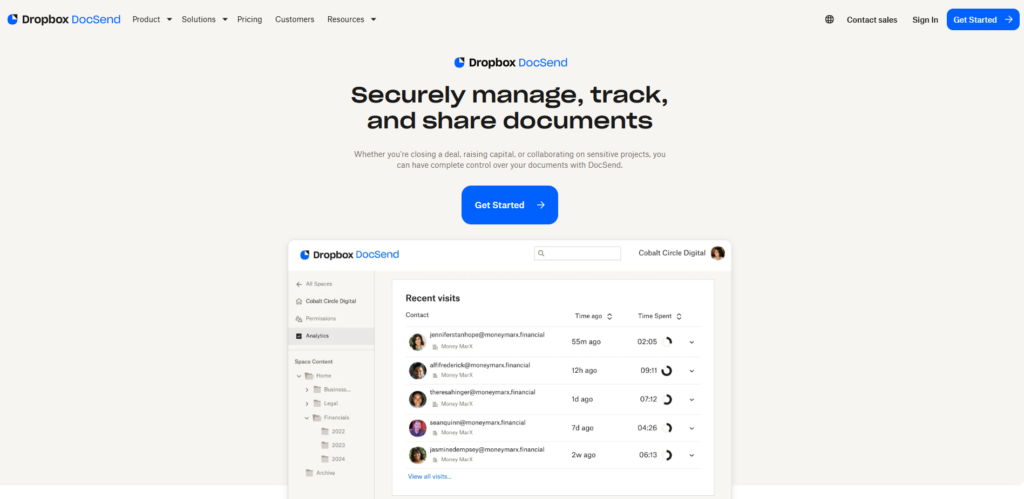
DocSend sits in an unusual category.
People use it to share sales proposals, investor decks, marketing assets, internal documents, and content drafts. On the surface, those activities look similar. You’re sharing a document and tracking engagement.
A sales team may care most about knowing which pages a prospect viewed before a follow-up call. A founder might need a secure way to share fundraising materials. A remote content team may only use DocSend as a way to move drafts through the review process before publishing.
These differences determine which features matter most when choosing a replacement. Let’s start with teams looking to reduce document-sharing costs.
To make the comparison easier, we’ve grouped the most common reasons people leave DocSend into five categories:
The sections below explore each scenario and the tools that make the most sense for that specific use case.
Not every team needs the advanced sharing controls and analytics that come with DocSend.
Many teams only use a small portion of DocSend’s feature set. In those cases, a lower-cost tool can handle document sharing without the added expense.
For example, a startup founder who mainly shares investor presentations may not need advanced document analytics. A tool like Pitch can often handle that workflow more affordably.
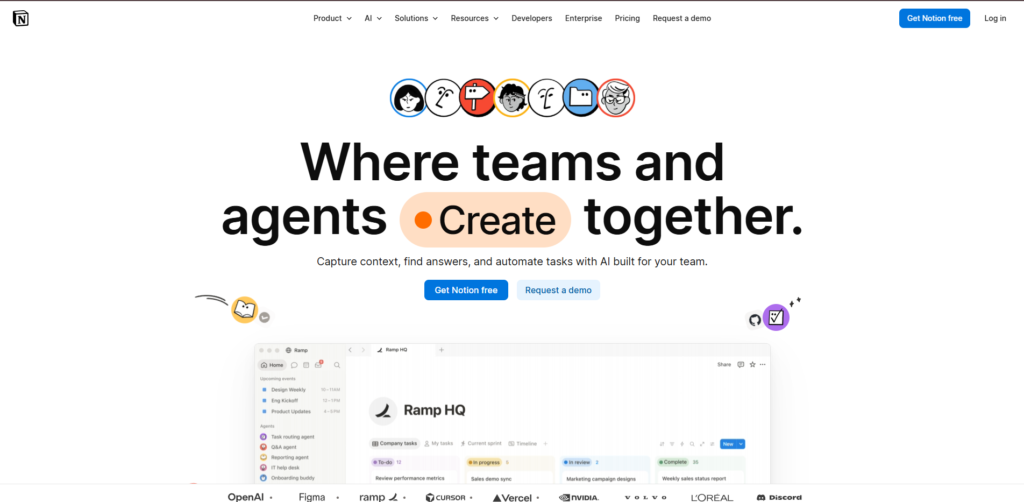
Notion combines document creation, collaboration, and sharing in one platform. You can create pages, control access, and share information with clients or teammates without paying for a separate tool.
Best for: Teams that want collaboration and document sharing in one place.
Key features: Collaborative documents, project management, team workspaces
Pricing: Free plan available; paid plans start at around $10/user/month
Google Drive is one of the simplest alternatives available. While it doesn’t include DocSend’s built-in analytics, you can add tracking through third-party tools if you need more visibility.
Best for: Teams that want a familiar, low-cost way to share files.
Key features: Cloud storage, file sharing, permission controls
Pricing: Free plan available; Google Workspace plans start at around $7/user/month

Pitch focuses on presentations rather than general document sharing. It’s a strong option for founders and startup teams that spend most of their time building and sharing decks.
Best for: Fundraising and presentation-heavy workflows.
Key features: Presentation creation, collaboration, deck sharing
Pricing: Free plan available; paid plans start at around $10/month
Analytics are one of DocSend’s biggest selling points.
According to HighSpot’s State of Sales Enablement report, 90% of organizations report having a dedicated sales enablement function, reflecting the growing importance of content performance and engagement data in the sales process.
Knowing who opened a document, how long they spent reading it, and which pages held their attention can provide valuable context for sales and fundraising conversations.
Consider a sales rep preparing for a follow-up call. Engagement data can reveal whether a prospect spent most of their time reviewing pricing, case studies, or implementation details.
Teams that need broader sales enablement capabilities may also want to compare DocSend with platforms that combine document analytics, content management, and sales workflows.

Paperflite focuses on content engagement. Beyond tracking document views, it helps teams understand how buyers interact with sales content throughout the buying journey.
Best for: Teams that want more visibility into content performance.
Key features: Content analytics, buyer engagement tracking, sales enablement
Pricing: Starts at around $30/month/user
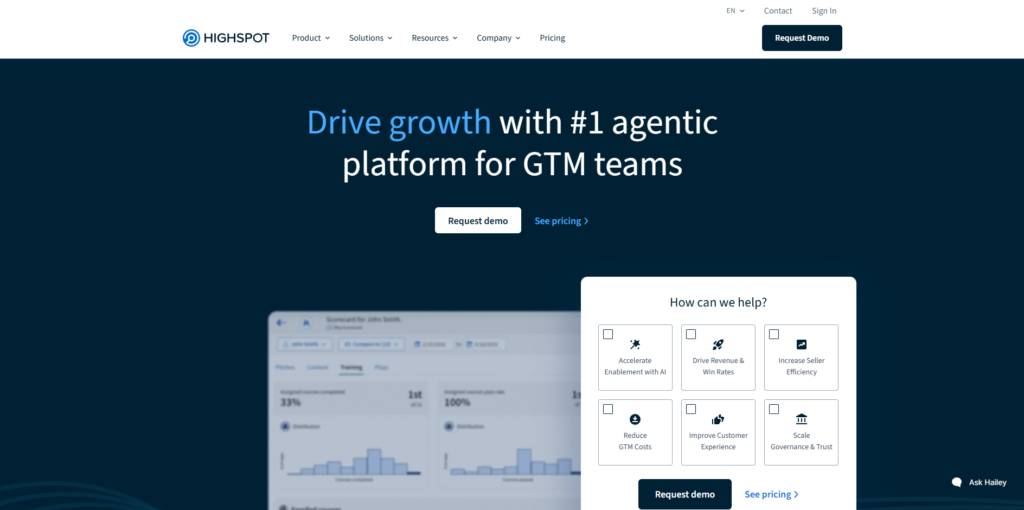
Highspot combines content management, sales enablement, and analytics in one platform. It gives sales teams a clearer picture of how content influences conversations and opportunities.
Best for: Growing sales organizations.
Key features: Sales enablement, content management, analytics
Pricing: Custom pricing

Seismic is built for larger teams that need advanced reporting, governance, and content management features. Its analytics go beyond document views to provide broader sales enablement insights.
Best for: Enterprise organizations.
Key features: Revenue enablement, content governance, analytics
Pricing: Custom pricing
Sometimes sharing the document isn’t the hard part.
Creating, reviewing, and approving it can take far more time than sending it.
If multiple people need to edit content, leave feedback, track changes, and manage versions, a collaboration-first platform may fit better than a document-sharing tool.
Imagine a marketing team creating a product launch guide. Writers, designers, product managers, and stakeholders may all need to review the document before it’s ready to share externally.
Notion also fits teams that need to create, review, and share documents within the same workspace.
Best for: Teams that want documents and collaboration in one place.
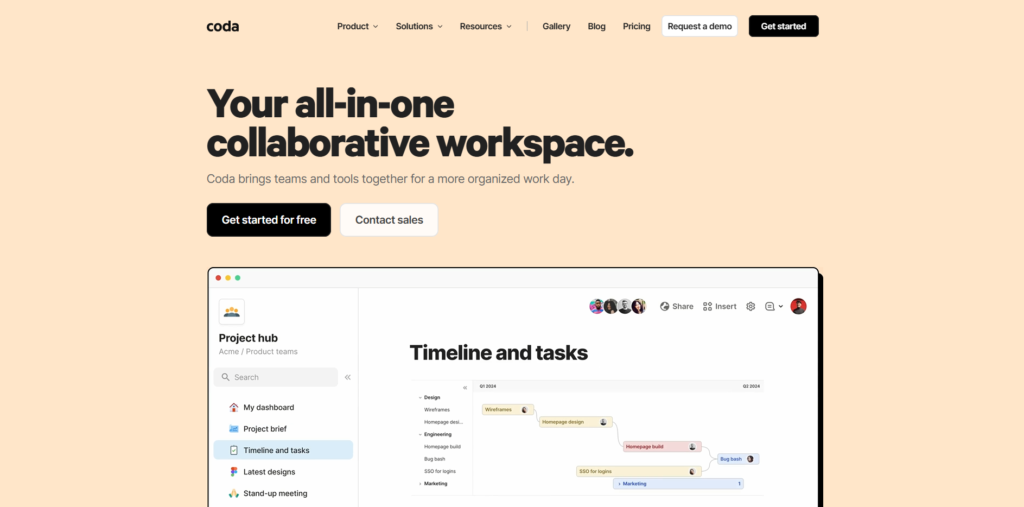
Coda blends documents, spreadsheets, databases, and workflows. It’s a good fit for teams that need collaboration tools but also want to build processes around their documents.
Best for: Cross-functional teams managing projects and documentation.
Key features: Collaborative documents, databases, workflow automation
Pricing: Free plan available; paid plans start at around $12/user/month
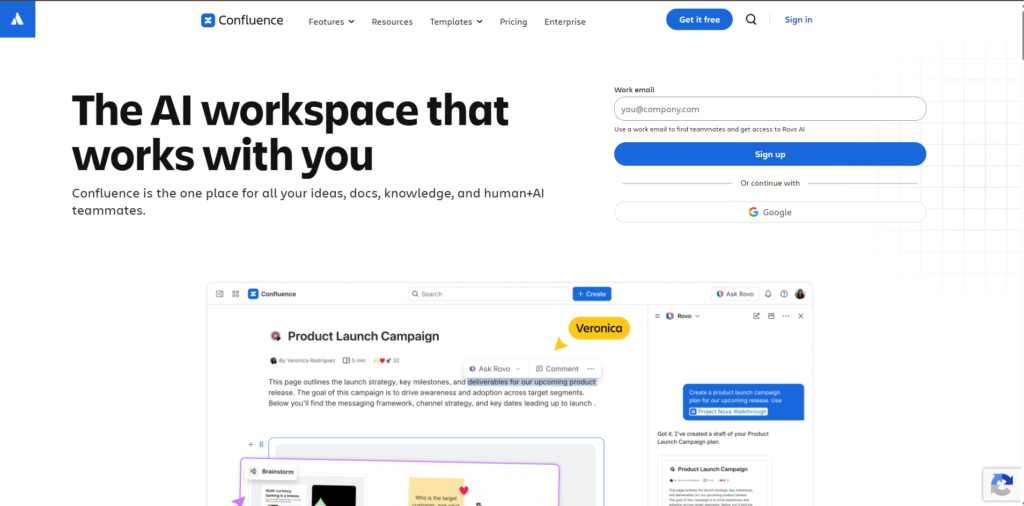
Confluence is designed for team collaboration and knowledge sharing. It’s especially popular with product, engineering, and operations teams that need a central place for documentation.
Best for: Organizations that manage a large volume of internal documentation.
Key features: Knowledge management, documentation, team collaboration
Pricing: Free plan available; paid plans start at around $6/user/month
Content teams may also look for a DocSend alternative when their main challenge is moving approved drafts into their publishing platforms.
If you’ve been using DocSend to share Google Docs drafts before they go live on your website, you don’t have a sharing problem. You have a publishing workflow problem.
Think about what happens after a draft gets approved.
Only then can the team publish the content.
DocSend helps teams share approved documents and track engagement. However, content teams still need a separate process to move their drafts from Google Docs into their publishing platforms.
If you’re using it as a handoff step before content goes live, you’re paying for a tool that only solves part of the workflow.
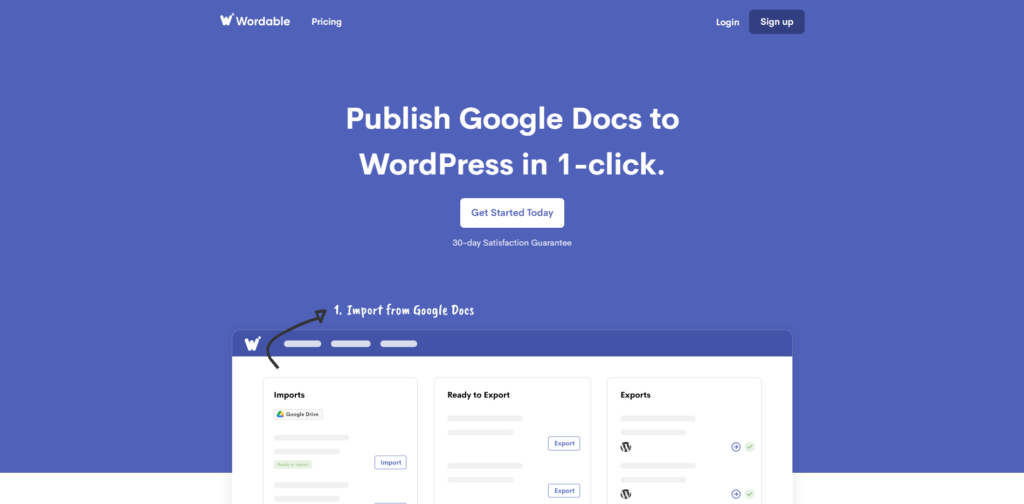
Wordable is designed for teams that create content in Google Docs and publish it elsewhere.
Instead of manually moving approved drafts into your CMS, you can export content directly from Google Docs to platforms like WordPress, HubSpot, and Medium.
This reduces the manual work involved in transferring approved drafts from Google Docs into a CMS.
Key features: Google Docs export, WordPress publishing, HubSpot publishing
Pricing: Free plan and paid plans available
Wordable is a strong fit if:
DocSend focuses on document sharing and engagement tracking, while Wordable helps content teams move approved drafts into their publishing platforms. If your goal is to reduce manual publishing work, Wordable addresses a different part of the workflow.
Sharing the proposal is only one step in the sales cycle.
Proposals, approvals, contracts, follow-up activities, and CRM records all need to work together. When that happens, a sales-focused platform often makes more sense than a standalone document-sharing tool.
A sales team working in Salesforce may want proposal activity, customer interactions, and deal updates to sync automatically with the CRM rather than managing those processes across multiple tools.
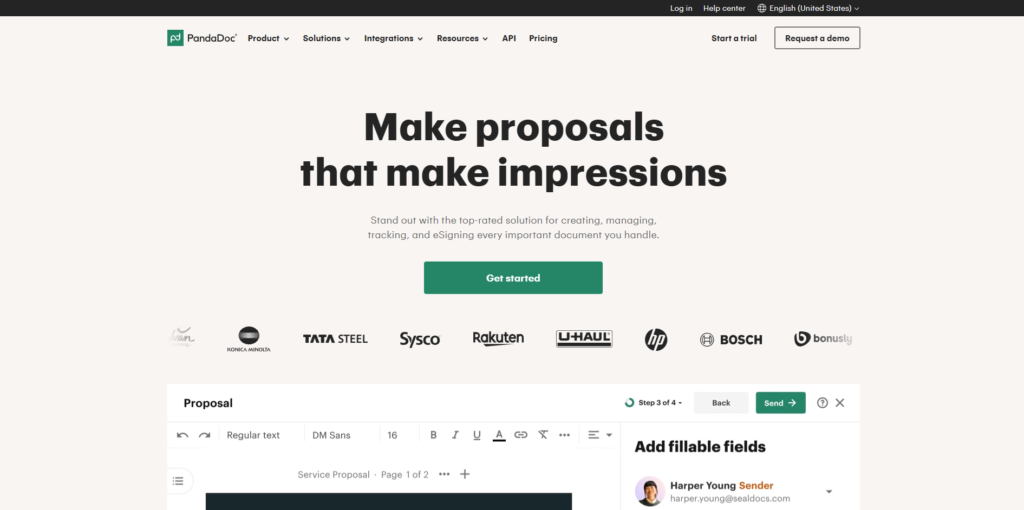
PandaDoc combines document creation, proposal management, e-signatures, and CRM integrations in a single platform.
Best for: Sales teams managing proposals and contracts.
Key features: Proposal creation, e-signatures, CRM integrations
Pricing: Paid plans start at around $35/user/month
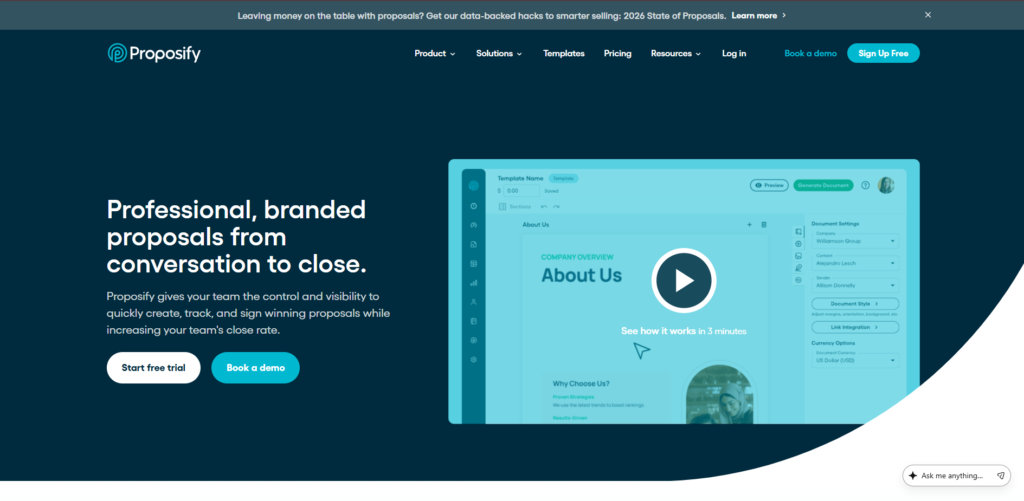
Proposify focuses on proposal creation, approval workflows, and deal management. It’s especially popular with agencies and professional services firms.
Best for: Teams that send a high volume of proposals.
Key features: Proposal management, approval workflows, deal tracking
Pricing: Custom pricing

GetAccept combines document tracking with sales engagement features, helping teams keep conversations and documents connected throughout the sales process.
Best for: Revenue teams focused on moving deals forward.
Key features: Sales engagement, document tracking, CRM integrations
Pricing: Custom pricing
The best DocSend alternative depends on why you’re leaving.
If cost is your biggest concern, a lower-cost option like Notion, Google Drive, or Pitch may be enough. If analytics drive your sales process, compare Paperflite, Highspot, and Seismic based on their content tracking and sales enablement capabilities.
Teams focused on collaboration may find more value in Notion, Coda, or Confluence, while sales organizations often benefit from tools with stronger CRM integrations.
For content teams, the decision is a little different.
Once a draft is approved, consider what happens next. If transferring it into your CMS is the main bottleneck, a dedicated publishing tool may be more relevant than another document-sharing platform.
In that case, the better question isn’t which document-sharing platform to switch to. It’s whether you need a document-sharing platform at all.
If your team writes in Google Docs and publishes to WordPress, HubSpot, Medium, or another CMS, Wordable can help you eliminate the manual copy-and-paste process.
Export approved content directly from Google Docs, preserve formatting, and get content live faster.
Get started with Wordable for free.
Yes. Notion, Google Drive, Pitch, and Coda offer free plans. The right choice depends on whether you need basic file sharing, presentation tools, or collaborative documents.
DocSend’s Personal plan starts at $10 per user per month and includes basic sharing controls, document-level analytics, and four eSignatures per month. Standard plans start at $45 per user per month and add multi-file sharing, branding options, and richer analytics. Advanced plans start at $150 per month and include additional security controls, while Advanced Data Rooms plans start at $180 per month and are designed for due diligence and deal management. Pricing can change, so it’s worth checking DocSend’s pricing page before making a decision.
DocSend can be worth the cost if you need secure document sharing, visitor tracking, and engagement analytics.
For sales teams, fundraising teams, and organizations sharing sensitive documents, those features can provide valuable insights. However, if you mainly use DocSend to share files or move content through a review process, a lower-cost or more specialized alternative may be a better fit.
DocSend is a document-sharing platform that lets you share files through secure links, control access, and track how recipients interact with your documents.
Sales teams commonly use it to share proposals, founders to send investor decks, and businesses to manage confidential documents. Features such as page-by-page analytics, visitor tracking, and permission controls help users understand how shared content is being viewed.