


Anyone else tired of roundups that focus on impressive results without explaining the frameworks behind them?
(Look, I could’ve easily turned this into a list of 25 surface-level campaign examples.)
But this guide is different.
I went down the research rabbit hole to pull three campaigns by well-known brands that you can adapt with the resources you already have.
And I’ve broken down the exact framework behind each one.
Bookmark this article now and share it with your marketing team. It’s time to create campaigns that get results.👇
HubSpot’s State of Marketing report has become an annual event marketers look forward to. Every new edition gives the company months of content to publish across its blog, social media, email marketing, webinars, and PR campaigns.
I’ve referenced this report in blog posts this year across clients, and so have many other marketers.
If you’re looking for a campaign that builds authority, attracts backlinks, and generates content for months, this is one worth stealing.
Here’s the process: Survey an audience, publish the findings, and repurpose the insights across multiple channels throughout the year.
Steal HubSpot’s exact framework:
More ways to use this framework:
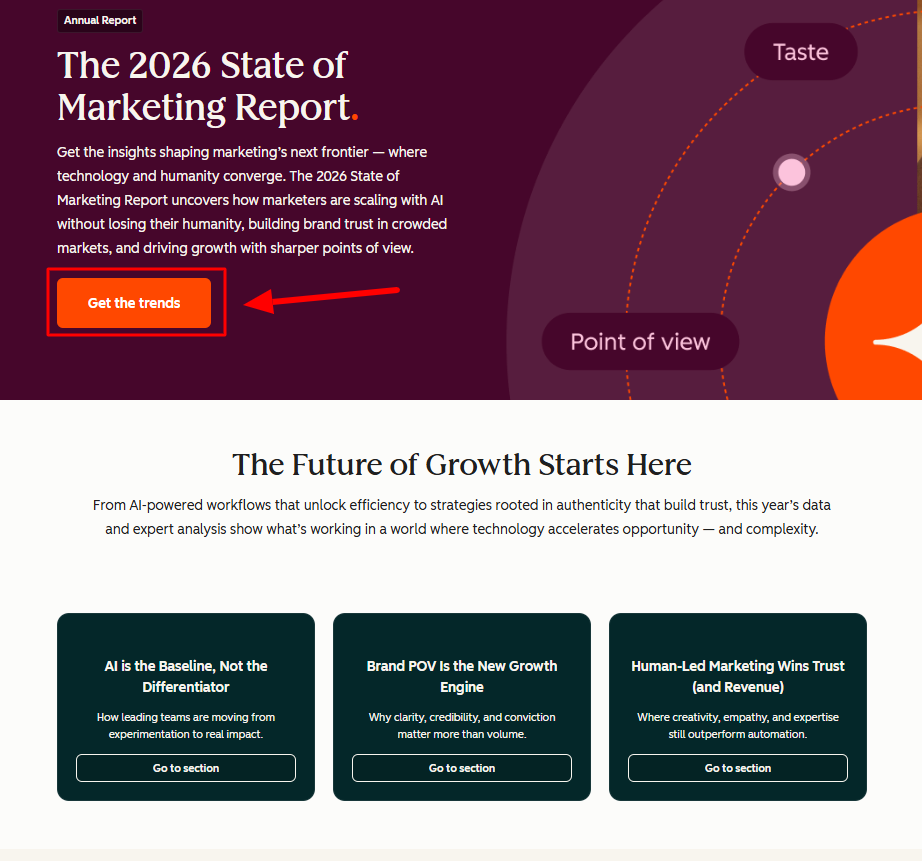
Here’s HubSpot’s landing page with the gated lead magnet. You have to enter your email to access the report. 👇
This is what the email looks like after opting in:
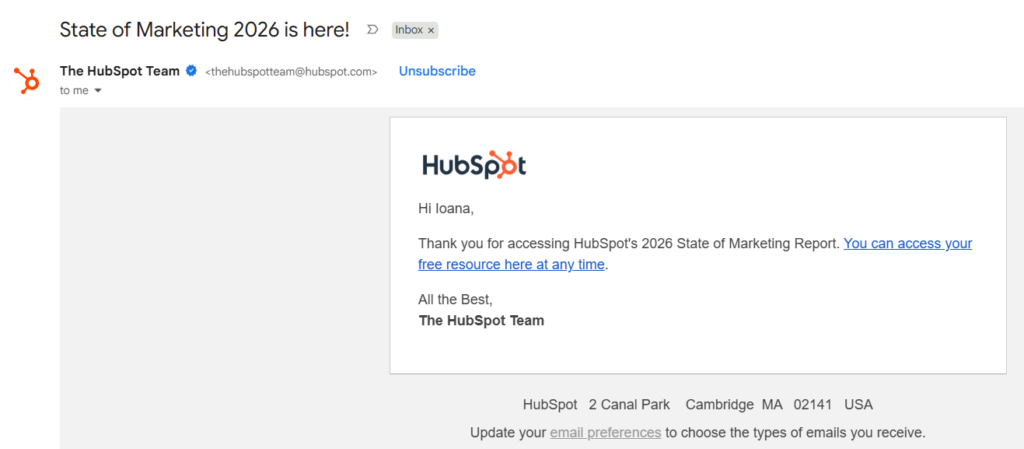
(Image provided by Ioana)
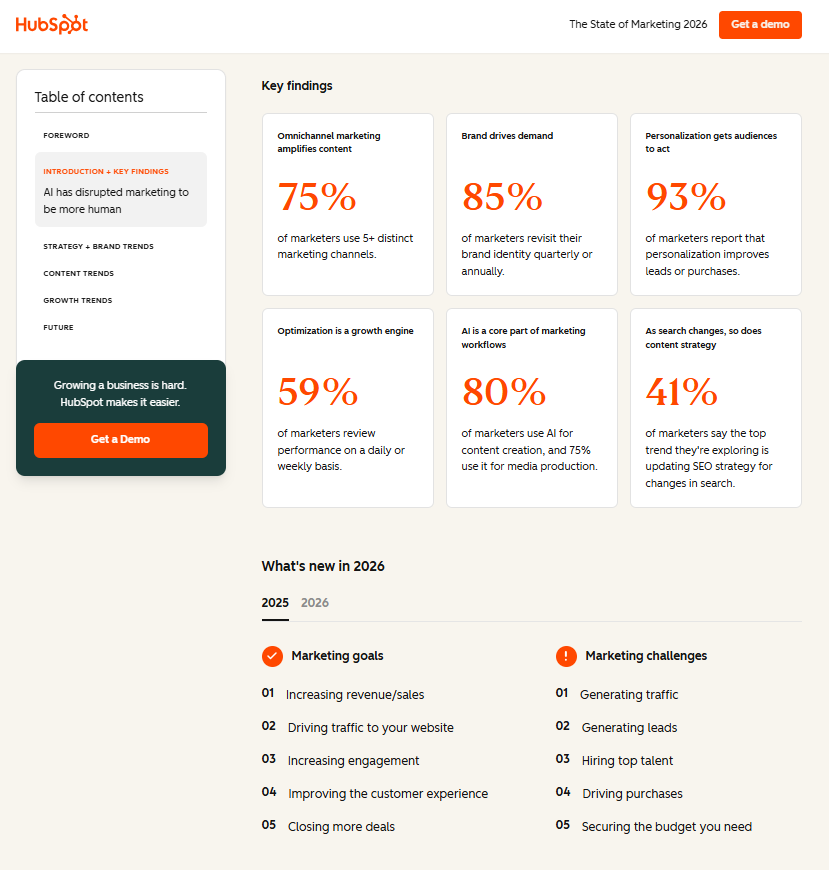
And here’s HubSpot’s flagship report. You get instant access in the browser right after entering your email. Or you can head to your inbox and click the link HubSpot emailed you. 👇
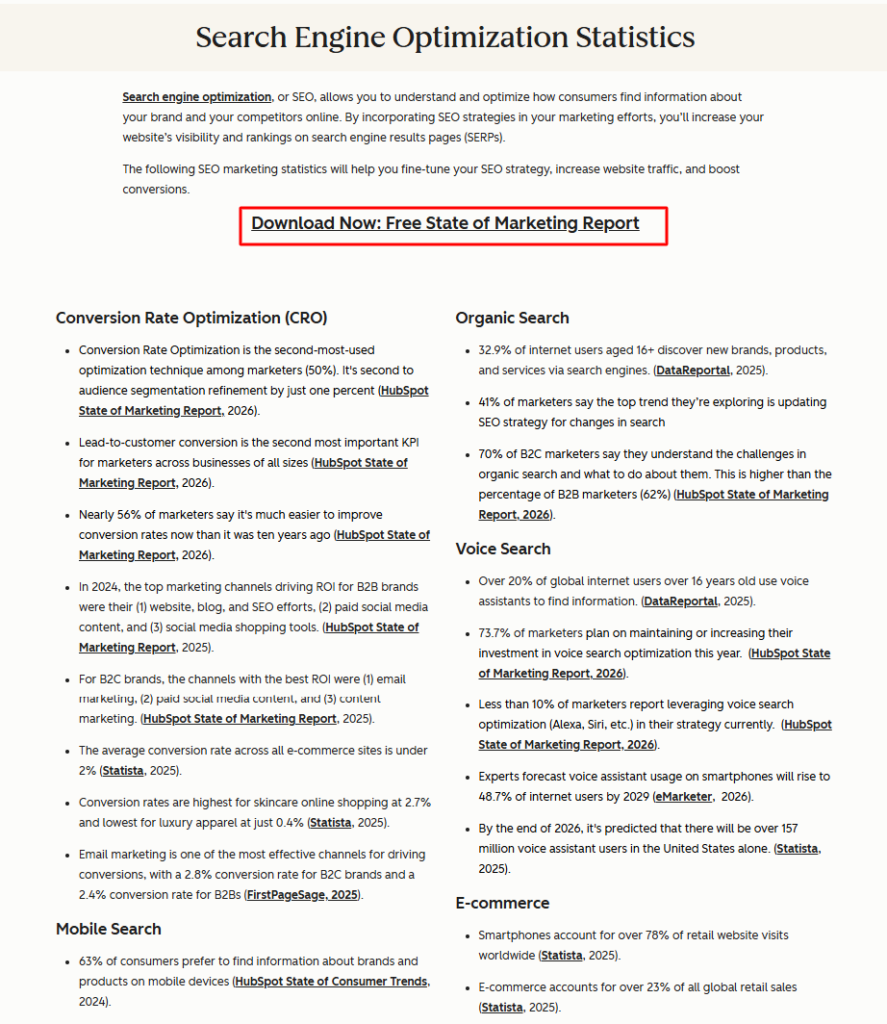
HubSpot took data from its report and repurposed it into stats listicles with opt-in buttons.
Like this one on marketing statistics:
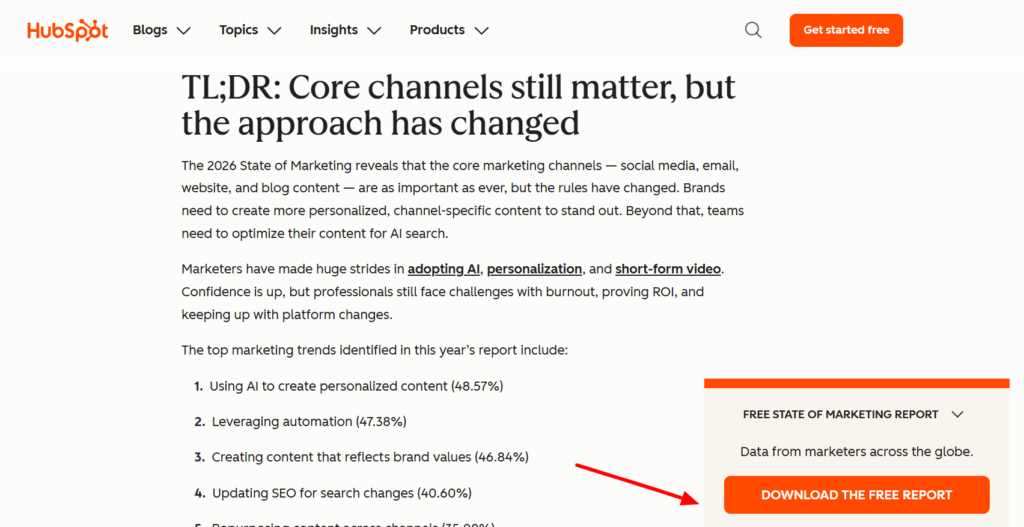
The team also created blog posts that summarize and break down the findings from its report. (Again, with opt-in buttons to access the gated version.)
Like this one, which focuses on “data from 1,500+ global marketers.” 👇
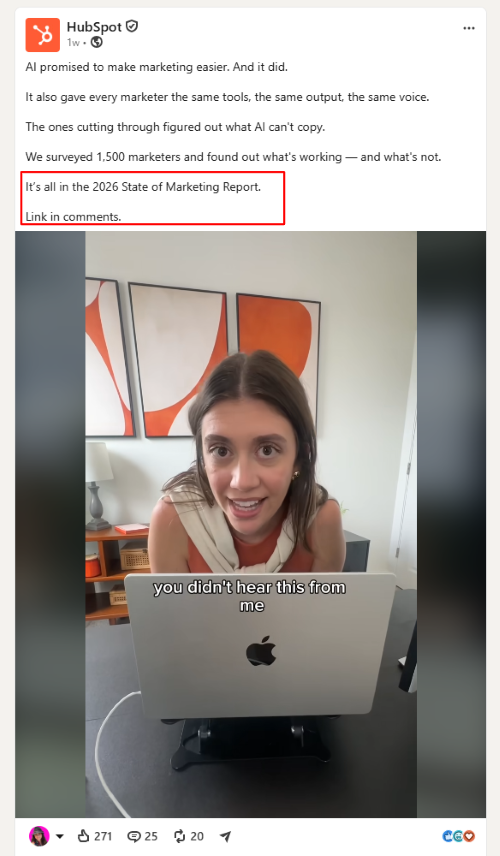
HubSpot also announced its report on LinkedIn:
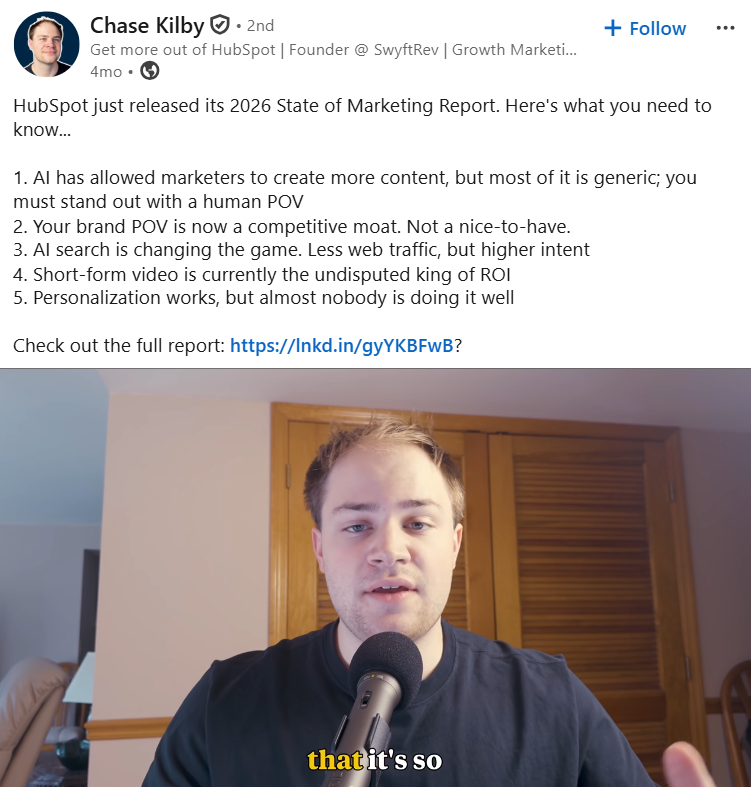
And so did other marketers:
As you can tell, this type of campaign could go on for a while.
You could pitch journalists for backlinks, host people on webinars or podcasts to discuss your report, publish infographics across social media to promote it. The chances to get qualified leads are almost endless.
➜ The strongest messaging angle HubSpot leans on is that using AI is just table stakes now for marketers. Its data reveals what’s most important to focus on as a marketer if you even want a chance at competing in 2026.
➜ The core lesson here is OWN the data.
Once you have original research, you’re no longer competing with everyone else summarizing the same articles. YOU control the narrative.
You’re creating something people will cite, share, and exchange their email address to access.
Customer stories work because they answer the question every buyer is asking: “Did this work for someone like me?”
uSERP’s interview with Nav has become the foundation for multiple BOFU assets that help potential customers evaluate their services before buying.
If you’re investing in BOFU content this year, this campaign deserves a place in your strategy.
Here’s how it works: Turn a high-value customer interview into multiple content assets and sales collateral. (Emphasis on high-value. More on this in a bit.)
Steal uSERP’s framework:
More ways to use this framework:
Here’s how uSERP’s content team repurposed Nav’s customer interview. 👇
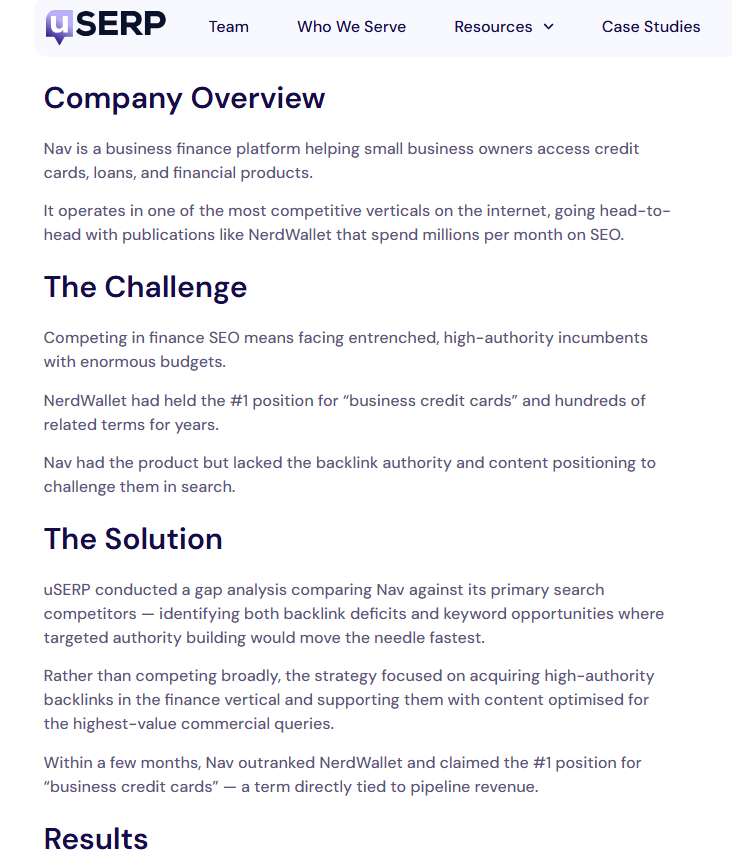
They started with a long-form case study:
They also recorded a video testimonial and published it on uSERP’s main case study page.
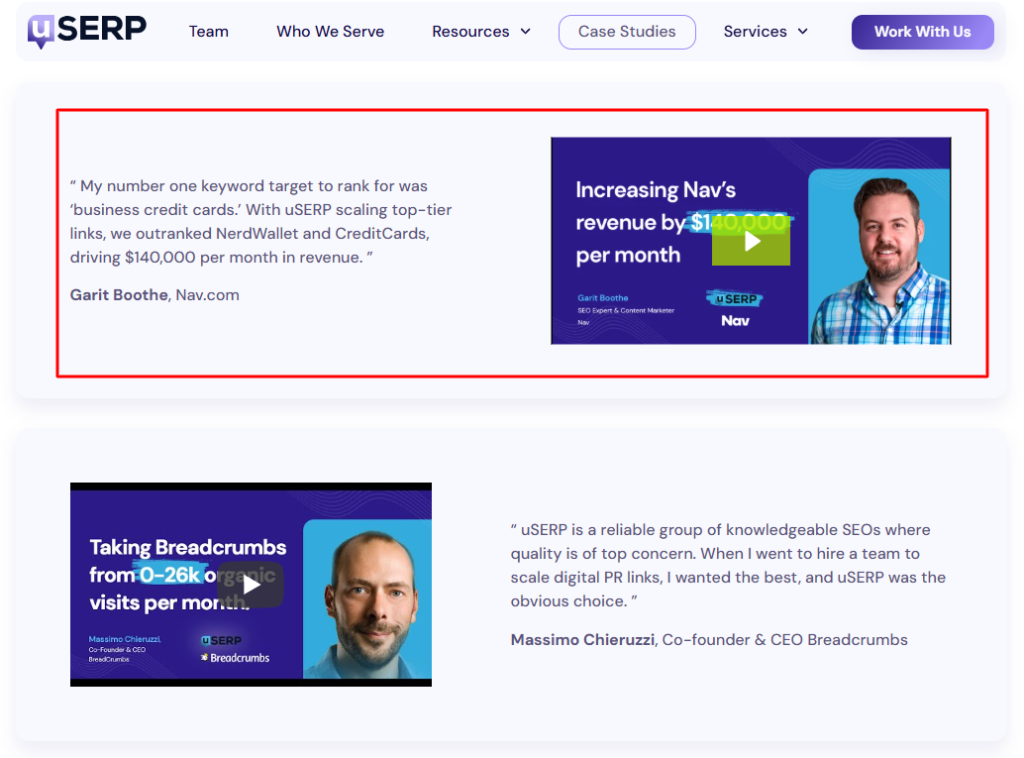
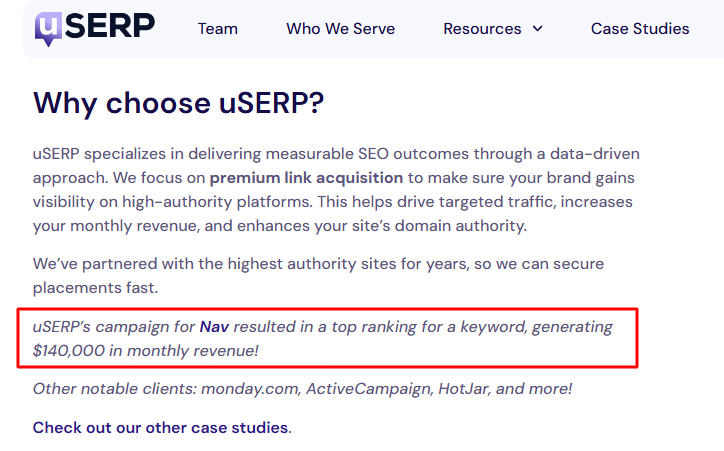
uSERP then wove snippets from the interview into relevant blog listicles, like this one on digital PR agencies:
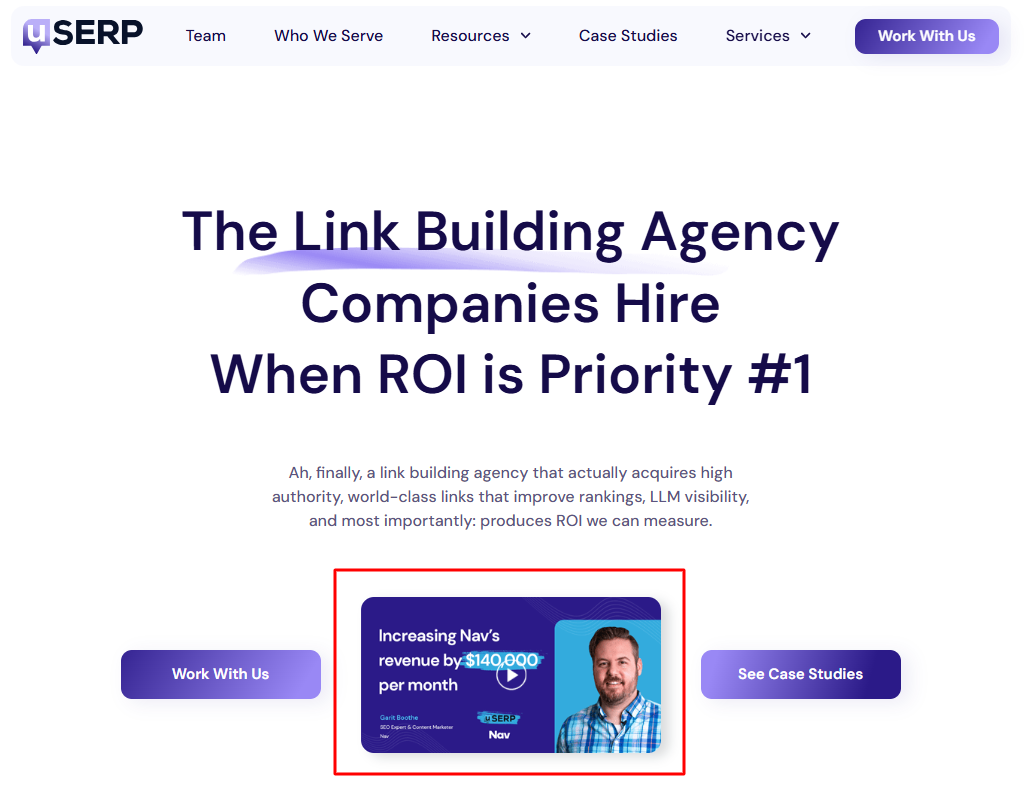
It also embedded snippets from the interview across its website. Here’s the video testimonial on its home page. 👇
The content team also mentioned the interview across uSERP’s sister companies, including Wordable.
For example, this piece on content governance references Nav’s results and case study:
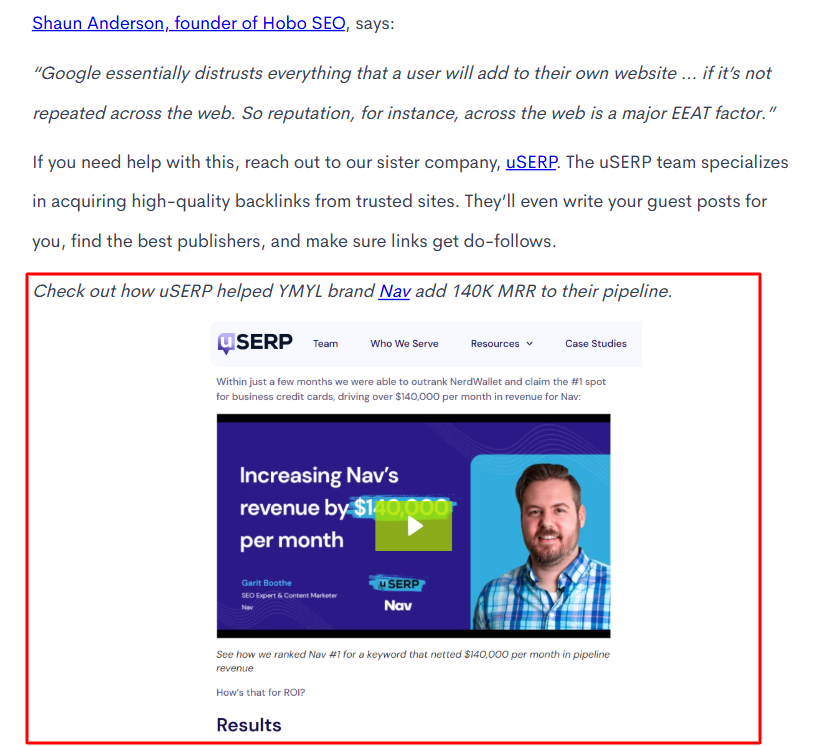
And so does this piece on content automation:
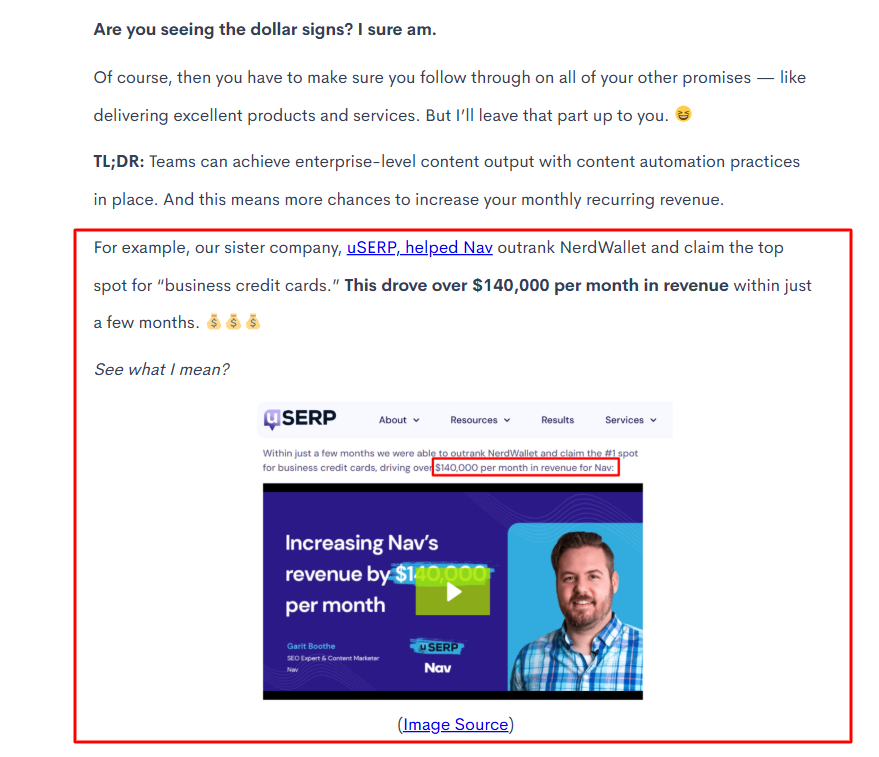
➜ The strongest messaging angle uSERP uses is proving its impact through Nav’s $140,000 increase in monthly revenue.
➜ The core lesson here is to choose the result that deserves the headline when creating and referencing your customer stories.
Leading with $140,000 in additional monthly revenue tells a stronger story than “look at all this traffic we helped Nav get.”
Revenue growth, lower costs, higher retention, and faster delivery are the outcomes buyers use to judge whether your product or service is worth the investment. Bake those into every repurposed asset so the same proof reinforces your message wherever people find your content.
This doubles as AI SEO advice, too. Reinforcing those outcomes across multiple pages strengthens the signals AI uses to understand what your brand delivers.
People don’t wake up wanting design software. They want to make a presentation, resize an image, or create a social media post. Canva meets those needs first and introduces its product naturally along the way in its free design school.
If your product solves a skill-based problem, this is one of the easiest campaigns to copy. Think coding tools, budgeting apps, website builders, CRM software, or AI writing tools.
Here’s the process: Build educational content around the questions people ask before they’re ready to buy.
Steal Canva’s framework:
More ways to use this framework:
Here’s Canva’s design school landing page. 👇
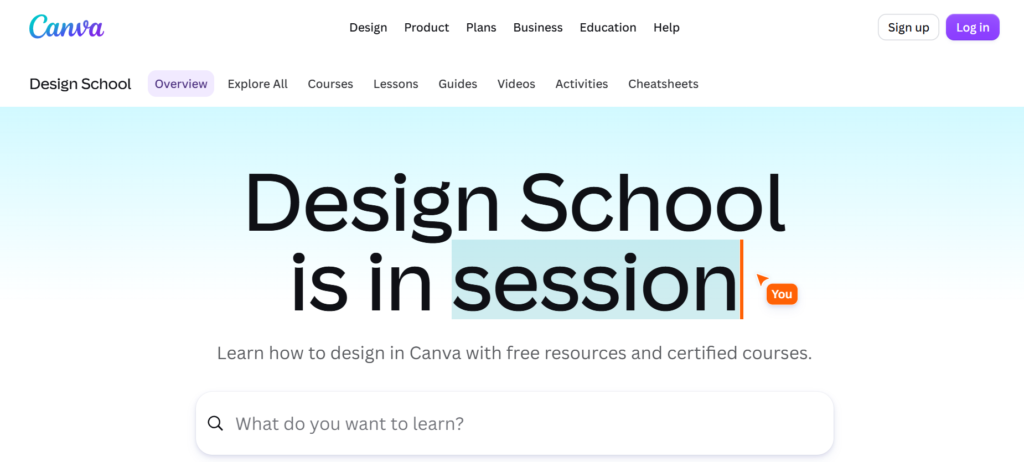
If you scroll down, it previews its courses, lessons, guides, videos, and more. 👇
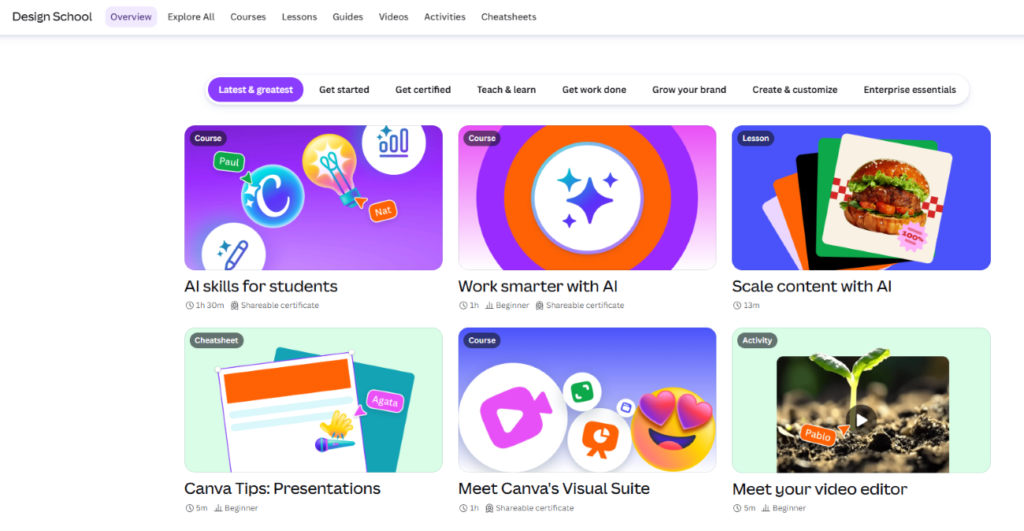
When you click on one, it opens a new page where you can view the module names. If you try to click the video play button, access an activity, or click the “Earn a certificate” button, Canva requires you to sign in.
You can also click “Start course.”
Here’s what that looks like for its “AI skills for students” course:
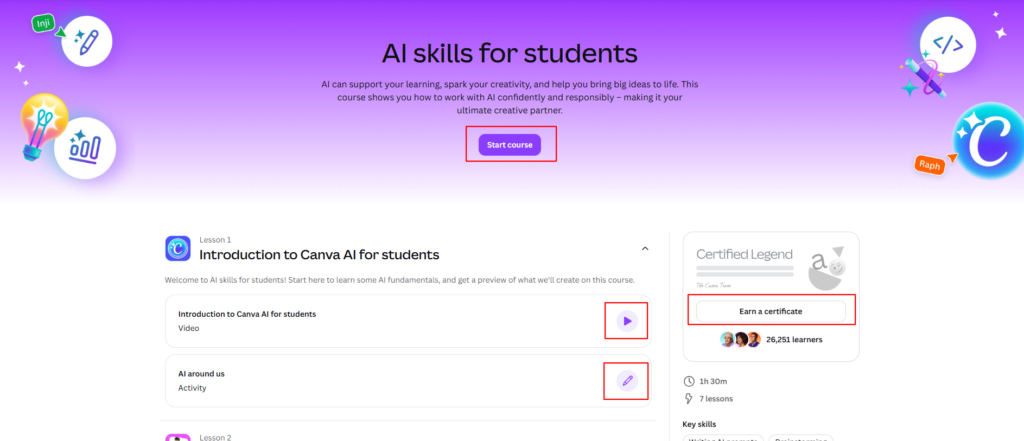
Anyone can take the courses for free with a free Canva account.
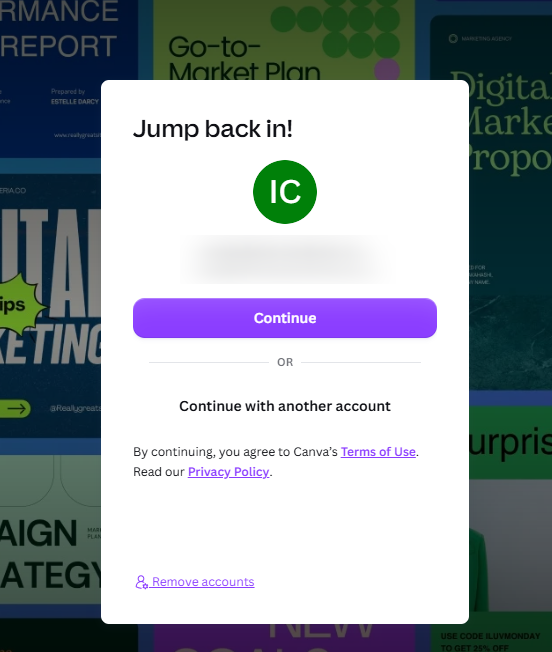
Existing users click “Continue” when prompted. 👇
(Image provided by Ioana)
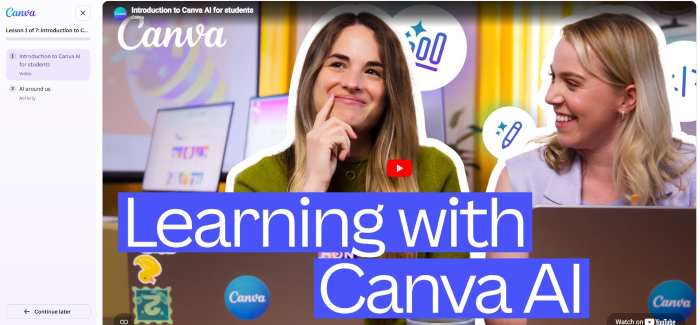
After signing in, the browser immediately opens Module 1 from the selected course:
(Image provided by Ioana)
Inside, you can watch the video modules, choose to open the videos in YouTube, or complete the activity.
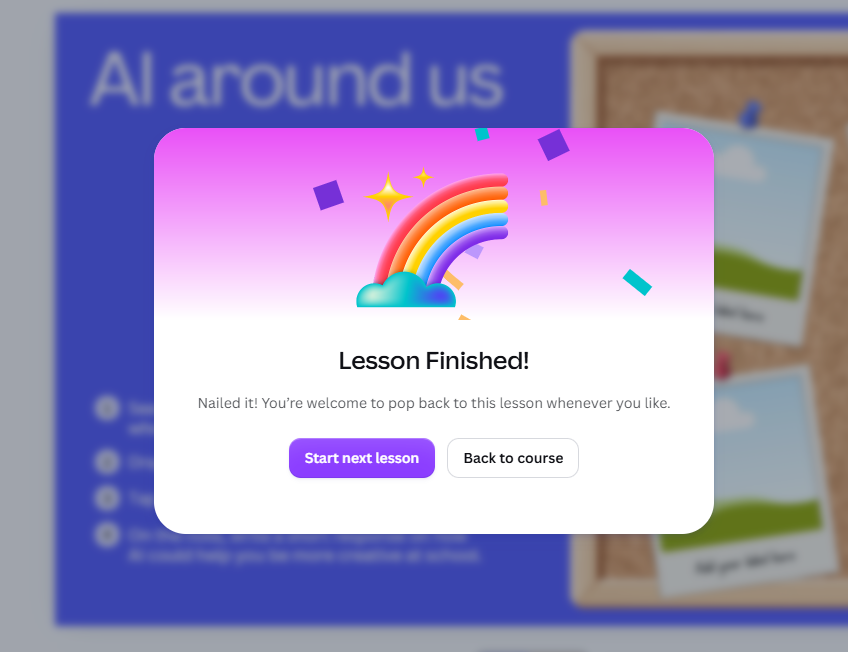
When you’re done with a video, you can click “Finish lesson.” Or you can choose “Continue later.”
Once a lesson is completed, you’ll get prompted to head to the next one. 👇
(Image by Ioana)
All of these lessons naturally weave in Canva’s tools. And the activities are very hands-on so users are actually learning.
➜ The strongest messaging angle Canva leans on is that anyone can learn to design with the right guidance. Every lesson removes a barrier to getting started, while naturally positioning Canva as the easiest place to put those new skills into practice.
But I want to be clear that Canva’s design school is massive. Every learning asset the team’s created has activities, a YouTube embed, and digital slides. It’s not a small project.
This doesn’t mean you have to take it this far though. Look at your own resources and budget (and your audience’s needs) to come up with a realistic approach.
Maybe that’s 10 in-depth ebooks with free corresponding templates. Or maybe it’s a knowledge base with 20 in-depth blog articles. Or maybe it’s a dedicated section on your YouTube channel with a video lesson for every major problem your product helps solve.
➜ The core lesson here is to teach the skill, not just promote the tool.
When your content helps people solve a real problem, your product will become the natural next step.
If you’re feeling overwhelmed by now, remember that every campaign in this article started with one asset and expanded from there.
HubSpot created original research people wanted to reference. uSERP turned one customer success story into proof that appeared everywhere prospects looked. Canva built an educational hub, course by course, that teaches skills while naturally introducing the product.
➜ After you’ve identified the biggest problem your audience wants solved, ask yourself: If we could only invest in one marketing campaign this year, what would we create?
Start with one valuable asset.
Then repurpose it into the formats your audience already consumes on the channels they frequent most. Make sure it’s grounded in search intent.
And follow my frameworks from above. They break down each campaign for you. ✨
P.S. If you’re looking for an easier way to repurpose blog content in WordPress without the formatting headaches, Wordable helps you publish faster so you can spend more time creating campaigns that move the needle.