


Starting a new job comes with excitement, but also a lot of questions.
So when onboarding feels messy, that excitement quickly turns into confusion. Missing logins. Unclear expectations. No training. Too much paperwork. These roadblocks overwhelm everyone.
And it disconnects new employees before they even start.
A structured employee onboarding process changes that.
With the right tools, you can share policies and training early. This helps employees feel confident from day one.
Here’s a breakdown of the best tools to help you improve your onboarding workflows. 👇
Highlights
According to Bamboo HR’s 2024 State of HR report, 63% of HR teams say onboarding is one of their biggest challenges.
It makes sense.
HR teams have to juggle a host of tasks at once, including:
Without the right systems, it quickly becomes chaos.
BambooHR’s report agrees. It found that 29% of HR teams say messy onboarding creates extra work and frustrates new hires. On top of that, 30% feel buried in paperwork.
And new employees feel it too.
Take a look at the results from Enboarder’s State of Employee Onboarding report. It found that a third of employees have experienced poor onboarding. That early frustration makes it harder for them to connect with the team.
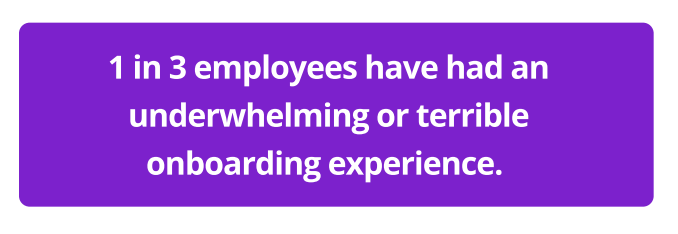
But when onboarding is clear and supportive, it enhances employee satisfaction and performance.
As Enboarder’s report shows, when onboarding feels supportive:
TL;DR: Great onboarding keeps HR organized. It also helps new hires feel confident from day one. But what makes this possible? The right tools. 👇
According to Enboarder, 74% of new hires use onboarding software. Yet only 19% rate those tools as “very helpful”.
That gap happens when companies don’t use the right tools for each part of onboarding.
Here are four types of onboarding tools that help new hires and streamline HR work.
These platforms cover the full employee journey. They bring hiring tools, onboarding portals, digital paperwork, and payroll software together.
Here are some examples:
BambooHR is an easy-to-use HR platform for small and mid-sized businesses. It keeps all employee data in one place and handles everyday HR tasks.
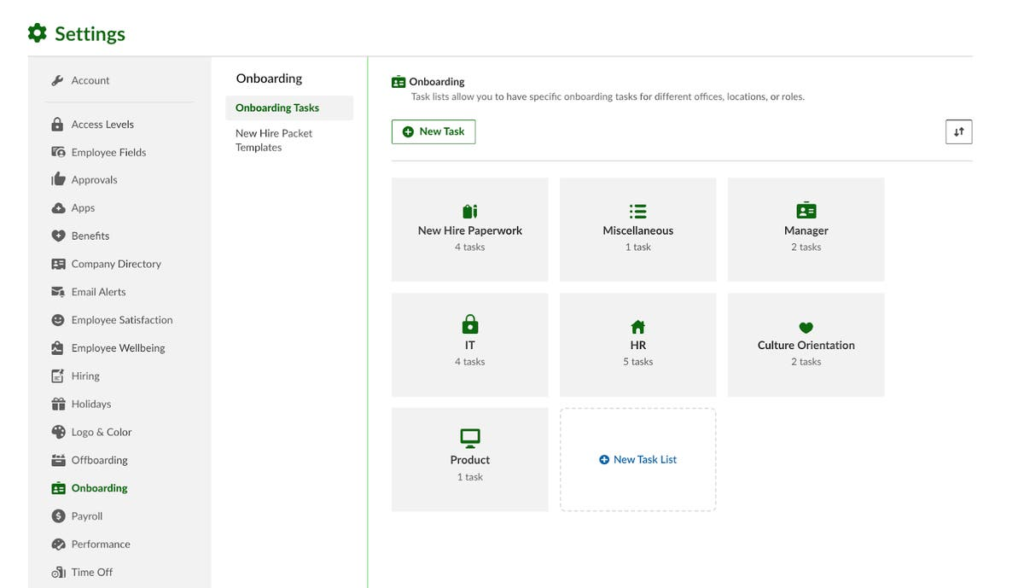
It also offers basic reporting to support compliance. It’s simple to set up and doesn’t need heavy technical work to get going.
Who it’s best for: Small to mid-sized companies that want a simple, all-in-one HR system.
Top features:
Pros:
Considerations:
Workday is a powerful HR platform for large and global organizations.
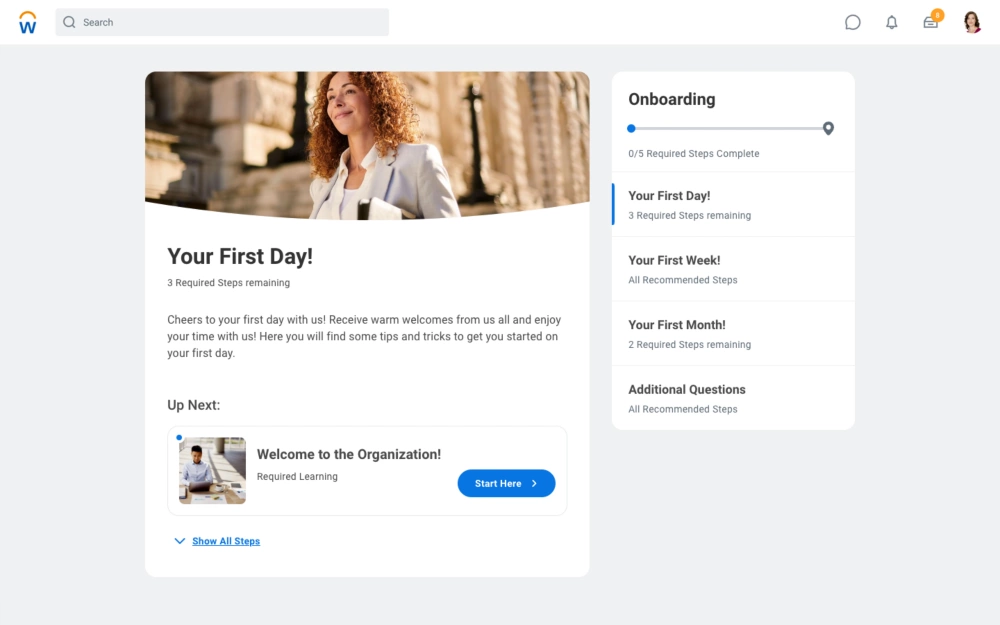
It brings HR, payroll, learning, finance, and workforce planning together in one place. It’s ideal for tracking employee data, staying compliant, and making better HR decisions.
Who it’s best for: Large companies that want one system for HR, payroll, talent, and planning.
Top features:
Pros:
Considerations:
These tools handle the paperwork side of onboarding. (Think contracts, compliance forms, background checks, and IT access.) They’re helpful for both HR teams and recruiters.
Here are some examples:
Rippling is a modern workforce platform that connects HR, IT, and finance.
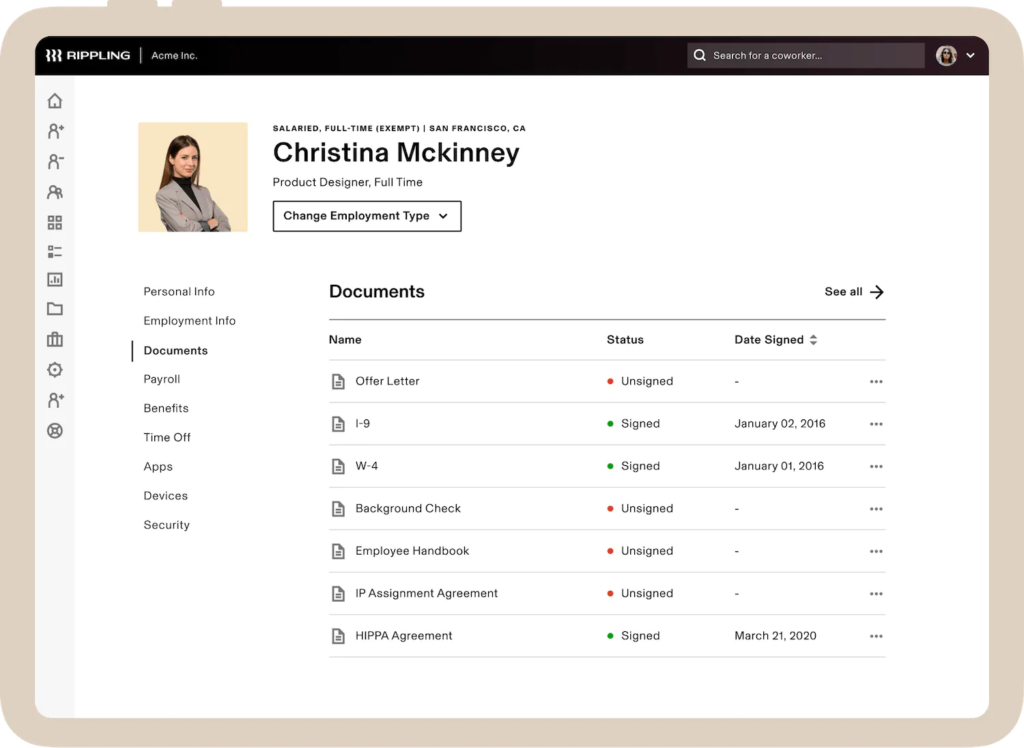
It helps companies hire, onboard, pay, and equip employees anywhere in the world. It also works well for remote teams that want to reduce manual back-and-forth.
Who it’s best for: Fast-growing, remote-friendly companies that want to automate HR in one place.
Top features:
Pros:
Considerations:
Sapling helps HR teams manage employee lifecycle workflows in a structured way.
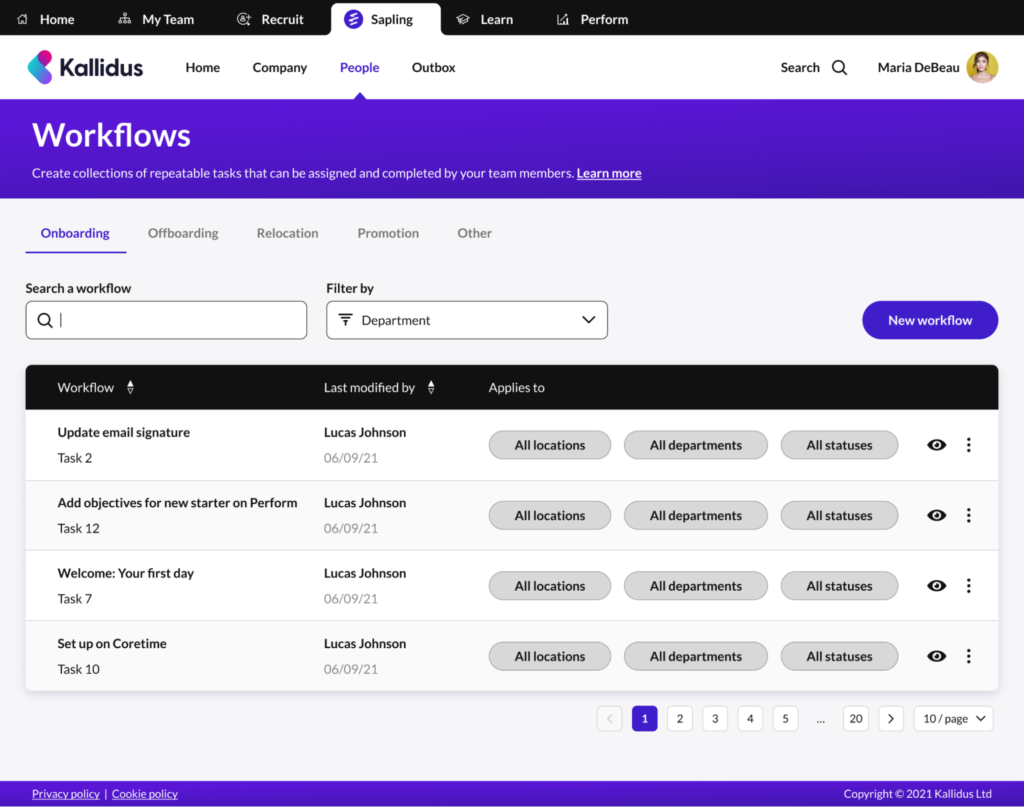
It’s not an all-in-one HR tool. Sapling works alongside your existing HRIS — and adds automation and task tracking for a smoother new-hire experience.
Who it’s best for: Growing, remote companies that need automated onboarding.
Top features:
Pros:
Considerations:
According to Enboarder, 43% of employees don’t get training on job policies. Worse still, 53% don’t receive the tools or training they need to do their work.
Training platforms solve this. They let you deliver role-based training consistently every time. (HR teams no longer have to repeat training in person.)
Here are some examples:
Trainual is a simple training and playbook platform.
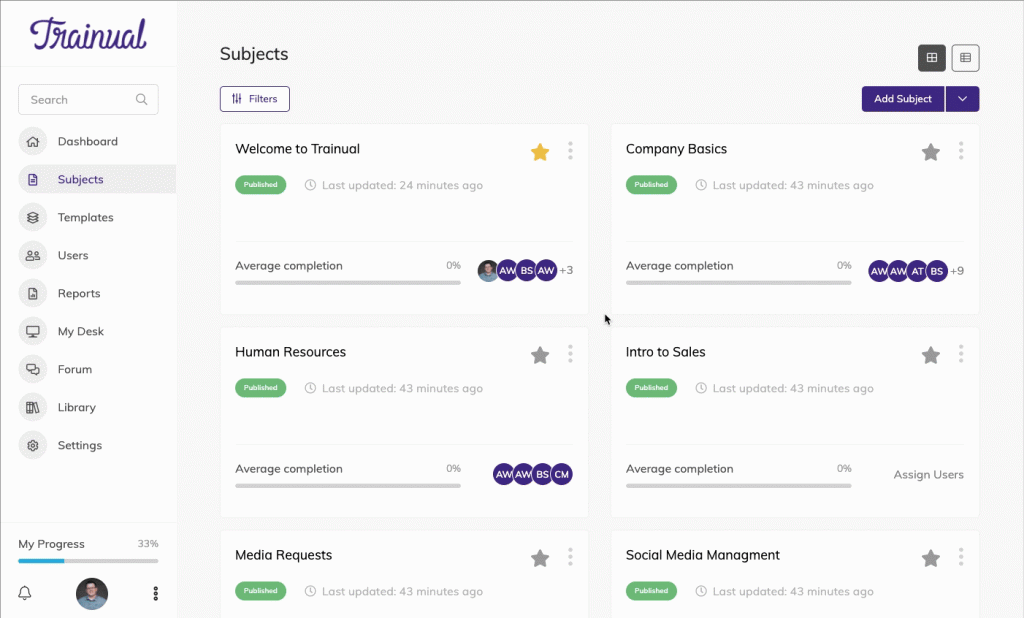
It keeps all of your SOPs, policies, how-to guides, and onboarding steps together. HR teams can build repeatable, role-based training that new hires follow on their own.
Who it’s best for: SMBs that want clear, repeatable onboarding and training without a full LMS.
Top features:
Pros:
Considerations:
Seismic Learning is a simple training tool to help build real-world skills.
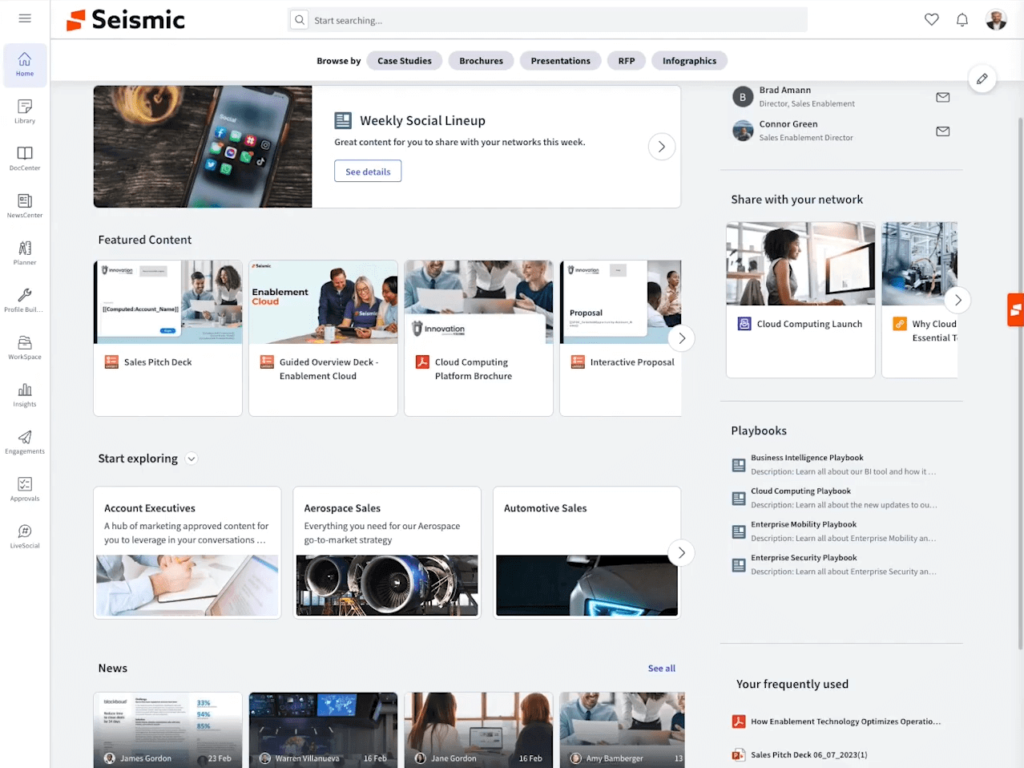
It delivers short lessons and real-world practice simulations, alongside coaching tools. It’s also designed to make training engaging and repeatable. Platforms in this category are part of a broader shift toward sales enablement training that checks whether a rep can actually apply a skill under realistic conditions, not just recall it from a quiz.
Who it’s best for: Teams that want interactive training for customer service, sales, or support.
Top features:
Pros:
Considerations:
Gallup found that employee engagement dropped two points in 2024. This cost the world’s economy $438 billion in lost productivity.
Culture and experience platforms help prevent disengagement. Their tools help new hires feel welcomed, seen, and connected from the beginning. ♥️
Here are some examples:
HiBob blends everyday HR tasks with culture, engagement, and analytics.
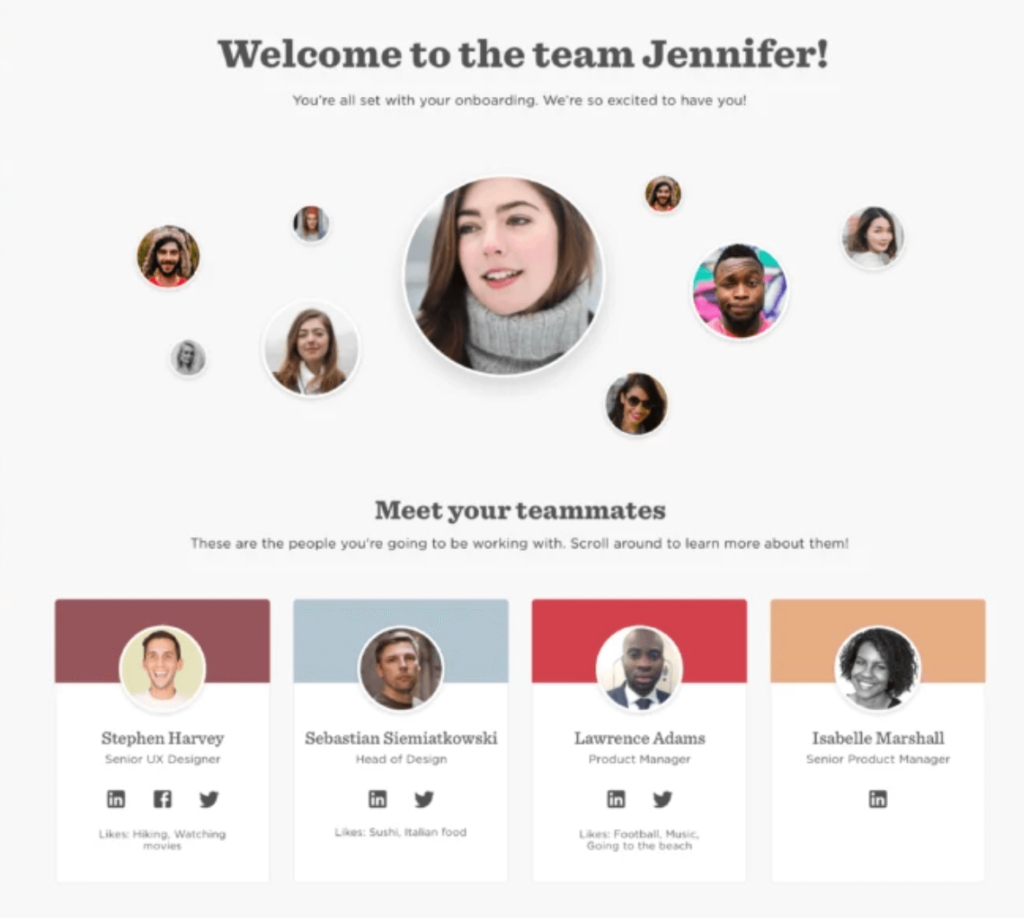
It helps growing and global companies connect and support their employees. It also lets them manage HR in one place.
Who it’s best for: Growing SMBs that want an HR system with engagement and culture tools.
Top features:
Pros:
Considerations:
Talmundo is a specialist onboarding platform that sits alongside existing HR systems.
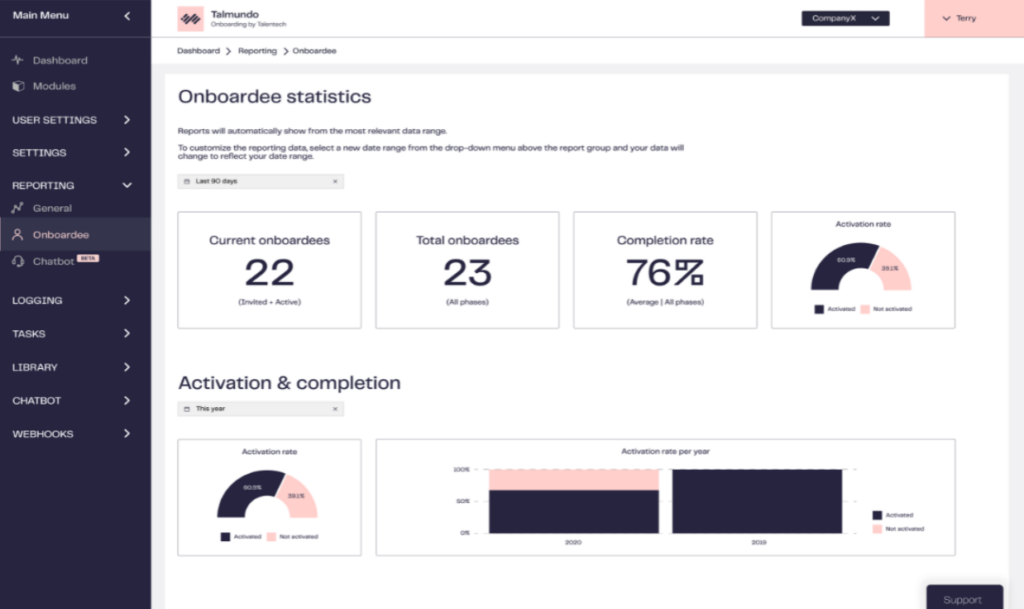
It focuses on the first few months of a new hire’s onboarding, creating step-by-step journeys that help employees feel welcome and well-informed.
Who it’s best for: Companies with existing HR tools that want a branded onboarding platform.
Top features:
Pros:
Considerations:
The best employee onboarding experience happens when tools and people work together. Software can handle paperwork, training, and communication. But it’s your specific onboarding process that helps new hires feel ready to start.
Here are some best practices to help you get the most from your onboarding tools.
Use clear roles to stop delays and onboarding confusion.
For example:
Use an operations manual template to create an onboarding checklist so every hire follows the same steps. Include payroll setup, handbook access, SMART goals, timelines, and milestone tracking.
(You may need to create a different checklist for various roles you hire for. For example, managers will have a different training process than front-line employees.) If you hire in more than one country, add each one’s tax forms and pay schedule to the checklist too, since how global payroll runs changes from place to place.
Link your ATS, HRIS, onboarding portal, and learning platform. This keeps data tidy and helps tasks move across teams and tools without manual work.
Every new hire should have a supportive onboarding experience, whether they’re remote or in person. Use Welcome Days, video tutorials, and digital manuals to maintain consistency.
Assign buddies or start a mentor program. Have mentors check in with new hires and answer questions to help them feel part of the team faster. Recognizing those mentors at the end of a cohort, even with something small like custom glass trophies, keeps people volunteering for the role.(This is especially important if you have a mostly automated onboarding process.)
Track surveys, training data, and engagement scores to find what’s working and fix what’s not. Keep it going past the first few months, too: recognizing milestones like employee work anniversaries keeps people feeling seen as they settle in.
Great onboarding is seamless and intentional. You need a structured path so new hires understand their roles and connect with your company culture.
With the right tools, you can create clear steps that prepare new hires, so they feel ready and welcome. (Read through the tools again to find the best options for your unique goals.)
And when employees feel supported, they become engaged and stay longer. Win-win. ♥️
PS: If your employee onboarding process includes training articles or a company knowledge base, look into Wordable. It helps you publish content from Google Docs to your WordPress site in seconds.
Employee onboarding means preparing new hires for their roles and helping them feel part of the team. It includes payroll setup, IT access, paperwork, training, and clear job expectations.
Different tools support different parts of onboarding.
For example:
A strong onboarding checklist helps every new hire start with clarity and confidence. It should include: