


If you’ve ever opened your laptop ready to work, only to spend the first hour sifting through tabs, chasing messages, and wondering who last touched the file, you’re in the right place.
Remote work tools are meant to save the day, but half the time your virtual team ends up wrestling with tech instead of working.
But the problem isn’t the tech. It’s the type of tech and how you use it. The right tools cut the clutter, clear up questions, and help each person keep a steady rhythm.
Let’s walk through the platforms that help remote working teams get more done.
Highlights
A Gallup report found that fully remote workers show the highest engagement levels (31%) compared with hybrid and on-site workers.
Remote work gives people control over their day. Fewer interruptions, fewer long commutes, and more freedom to shape their environment create the conditions for deeper work.
Thanks to remote work, people don’t have to deal with noise or stress before the day even starts. They can settle into a rhythm that supports real output.
According to research from the U.S. Bureau of Labor Statistics in 2024, industries with remote workers are more productive. Even a small increase in the share of remote employees was linked to a noticeable bump in overall productivity across 61 industries between 2019 and 2022.
But remote work doesn’t guarantee productivity on its own. What bridges the gap between potential and actual results? It’s the system you use to keep everyone aligned.
That system always comes down to the tools. The right remote work tools help teams move with clarity, avoid bottlenecks, and stay connected without draining each other’s time.
A productive remote workflow usually comes down to how well your tools work together, not just how good each one is on its own. A team might plan in Asana, communicate in Slack, record updates in Loom, and store files in Google Drive, all in the same day.
When those systems connect smoothly, work moves faster, and people spend less time jumping between apps or tracking down information. Email is another major part of the remote-work stack, and choosing the right email client can help teams bring multiple accounts and everyday communication into one place while reducing the need to jump between inboxes and apps.
Remote team tools facilitate the daily flow of any distributed workplace. The tools below help everyone streamline workflows and show up at their best.
Strong remote collaboration is what keeps company culture alive, even when people are spread across states or time zones.
Seeing everything in one place, understanding who’s taking on which task, and following the path from idea to finish line help everything move faster.
Project management tools bring structure to that process.
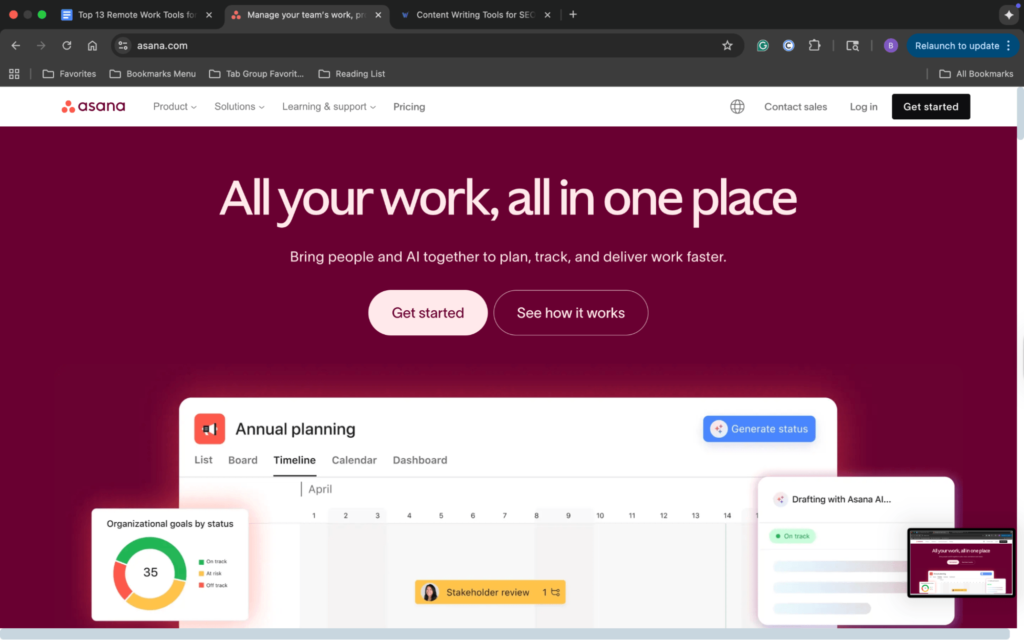
Tools like Asana help a virtual team stay in sync without constant check-ins. Asana gives you a clear picture of what needs to be done, who’s handling it, and how far along each task is.
Instead of crowding your team with meetings, you can use Asana to share context, assign work, and keep conversations next to the tasks they belong to. It gives each person a sense of ownership and makes the process easy to track.
Key benefits:
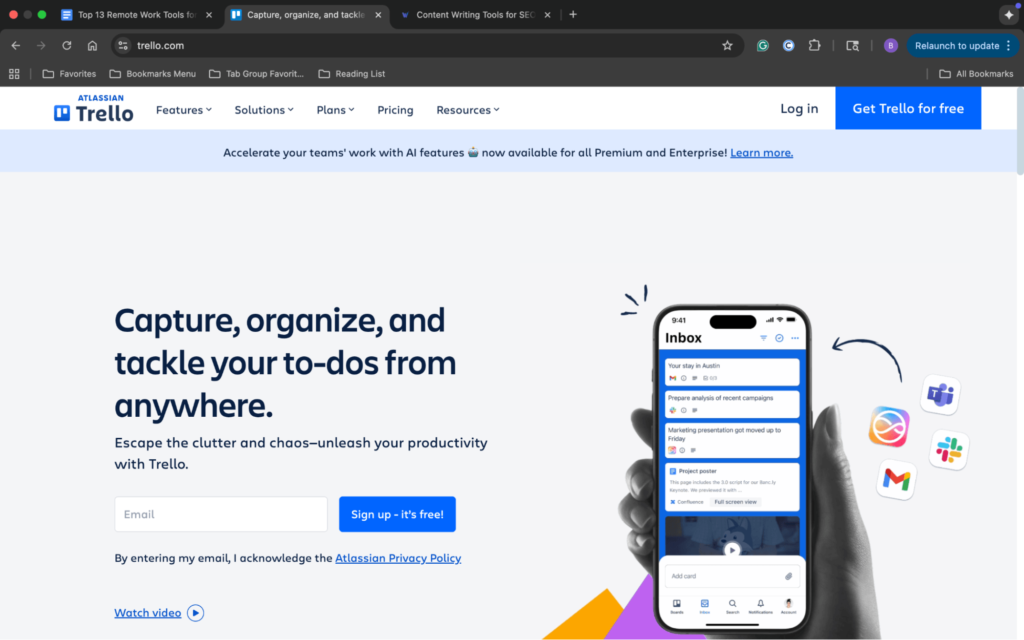
Trello keeps collaboration simple. Its card-and-board system works well for teams that want a visual layout without heavy setup.
You drag tasks from one stage to another, making your progress feel more like a flow than a list of chores. This planning style is great for remote work because everyone can glance at the board and understand a project’s status within seconds.
Key benefits:
Project management tools help teams organize work, but communication tools keep that work moving throughout the day.
Good internal communication tools are the glue that holds remote teams together. Real-time communication keeps the energy moving when you need quick answers, while asynchronous communication gives people space to think, reply, and work at their own pace.
The right mix supports team communication without overwhelming the day with notifications.
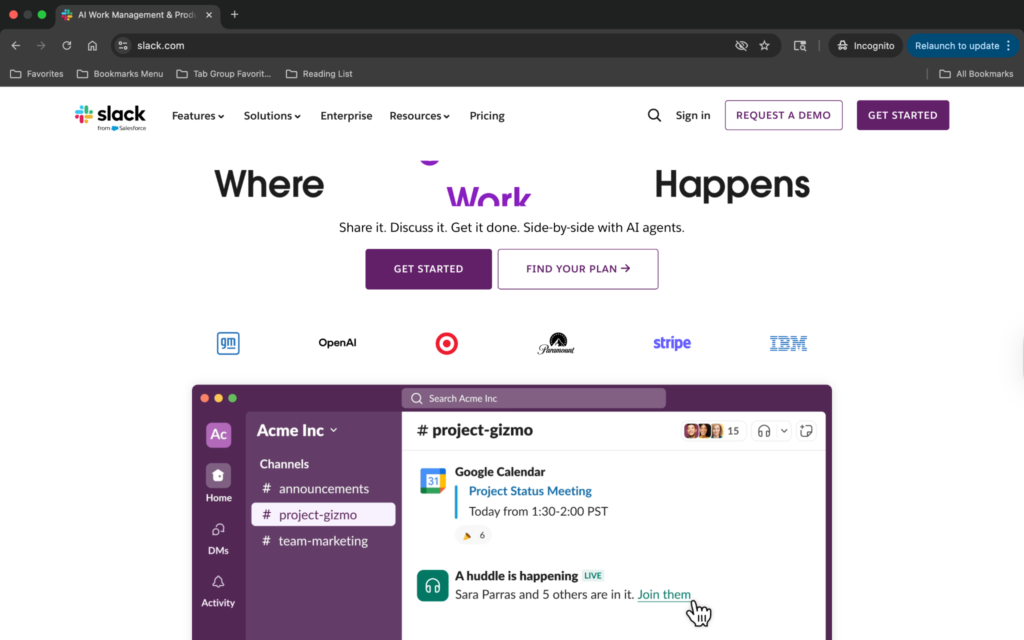
Slack keeps communication fast and manageable. Channels help organize conversations so teams aren’t lost in long message chains. And quick pings feel natural without being disruptive.
Slack is a great remote work tool because it shortens the distance between people. You can ask a question, share a file, or solve a problem in seconds.
Slack also shines in async workflows. Not every message needs an instant reply. And Slack’s structure makes it easy to follow threads or catch up after a break. It keeps internal communication clear without forcing everyone to stay “always on.”
Key benefits:
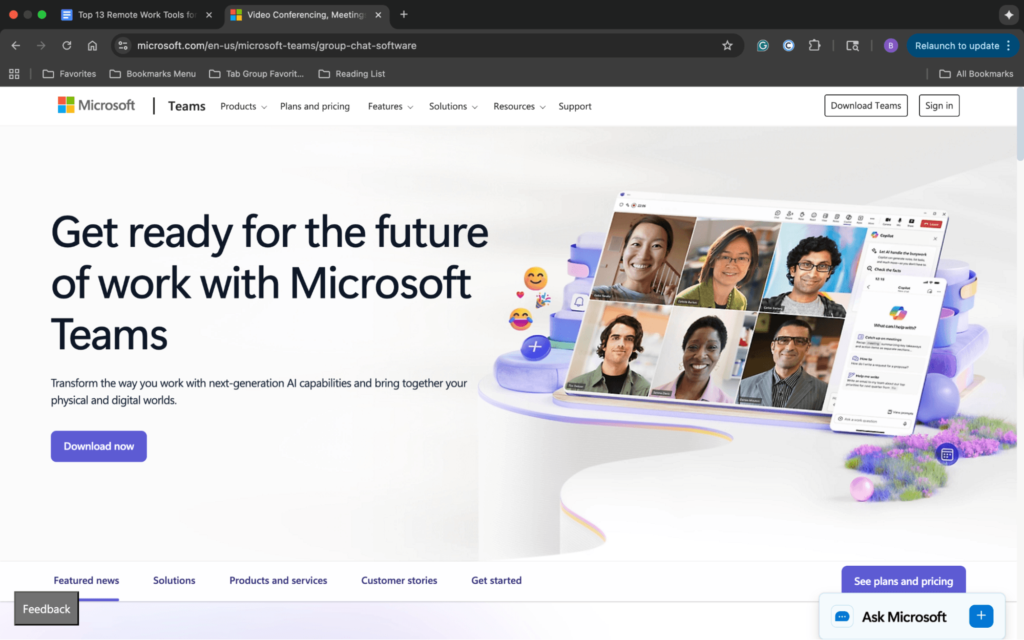
Microsoft Teams brings chat, video calls, and file sharing into one space. If your remote working team already relies on Office tools, this setup feels seamless.
When comparing Workspace vs Microsoft 365, teams should consider factors like collaboration features, productivity tools, storage, and integration with their existing workflow.
Real-time communication is easy, but the real strength comes from how Teams organizes work. You can attach files, notes, and updates to the project or group they belong to, which reduces confusion, until the document libraries behind those channels multiply faster than anyone is managing them, which is usually when IT teams bring in SharePoint consulting services to get the structure back under control.
Teams also supports company-wide communication without making it feel like a broadcast. Departments can work in their own channels. And leadership can share updates without crowding personal inboxes.
Key benefits:
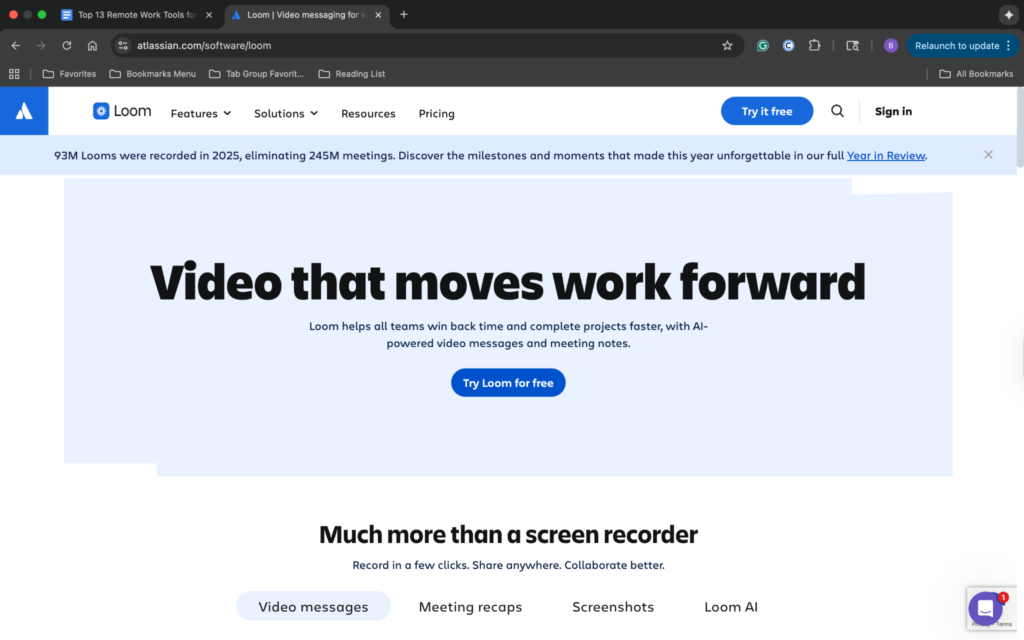
Loom adds a fresh layer to asynchronous communication. Instead of typing long explanations, you can record a quick video that shows your screen, voice, or face. This makes it easier to walk someone through a process, review work, or give feedback without scheduling a meeting.
Key benefits:
Note: No matter what communication tool you choose, it’s all in vain if your team can’t access it in a stable, consistent way. Cloud desktop setups provide every user with the same secure workspace, regardless of the device they use.
It ensures your communication tools run smoothly, calls don’t drop because of mismatched software, and you don’t lose time troubleshooting different setups.
Document management tools keep your team’s content workflow organized, accessible, and easy to publish.
If your remote team handles articles, reports, or shared resources, you need tools like these to save time, reduce version control, and keep your workflow tight.
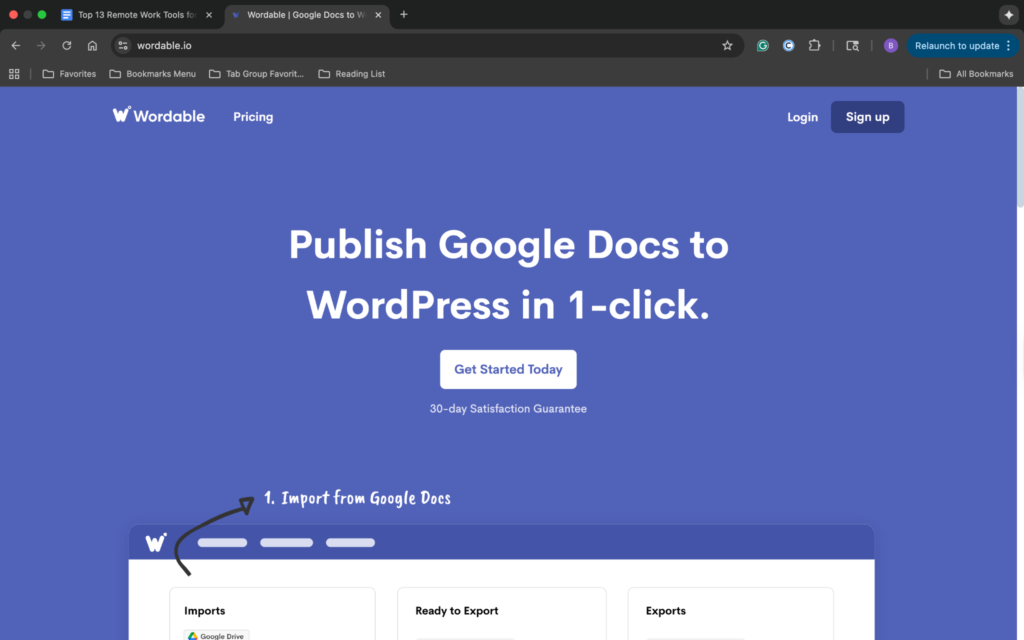
Wordable takes the messy part of publishing and makes it simple. If you’ve ever moved a Google Doc into WordPress and spent half an hour fixing spacing, headings, and images, Wordable steps in to save your sanity.
It pulls your doc into WordPress with clean formatting, proper structure, and fewer manual fixes. This makes for a smoother content collaboration process.
Key benefits:
Virtual whiteboards help remote teams brainstorm, sketch ideas, and map out plans without crowding into a conference room.
Your team gets access to a shared space to think out loud, even when people join from different time zones.
A good whiteboard replaces the moments you’d usually have around a real whiteboard in an office.

Miro is a virtual whiteboard app that allows you to map workflows, collect ideas, build diagrams, and invite teammates to group thoughts wherever they fit.
Miro also creates a sense of togetherness. You see people’s cursors move across the board. You watch ideas grow in real time. It’s one of the closest experiences to being in the same room without signing a lease.
Key benefits:
A good video conferencing service is the backbone of communication for remote teams.
Video chat tools keep virtual meetings running without a hitch. They support everything from quick check-ins to full presentations.
All in all, they bring the human side of teamwork into remote work.
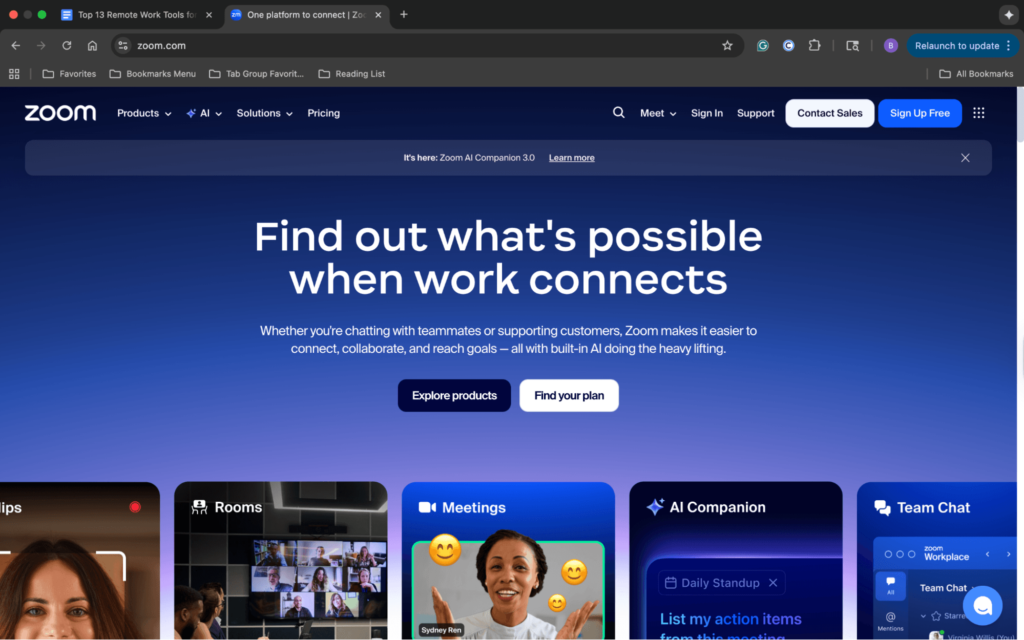
Zoom set the standard for virtual meetings with its clean layout and dependable video quality. It’s easy to start a call, share your screen, and bring the whole team together. The platform stays out of the way so people can talk, plan, and solve problems without tech interruptions.
Zoom also works well for larger meetings or training sessions. Breakout rooms let you split off into smaller groups without ending the meeting.
Key benefits:
Google Meet fits perfectly into teams already using Google Workspace. It opens directly from your Google Calendar, Gmail, or chat, which reduces the steps to join a meeting.
The interface is simple, the video chat is stable, and the layout keeps everyone visible without clutter. If you like predictable tools, Meet delivers.
That simplicity matters for remote teams that jump between meetings all day. Instead of spending time troubleshooting links or downloads, people can join quickly and stay focused on the conversation itself. A stable home internet connection matters just as much, since even the simplest meeting app can’t save a dropped call.
It also helps you stay connected while avoiding the “too many apps” problem. When everything lives inside the same system, you spend less time jumping around and more time talking to people.
Time tracking software and productivity tools help remote workers stay focused, track progress, and build routines that support deep work. Scheduling belongs in the same bucket, and letting clients book an appointment from a shared link cuts out the back and forth that eats a remote team’s morning
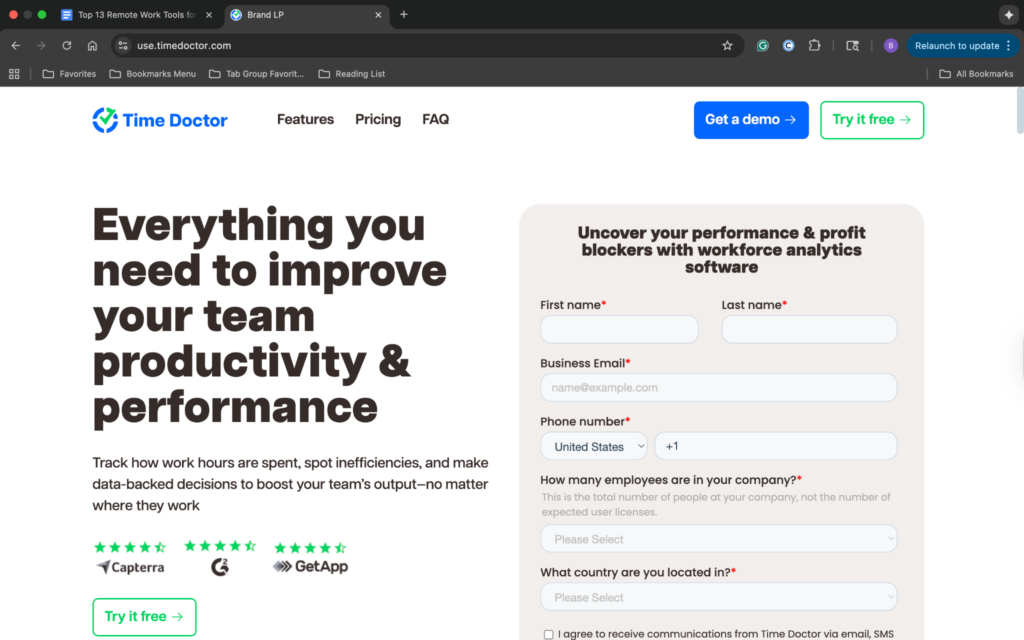
Time Doctor gives teams deeper visibility into how work gets done. It tracks time, monitors activity levels, and offers insights that help reduce distractions.
Key benefits:
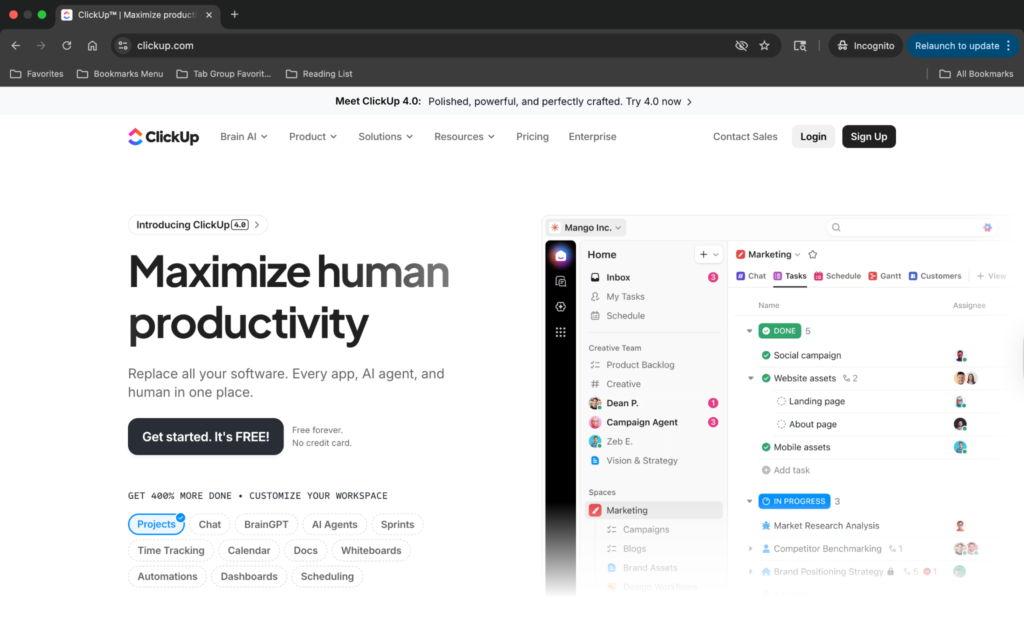
ClickUp combines tasks, goals, docs, and time tracking into one system. It’s more of a workspace than a productivity app.
But we added it here because many remote teams use it as a single source of truth for planning work, tracking progress, and managing day-to-day operations without jumping between tools.
ClickUp also supports focus time by organizing tasks into clean views, helping people see what matters most. This keeps work moving and cuts the time you’d spend digging around for context.
Key benefits:
E-signature tools make approvals fast, smooth, and stress-free.
Remote teams can’t pass paper across a conference table. E-signing platforms help you request others’ signatures without waiting for mail or scanned PDFs.
DocuSign is the go-to name in digital signatures because it’s straightforward and secure. You upload your document, add the fields you need, and send it out for signing. Each party signs in a few clicks, and DocuSign tracks the entire process with a clear audit trail.
It’s great for contracts, NDAs, onboarding, or any document that needs an official signature. If you only need your own signature on a quick form rather than a full multi-party workflow, you can generate signatures online and drop them straight into the file.
Key benefits:
Cloud storage tools keep your files safe, shareable, and accessible from anywhere. They give remote teams a central place to work without sending attachments back and forth.
This ensures that remote access proceeds as smoothly as possible.
Cloud storage costs can increase as teams accumulate files, expand their storage needs, and rely on more cloud resources. Amazon Cloud cost optimization helps businesses monitor cloud spending and find ways to cut unnecessary costs while keeping reliable access to shared files.
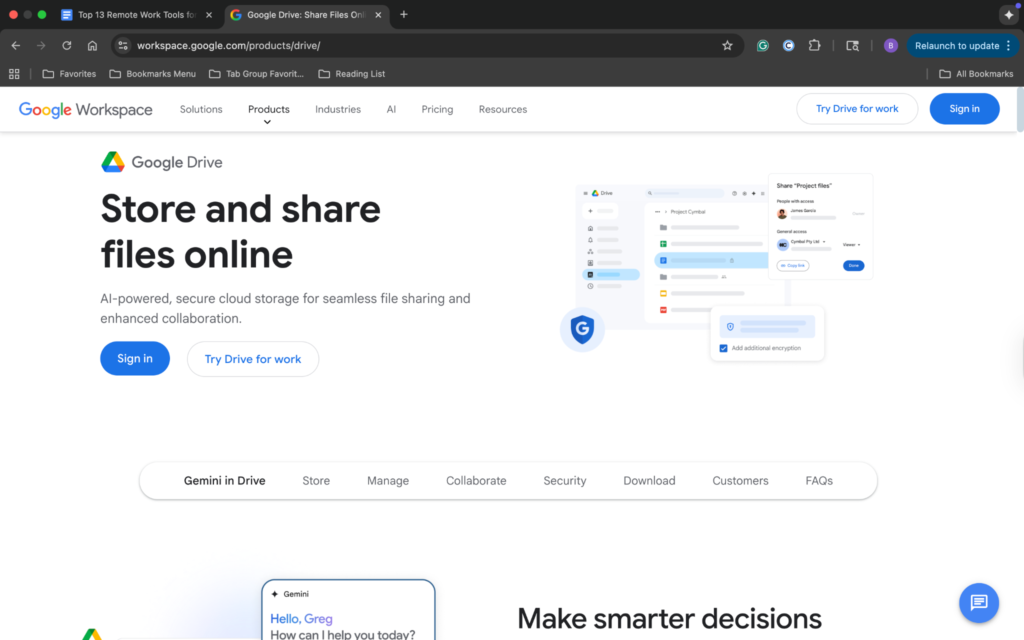
Google Drive makes remote file sharing effortless. You can upload files, create folders, and give teammates access in seconds.
Everything syncs across devices. Need a file from home or the coffee shop? It’s there. Drive also keeps your files structured, so you aren’t digging through email attachments or misplaced downloads. It also lets you manage docs offline, which is great for travel or when you have weak connections.
Key benefits:
Remote work tools get plenty of buzz, but no single platform can carry your entire workflow.
So, when does the magic happen? It happens when each tool handles the part it’s designed for, whether that’s planning projects, keeping conversations flowing, or helping your team stay focused.
No, you don’t need to cram more apps into your stack. But you do need to choose the right tools and let them work together to achieve true productivity.
Or maybe you’ve already done that, but are still missing one thing: publishing.
Wordable can help close that gap. It turns hours of formatting into a single click, freeing your team to focus on the work that actually matters.
Try Wordable today and publish your next piece the way it should’ve been done all along.