


Read much about B2B marketing or sales, and you’ve likely seen one word everywhere: enablement.
There’s sales, revenue, buyer, customer, partner, and field enablement.
A few years ago, “sales enablement” was the term you heard most often. Today, it feels like every business function has its own version of enablement.
At that point, it’s fair to ask: What is enablement in business?
Each type serves a different audience. But they all share the same goal. They help people move forward with the right facts and tools.
This guide sorts out the terms and shows where each type fits. It also shows why content plays a part in all of them. That way, you can build resources your whole team can use.
Enablement gives people the information, tools, and resources they need to succeed.
In business, it might help staff do their jobs or buyers judge a product. It might help customers get started or partners speak for your brand.
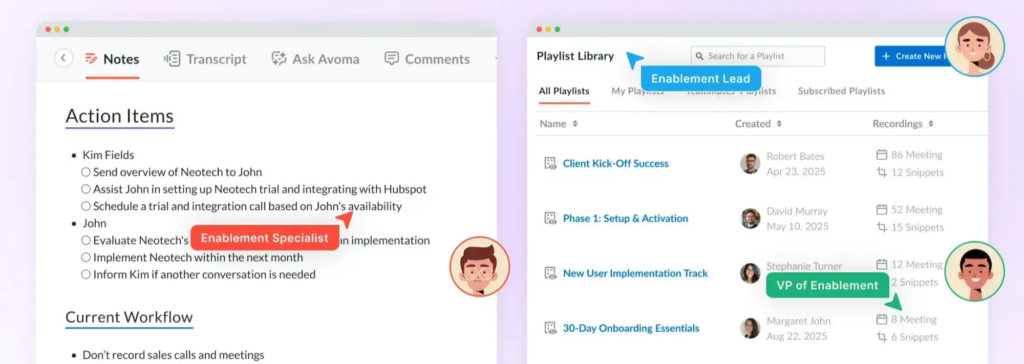
The resources depend on who needs them. They might include guides, training, templates, product facts, or setup docs.
For example, a sales rep may use a competitive comparison during a prospect call. A new customer may follow an onboarding guide after purchasing. A reseller may download approved messaging before promoting your product. All of those resources are forms of enablement.
That’s why you’ll see it paired with words like sales, buyer, or partner. Each one points to a different group.
Before buyer, partner, and revenue enablement, there was sales enablement. It gave sales teams the training, product know-how, and content they needed. The goal was better sales calls.
Over time, other groups needed the same kind of help. It wasn’t just sales anymore.
Today, enablement means any effort to help people succeed. It gives them the right know-how, content, or tools. The word grew because the need grew.
Every type of enablement answers the same question: what does this audience need to succeed? The difference is who you’re trying to help.
Sales teams need different resources than customers. Partners need different resources than buyers researching a product for the first time. That’s why you’ll see enablement paired with words like sales, buyer, or customer. Each refers to a different audience, not a completely different strategy.
Here’s a quick comparison before we look at each type in more detail.
| Enablement type | Primary audience | Main goal | Common content |
| Sales enablement | Sales teams | Help sales reps answer questions and communicate value | Product one-pagers, battle cards, case studies, competitor comparisons |
| Revenue enablement | Marketing, sales, and customer success | Keep customer-facing teams aligned | Shared messaging, playbooks, customer stories, onboarding resources |
| Buyer enablement | Prospective customers | Help buyers research and evaluate solutions | Buying guides, pricing pages, comparison pages, FAQs |
| Customer enablement | Existing customers | Help customers adopt and use a product | Onboarding guides, tutorials, help articles, knowledge bases |
| Partner enablement | Resellers, agencies, affiliates | Help partners represent and sell your product | Sales kits, co-marketing materials, product documentation |
| Field enablement | Field teams | Give employees access to information while working on-site | Mobile documentation, training materials, troubleshooting guides |
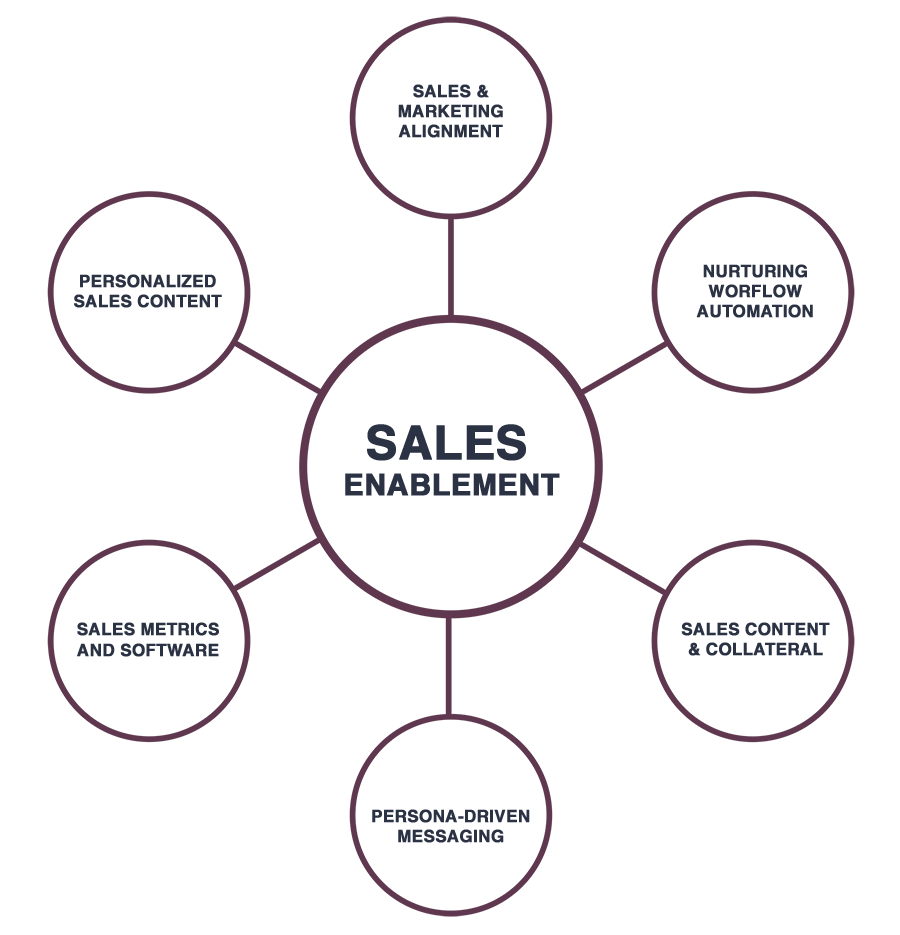
When people say enablement, they often mean sales enablement.
Sales enablement gives reps the facts they need to answer questions. It also helps them show the product’s value at each step of the sale. That might mean product training for new hires, a competitor comparison before a demo, or a case study that shows how another customer solved a similar problem.
Say a prospect asks how your software compares to another tool. A rep shouldn’t have to build an answer from scratch. A side-by-side guide can list key features, common pushback, and customer examples. That helps every rep give the same clear answer.
Revenue enablement brings marketing, sales, customer success, and support together. Every team uses the same messaging and product facts.
A product launch shows how that works. Marketing announces the feature, sales introduces it during demos, and customer success explains it during onboarding.
When every team works from the same facts, customers get the same answers. That holds from their first visit all the way through setup. Without that shared base, each team may describe the product a little differently, and customers notice.
Buyer enablement helps buyers research and judge your product on their own. Many buyers want to learn as much as they can before they talk to anyone.
According to Gartner, 61% of B2B buyers prefer a rep-free buying experience. Pricing pages, comparison posts, buying guides, FAQs, and product docs all help. They answer questions before buyers ever speak with sales. The clearer that content is, the more sure buyers feel when they reach out.
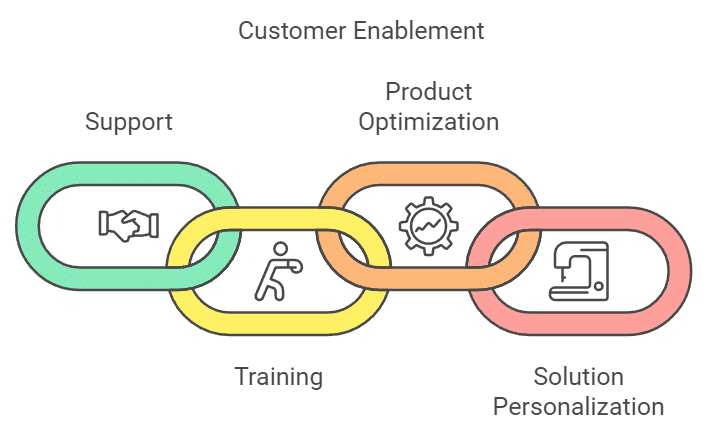
Customer enablement helps customers get value from a product after they buy it.
Setup guides, help centers, and how-to videos answer common questions. They also cut down on support tickets. When customers can find answers on their own, they get to value faster. Your support team can then focus on harder problems.
Many companies rely on partners to suggest, sell, or set up their products.
Resellers, agencies, and affiliates need the same product facts and messaging as your own teams. Without them, customers may hear different answers from different people.
Partner enablement gives them product docs, sales decks, messaging guides, and co-marketing kits. That gives partners a solid starting point. They don’t have to make everything from scratch.
Field sales reps, service techs, health care reps, and install crews often work away from the office. They need product facts wherever the job takes them.
Phone-friendly manuals, fix-it guides, setup steps, and training give them that access. The content needs to be short, easy to search, and simple to read on a phone. A tech at a job site doesn’t have time to dig through a long PDF.
Marketing writes the blog posts. Sales has its decks. Customer success has onboarding docs. Support has the help center.
These teams share the same product facts in different formats.
Take a new feature:
Many versions of the same facts create extra work. A product page gets updated, but an old sales deck is still floating around. The help center shows a process that’s already changed. A partner downloads docs that no one has touched in months.
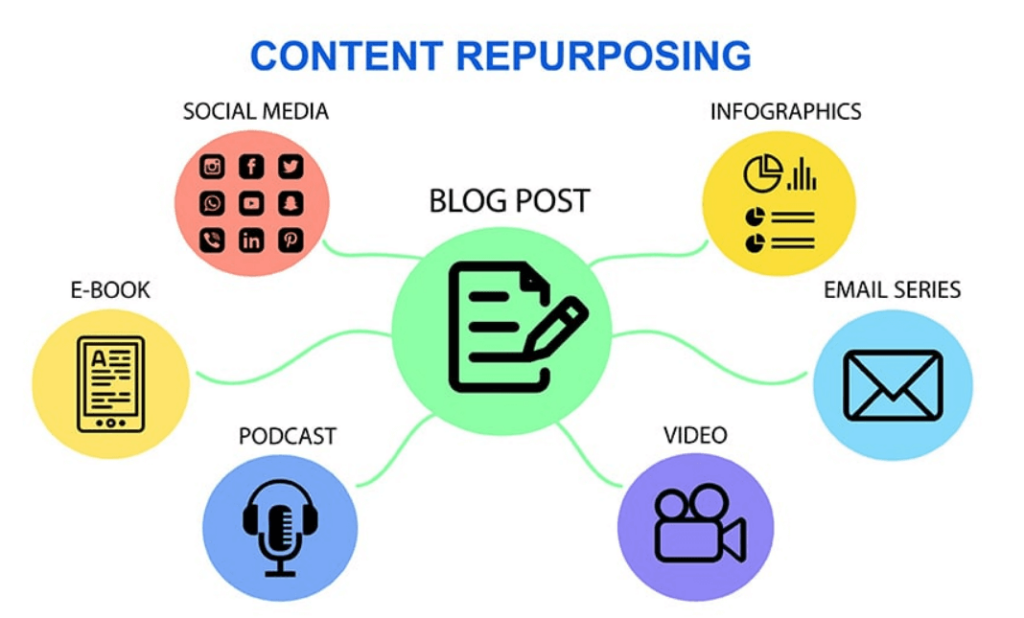
Repurposing a launch post into a sales deck, setup guide, and help article saves time. But that only works if everyone starts with the same facts.
Enablement content needs to stay correct and easy to find. It also needs to be easy to keep up across many teams.
The Content Marketing Institute found that 43% say lining up content across sales and marketing is still hard. As more teams rely on the same facts, keeping everyone in sync matters as much as making the content.
A product guide written for buyers can do more than one job. It can help sales answer questions during demos. It can give customer success a head start on setup. It can also give partners approved product facts.
Planning for more than one group makes content easier to reuse. Before you write, ask who else might use the piece. Small choices, like clear headings and plain words, make it easier for other teams to pick up.
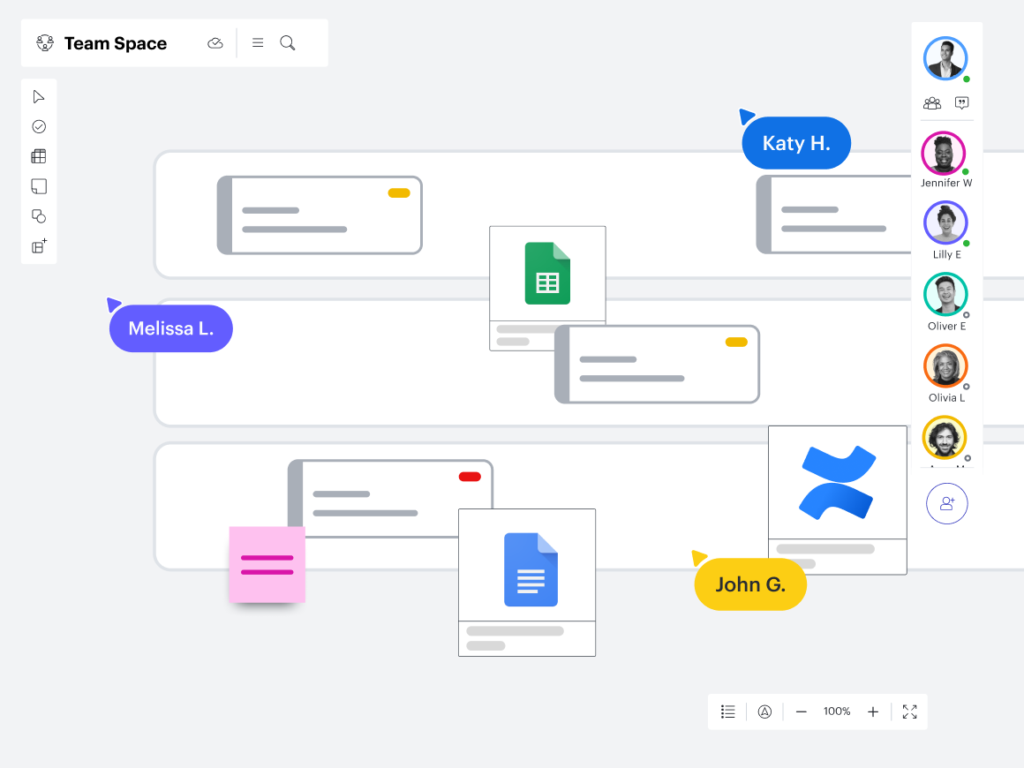
If product information lives in Google Docs, slide decks, PDFs, and shared folders, it’s easy for outdated versions to circulate. Someone updates the website. Meanwhile, another team keeps using an old file they saved months ago.
Organized content helps every team work from the latest facts. Pick one home for the main version, and point every team back to it.
You can’t publish this content once and forget about it.
Pricing changes. Features change. Screenshots get old. A quarterly review can catch those issues early. That way, sales, support, and partners don’t share wrong facts.
Even small updates help keep docs reliable. It also helps to name an owner for each key asset. Then someone is in charge of keeping it current.
Slow publishing can leave teams working from old docs.
Updating a guide can mean copying content between tools, fixing formatting, and publishing each change by hand. When that happens, docs fall behind. Sales may keep using an old version just because the new one isn’t live yet.
Wordable moves content from Google Docs into WordPress with formatting intact. That makes it easier to publish updates and keep docs current.
By now, “what is enablement in business?” has a much broader answer than sales alone. Every team needs correct, easy-to-find content to do its job well.
This content keeps paying off long after it’s published. What starts as a blog post can end up in a sales deck, an onboarding guide, a help article, and a partner presentation.
But it shouldn’t be a one-time task. The easier it is to update, publish, and reuse, the easier it is for every team to stay in sync.
Wordable helps teams move content from Google Docs to WordPress without the manual formatting and publishing work that slows updates down.
Try Wordable and move your next Google Doc into WordPress in minutes.
When people ask, “What is enablement in business?” they usually mean the resources that help people do their jobs or make good choices. Those people might be staff, buyers, customers, or partners. It might include training, product docs, setup guides, sales tools, or buying guides.
No. Sales enablement is the best-known type. But many companies also invest in revenue, buyer, customer, partner, and field enablement.
Sales enablement supports the sales team. Revenue enablement supports every team that faces customers. That includes marketing, sales, customer success, and support.
Content helps teams share the same facts with buyers, customers, and partners. Pricing pages, setup guides, product docs, and help centers answer common questions at each stage.
The right content depends on the audience. Sales teams use battle cards and case studies. Buyers rely on pricing pages and buying guides. Customer success teams use setup guides and help centers. Partners use product docs and sales decks.