
Best AI Job Application Platforms in 2026 | Wordable

The Best AI Job Application Platforms to Use in 2026

The “quality vs. quantity” debate regarding your job search has reached a stalemate. In 2026, you need both. With recruiters using AI to screen thousands of applicants in seconds, a candidate applying to three jobs a week is essentially invisible.

To break through, marketers, freelancers, and digital professionals are adopting a High-Frequency Strategy: applying to more relevant roles without sacrificing personalization. 

While this may sound like a recipe for a 100-hour workweek, the secret lies in strategic automation. By leveraging the best AI job application platforms, you can maintain the volume necessary to beat the odds without ever sending a “generic” resume.

Highlights

  • AI job application tools can automate resume tailoring, job matching, and form filling
  • Auto-apply platforms help candidates apply to more roles without sacrificing personalization
  • Resume optimization tools improve ATS compatibility and recruiter visibility
  • Career-planning AI tools help users identify skill gaps and learning opportunities
  • The best platforms combine automation with human oversight to improve application quality

The data-driven reality of the 2026 job hunt market

Let us talk about how the 2026 “Hiring Winter” forced applicants to become more active and write faster

The United States Bureau of Labor Statistics sharply reduced its forecasts of newly created jobs by more than a quarter of a million positions in May and June.
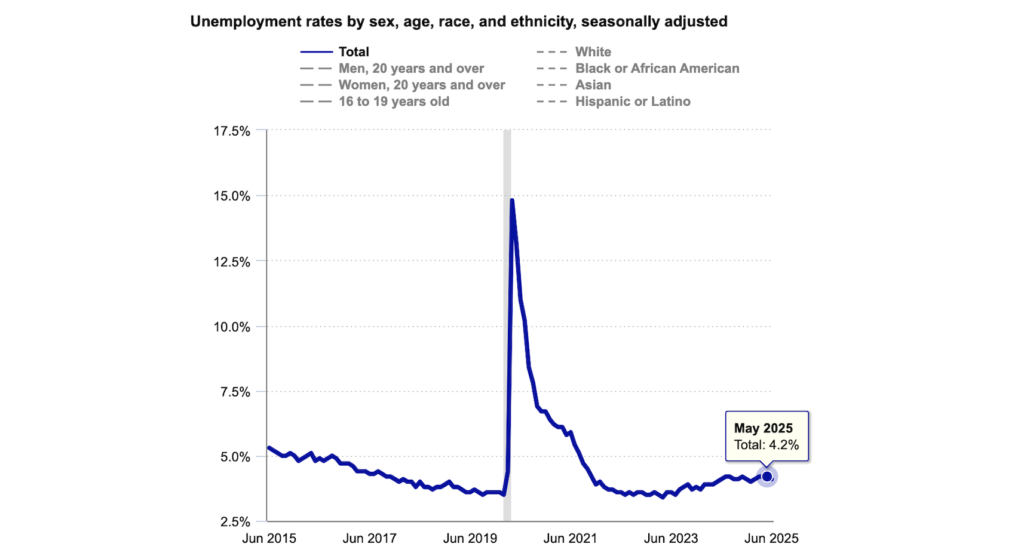
Image from United States Bureau of Labor Statistics about the unemployment rate rising to 4.2%.

(Image Source)

In June 2025, the BLS estimated that only 14,000 new jobs were created. By May 2025, the employment rate had risen to 4.2%, with 7.2 million unemployed Americans.

In March 2026, the job market remained in a “low hires, low fires” state, and the unemployment rate remained unchanged at 4.3%, according to data from Trading Economics. However, what really concerns us is the rise in long-term unemployment.

When millions of people are looking for a job, it becomes essential to apply multiple times just to improve your chances.

Benefits of AI tools that apply to jobs for you 

If you’ve applied (or even thought about applying) for a position recently, you know the traditional manual process is broken.

AI-powered platforms are no longer “optional extras”; they are invaluable allies. Here is why the high-frequency strategy relies entirely on these tools:

  • Drastic Stress Reduction: Scouring the web and manually filling out Workday forms are primary drivers of job-seeker burnout. Automation eliminates the most anxiety-inducing parts of the hunt.
  • Massive Time Savings: An AI that applies to jobs for you automates the administrative “paper-pushing,” saving you dozens of hours a week that would otherwise be spent in the depths of career portals.
  • Professional Resume Optimization: An AI resume writer provides the insights needed to create a “shiny,” recruiter-ready document that actually beats the ATS (Applicant Tracking System).
  • Operational Efficiency: By streamlining the process down to a few button presses, you can focus on the “human” parts of the search: networking and interview preparation.
  • Total Convenience: You let the machine handle the 2:00 AM job postings while you focus on living your life, ensuring your application is always at the top of the pile.
  • Hyper-Personalized Recommendations: Instead of broad keyword searches, AI provides recommendations tailored to your evolving skills and needs.

How we chose and tested the best AI job application platforms

In a crowded market of “AI wrappers,” not all tools are created equal. Job seekers are already in a bind; they shouldn’t have to manage five different subscriptions just to get an interview.

Our criteria

We narrowed down the top performers based on four critical factors:

  1. Depth and Breadth of AI Functionalities: Does it just write text, or does it actually do the work?
  2. Ease of Use: Can a user set up their profile and start applying in under 10 minutes?
  3. Value for Money: We prioritized pricing transparency. Users favor tools that are upfront about costs rather than hiding behind “Contact Sales” buttons.
  4. Effectiveness: Does the tool actually result in interviews?

How we tested

We put these tools through rigorous testing. Each platform was evaluated using the same workflow: job discovery quality, resume customization, application automation, ease of setup, pricing transparency, and the amount of manual oversight required before submission.

We asked:

  • Discovery: Did the AI find relevant vacancies that weren’t just “promoted” spam?
  • Quality: How well did it tailor resumes and cover letters? Was the tone “human” enough to pass a recruiter’s sniff test?
  • Execution: Did the “Auto Apply” features actually handle complex portals, or did they break halfway through?
  • User Experience: How much human oversight was required? The best tools are “hands-off” without being “out of control.”

Best AI job application platforms that apply to jobs for you

These platforms are designed to automate the most tedious part of the job application process: the application itself. By using “application agents,” these tools find roles that fit your specific skills and automatically fill out hundreds of forms, saving you hundreds of hours of manual labor.
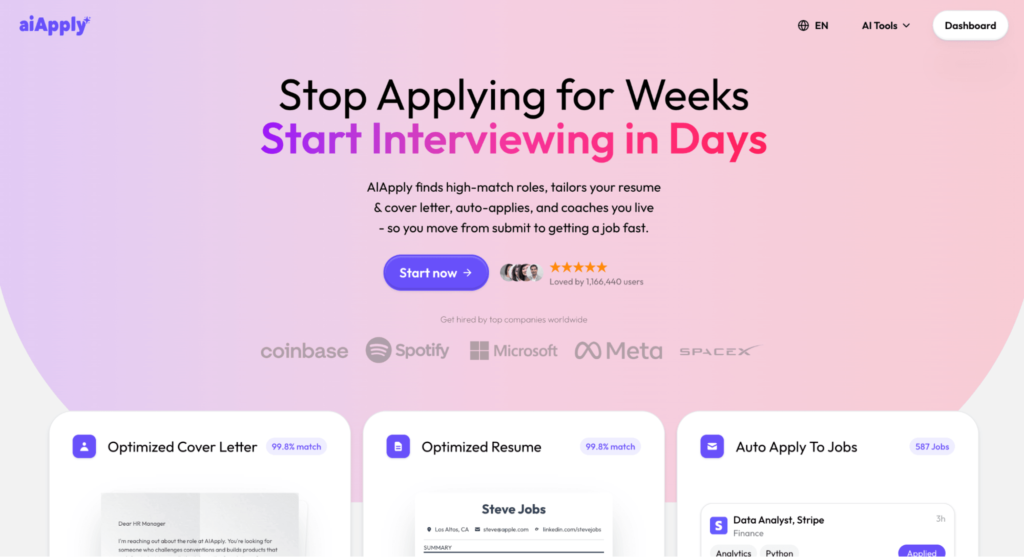
1. AIApply – best for high-volume automation

Aiapply finds roles and auto-applies to jobs

(Image Source)

Key features:

  • Auto-Apply Bot: Applies to dozens of jobs daily across multiple boards while you sleep.
  • Job Tracker: Centralizes all your pending applications into a single, clean dashboard.
  • Interview Buddy: A real-time helper that listens to your interview and gives you “fact-checks.”

Pricing plans:

  • Free $0/month: Cover letters, resume scanner, job board access
  • Pro (monthly) $29/month: Unlimited tailored resumes + cover letters, Interview Buddy, Auto Apply credits, tracking, translations
  • Pro (yearly) ~$12/month: Same bundle, billed annually
  • Auto Apply credits: Credit packs 1 credit = 1 application; credits never expire

Why it’s great: Aiapply is generally cited as the best for high-volume automation and the “most favored by users” tool for a reason: its Auto Apply feature handled complex hiring portals more consistently during testing, navigating even the most frustrating corporate portals with ease. 
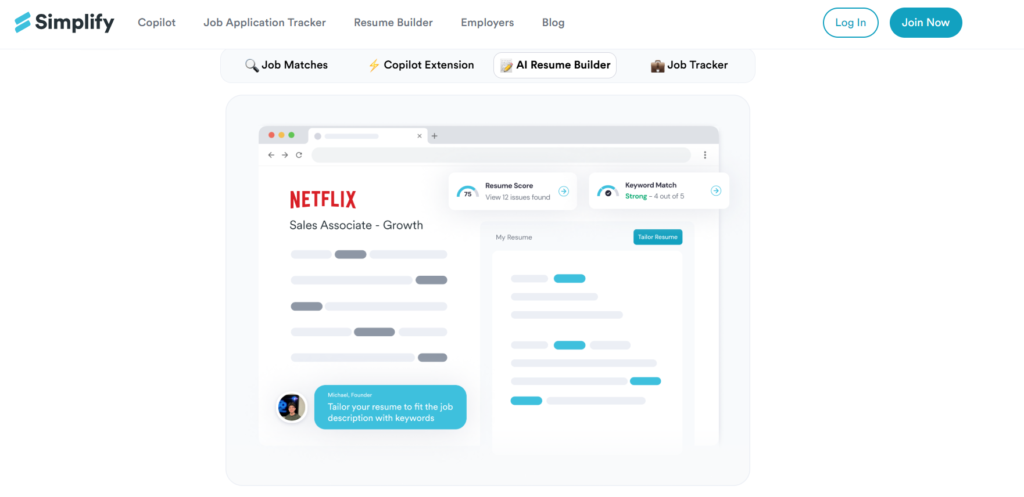
2. Simplify – best for saving time on forms

Simplify Homepage

(Image Source)

Key features:

  • One-Click Autofill: A browser extension that fills out any job portal (Workday, Greenhouse, etc.) in one click.
  • Tailored Q&A: AI-generated answers for those annoying “additional questions” based on your bio.
  • Application Tracking: Automatically logs every job you apply to, including the salary and status.

Pricing plans:

  • Free: Unlimited autofill and basic application tracking.
  • Simplify+ ($19/month): Advanced AI tailoring and personalized job matching.

Why it’s great: Simplify is best for applicants who want to cast a wide net across the global remote market without spending 8 hours a day on LinkedIn.
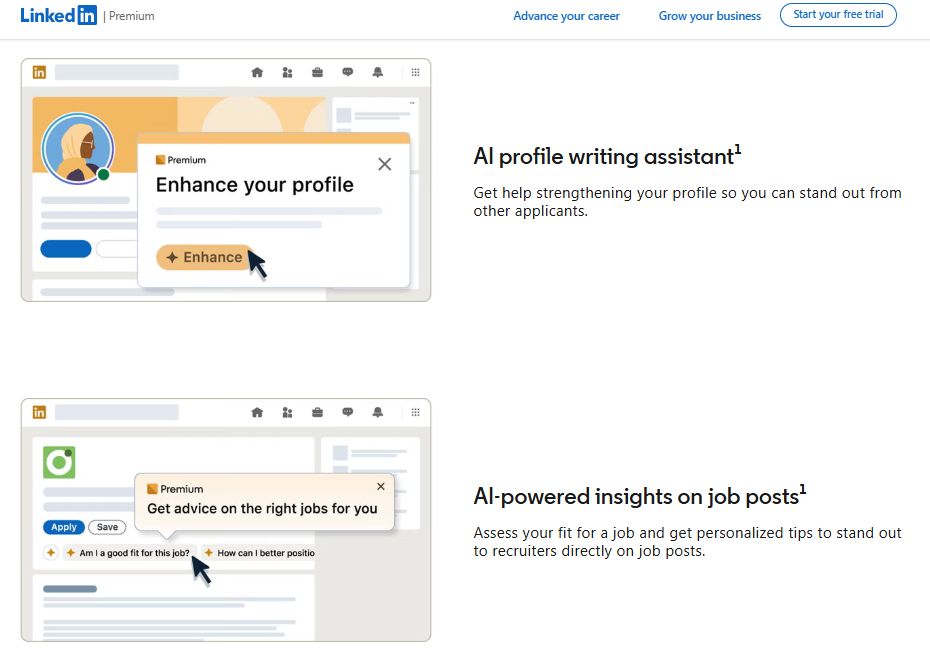
3. LinkedIn AI Tools – best for passive job seekers

LinkedIn Premium AI writing assistant

(Image Source)

Key features:

  • AI-Powered InMail: Drafts personalized networking messages that get higher response rates.
  • Fit Analysis: Uses your skills to tell you if you are a “Top 10%” candidate for a specific role.
  • Profile Auto-Update: Suggests skill additions based on what the current market is trending toward.

Pricing plans:

  • Premium (~$39.99/month): Standard access to all AI candidate tools.

Why it’s great: It is the ecosystem. It’s best for “passive” job seekers who want to let the world’s largest professional network do the matching work for them.

Best AI-powered resume and cover letter optimizers

Category Overview: This category helps you bypass the “digital gatekeepers” known as Applicant Tracking Systems (ATS). These tools use generative AI to ensure your resume uses the exact semantic keywords recruiters are searching for while crafting cover letters that match a company’s specific tone and culture.
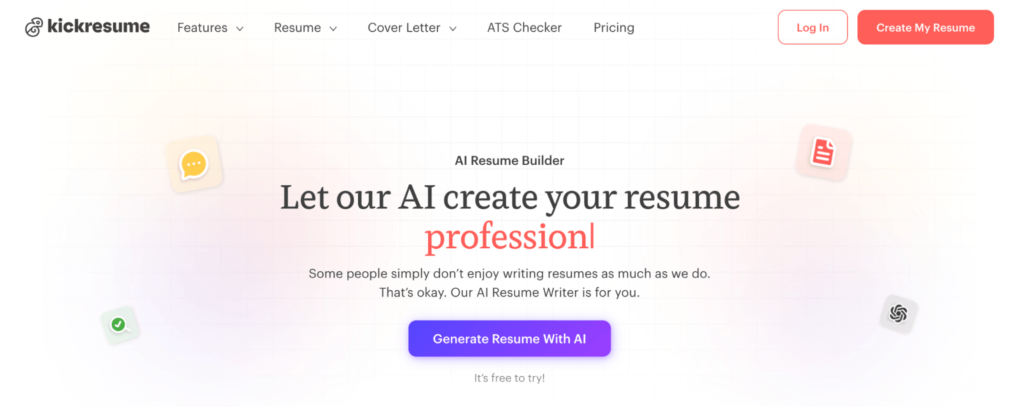
1. Kickresume – best for creating visual impact.

Kickresume Homepage

(Image Source)

Key features:

  • AI Resume Writer: Powered by GPT-5 to generate industry-specific bullet points.
  • Pyjama Jobs Board: Matches your profile to remote roles as soon as your resume is finished.
  • AI Website Builder: Converts your text resume into a professional personal brand website.
  • AI Cover Letter Builder: Analyzes job descriptions to write tailored letters in seconds.

Pricing plans:

  • Free: 1 basic resume and 1 basic cover letter.
  • Premium ($29/month): Full AI access and 40+ professional templates.
  • Yearly ($9/month billed annually): Unlimited downloads and priority AI features.

Why it’s great: Kickresume is the best tool for visual impact. It’s perfect for job seekers in creative or tech industries who need a resume that looks as good as it reads, highlighting their resumes as part of their personal brand. That ensures you stand out to both the robot and the human recruiter.
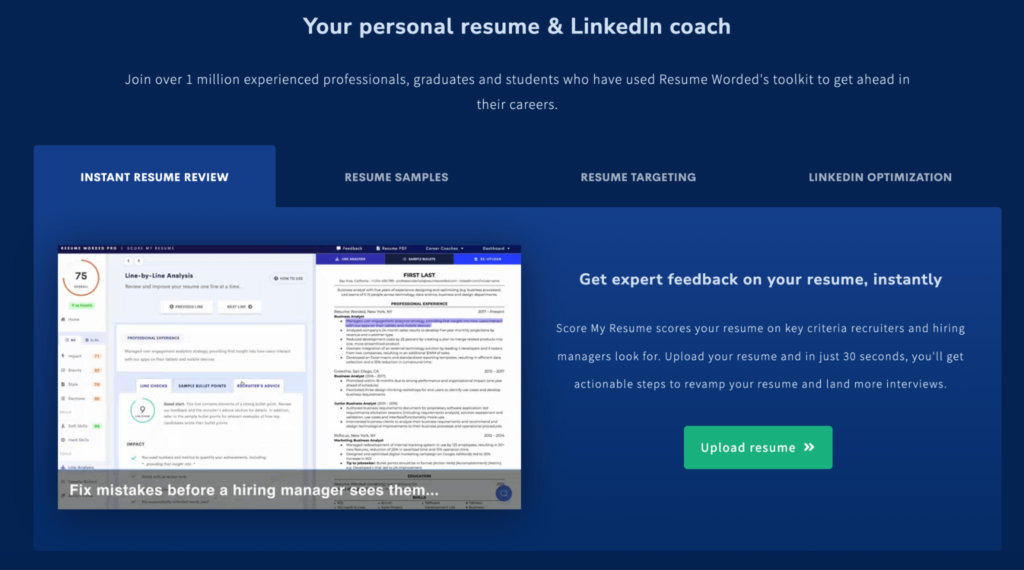
2. Resume Worded – best for high-level corporate roles

Resume Worded homepage

(Image Source)

Key features:

  • Score My Resume: Provides an instant audit based on 20+ recruiter-approved criteria.
  • LinkedIn Review: An AI-driven audit that optimizes your profile for 5x more recruiter views.
  • Targeted Resume: Compares your resume against a job description to find missing keywords.
  • Line-by-Line Analysis: Offers specific rewrites for every bullet point to maximize impact.

Pricing plans:

  • Free: Basic resume score and 5 targeted keyword suggestions.
  • Pro Monthly ($49/month): Full access to LinkedIn audits and detailed rewrites.
  • Pro Yearly ($19/month billed annually): Best for professionals making a major career transition.

Why it’s great: It is the data-driven choice. Resume Worded is best for high-level corporate roles (Finance, Legal, Management) where precision and adherence to strict recruiter standards are non-negotiable.
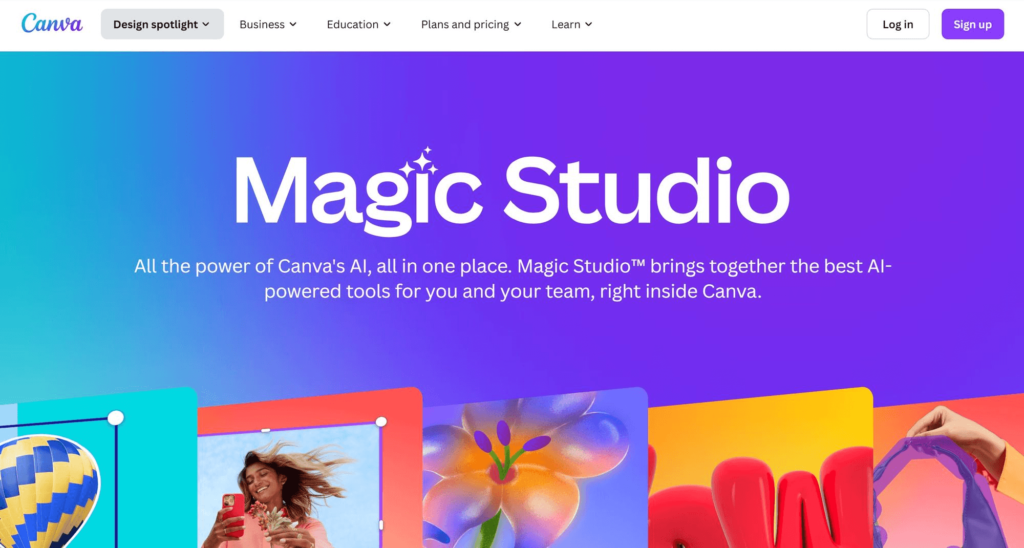
3. Canva Docs (Magic Studio) – best for flexibility and ease

Canva Homepage

(Image Source)

Key features:

  • Magic Write: Generates professional summaries and expands on work experiences effortlessly.
  • Agentic Layout: Automatically realigns your content to maintain design standards as you add text.
  • Real-time Collaboration: Allows you to work with mentors or peers directly within the document.
  • Visual Storytelling: Easily embed interactive portfolios or charts directly into your file.

Pricing plans:

  • Canva Free: Basic templates and limited Magic Write uses.
  • Canva Pro ($15/month): Unlimited AI features, brand kits, and premium elements.

Why it’s great: Canva Docs is best for flexibility and ease of use. It’s the ultimate tool for those who want to move away from boring Word documents and, together with the best AI content tools, create a multi-media professional story without needing a design degree.

Best AI tools for skill development and career planning

Category Overview: Landing a job is only half the battle; staying relevant is the other half. This category focuses on “career longevity,” using AI to identify your skill gaps and to provide personalized learning paths to ensure you’re ready for roles in 2027 and beyond.
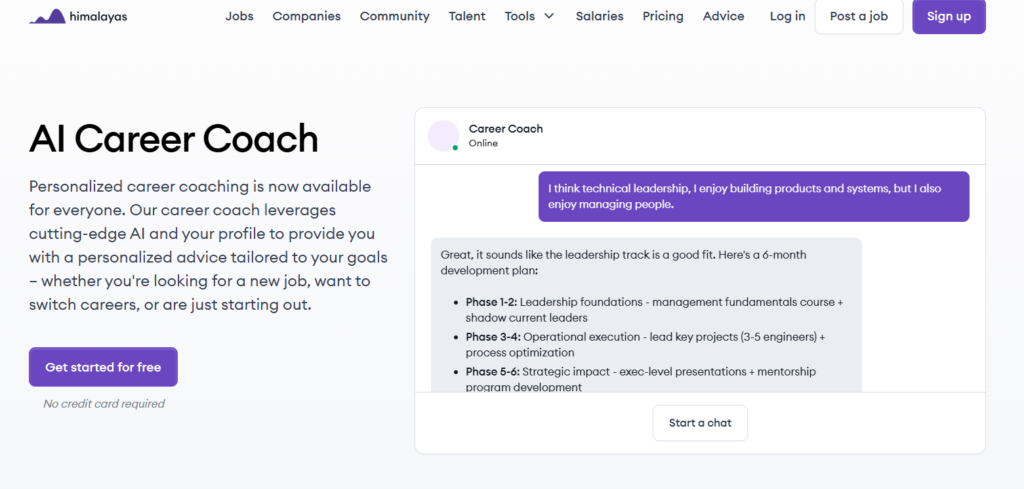
1. Himalayas AI career coach – best for remote work specialization

Himalayas AI homepage

(Image Source)

Key features:

  • Remote Pathing: Specifically charts career growth paths for remote-first industries.
  • Salary Benchmarking: Provides real-time AI insights into what you should be earning globally.
  • Skill Gap Analysis: Scans your profile to suggest the 3 most critical skills you’re missing.

Pricing plans:

  • Free: Basic remote career roadmaps.
  • Plus ($9/month): Unlimited AI coaching and deep-dive salary data.

Why it’s great: Himalayas is the remote work specialist. It’s best for digital nomads or anyone looking to build a career that isn’t tied to a specific office or city.
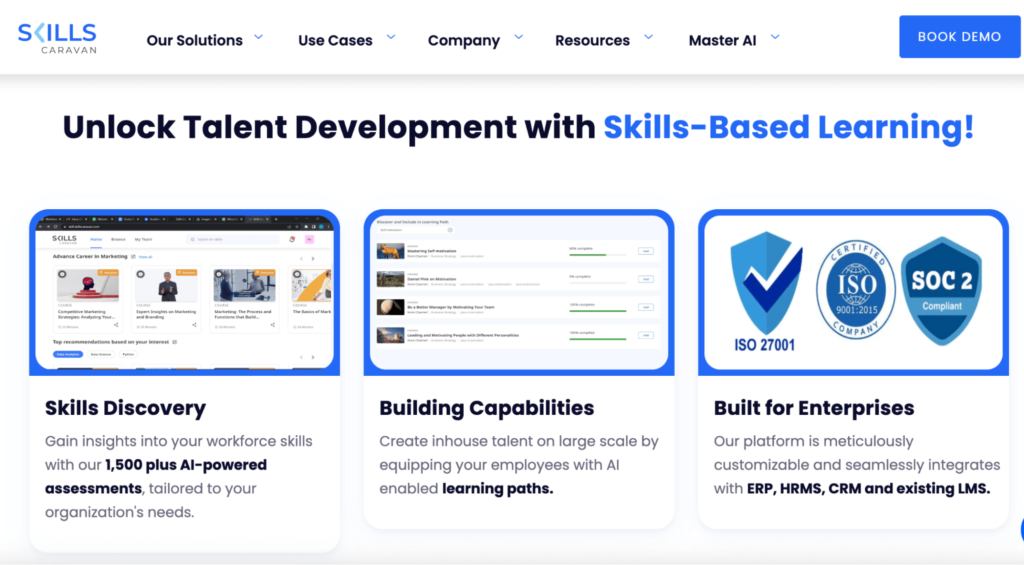
2. Skills caravan LXP – best for climbing corporate ladders

Skills Caravan Homepage

(Image Source)

Key features:

  • Micro-learning Paths: Breaks down complex subjects into 5-minute daily AI-guided lessons.
  • Skill Credits: A gamified system that rewards you for mastering new tools and technologies.
  • Enterprise Insights: Shows you what skills the top Fortune 500 companies are training for right now.

Pricing plans:

  • Basic: Free for individual learners.
  • Pro ($50/year): Includes certified badges and access to university-level content.

Why it’s great: It is the corporate ladder tool. Skills Caravan is best for those working in large organizations who want to align their personal development with the skills that lead to promotions.
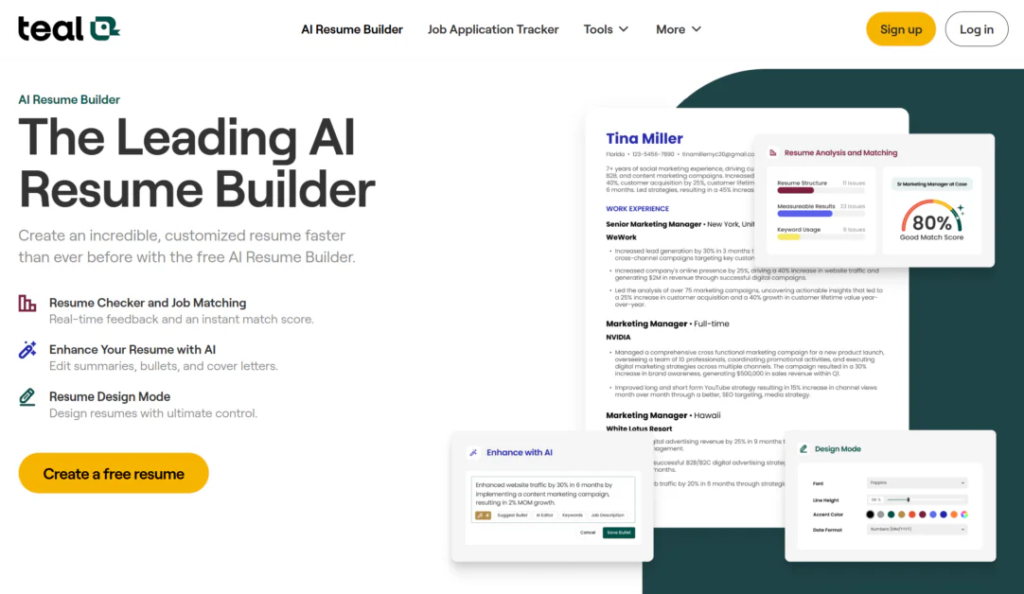
3. Teal – best for career management and tracking

Teal home page

(Image Source)

Key features:

  • Job Tracker Chrome Extension: One-click saving from LinkedIn, Indeed, and Google Jobs.
  • Modular Resume Builder: Toggle specific bullet points on/off for different versions.
  • Email Templates: Pre-written follow-ups and networking messages.

Pricing plans:

  • Pricing: Free for the tracker; Teal+ is $29/month.

Why it’s great: Best-in-class Chrome Extension for saving jobs; the modular resume builder is very flexible. Use it to help you write your resume with Google Docs. Best for professionals who want their education integrated directly into the apps they use every day, making upskilling a natural part of their workflow.

Wrapping up

In 2026, AI tools will have become a practical advantage for professionals managing large-scale job searches. It isn’t just a trend anymore; it’s the fundamental shift that separates those who get ghosted from those who get hired.

The real magic happens when you stop seeing AI as a way to cut corners and start seeing it as a way to maximize your human potential. Some of the best AI job application platforms like AiApply, Teal, or Simplify don’t just automate the boring stuff; they free you up to focus on what actually matters: building relationships and nailing the final interview. 

By delegating repetitive tasks and data-heavy optimizations to an agent, you’re ensuring that when a recruiter finally sees your profile, it’s the most polished, relevant version of you possible.

If your team is creating resumes, portfolios, or career-focused content at scale, tools like Wordable can also help streamline publishing and formatting workflows. Give us a call to see how automation can save time without sacrificing quality.

FAQ: Mastering the AI-powered job search

1. Does using an “Auto Apply” tool hurt my chances of getting hired? No. When using the AI apply tool, the applications are more tailored than manual ones because the AI can match keywords and formatting perfectly for the ATS. Recruiters only see a high-quality, relevant application.

2. Is it “cheating” to use AI for my job search? No. Recruiters have been using AI to filter you for years. Using AI to apply is simply leveling the playing field. It’s about working smarter, not harder.

3. Can AI really tailor a resume as well as a human? Yes. In terms of ATS optimization and skill-mapping, AI is actually better than humans. It doesn’t get tired and doesn’t miss the subtle keywords that recruiter software looks for. 

4. Why is pricing transparency so important in these tools? Many “free” tools sell your personal data to third parties. A tool with transparent, upfront pricing is a sign that the company’s business model is based on helping you, not exploiting your data.

5. How much time will I really save? Many users report saving several hours per week by automating repetitive application tasks. That is time that can be spent on actual interview coaching or skill-upgrading.

6. Can I still review applications before they are sent? Yes. The best tools offer varying levels of “human-in-the-loop” oversight, allowing you to approve the AI’s work before it hits the “submit” button.

7. Does the AI handle cover letters, too? Yes. Modern AI tools generate context-aware cover letters that bridge your specific experience with the company’s mission statement, ensuring a cohesive narrative.

8. Is this strategy effective for senior-level roles? Yes, absolutely. While the volume might be slightly lower for C-suite roles, the “Quality at Scale” logic remains the same. You still need to be the first, most-tailored applicant in the recruiter’s inbox.

Save time today by automating your publishing with Wordable

You do the hard work writing your content. Automate your Google Docs to WordPress publishing today.
Get Started Today
30-day Satisfaction Guarantee